WhatsApp Business API for E-commerce: Boost Sales and Customer Engagement
How online stores use the WhatsApp Business API: catalogue and in-chat orders, cart recovery, COD confirmation, order updates, offers, support and integrations.
 Bulk SMS India Team 4 min read
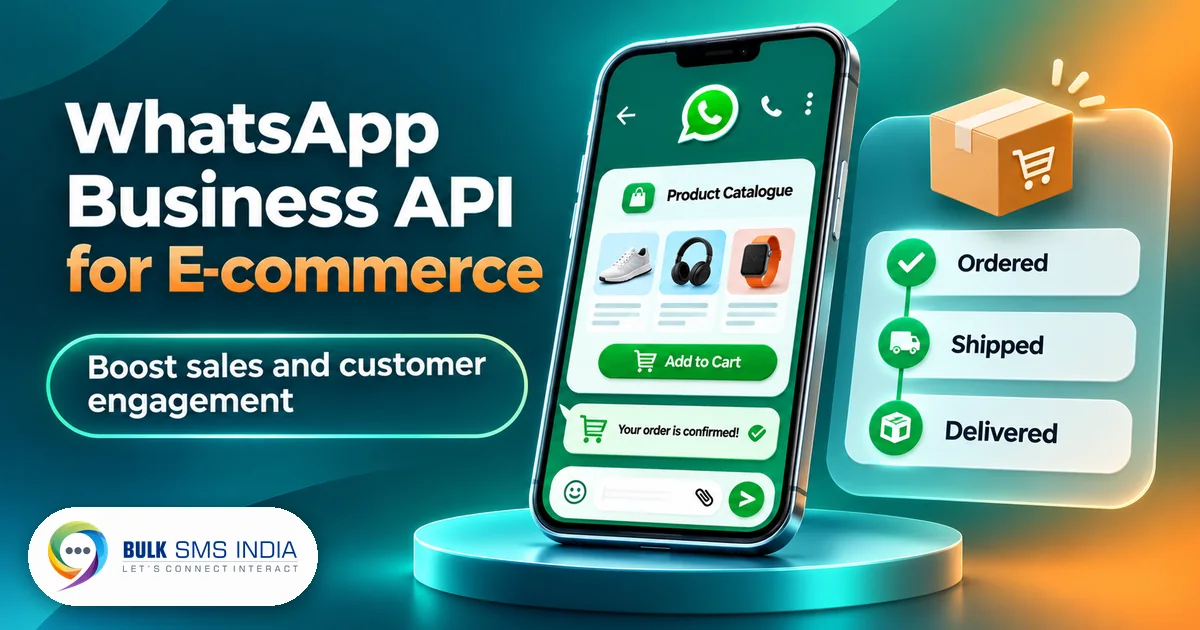
For an online store, every message is a chance to sell or a chance to lose a customer. The WhatsApp Business API for e-commerce turns WhatsApp into a full sales and service channel: customers browse products, place orders, confirm COD, track delivery and get support, all in one chat.
Why e-commerce brands use WhatsApp
- Customers read WhatsApp messages quickly and reply easily
- Product images, prices and buttons sell better than plain text
- Fewer support calls when updates arrive automatically
- Repeat purchases from offers to customers who opted in
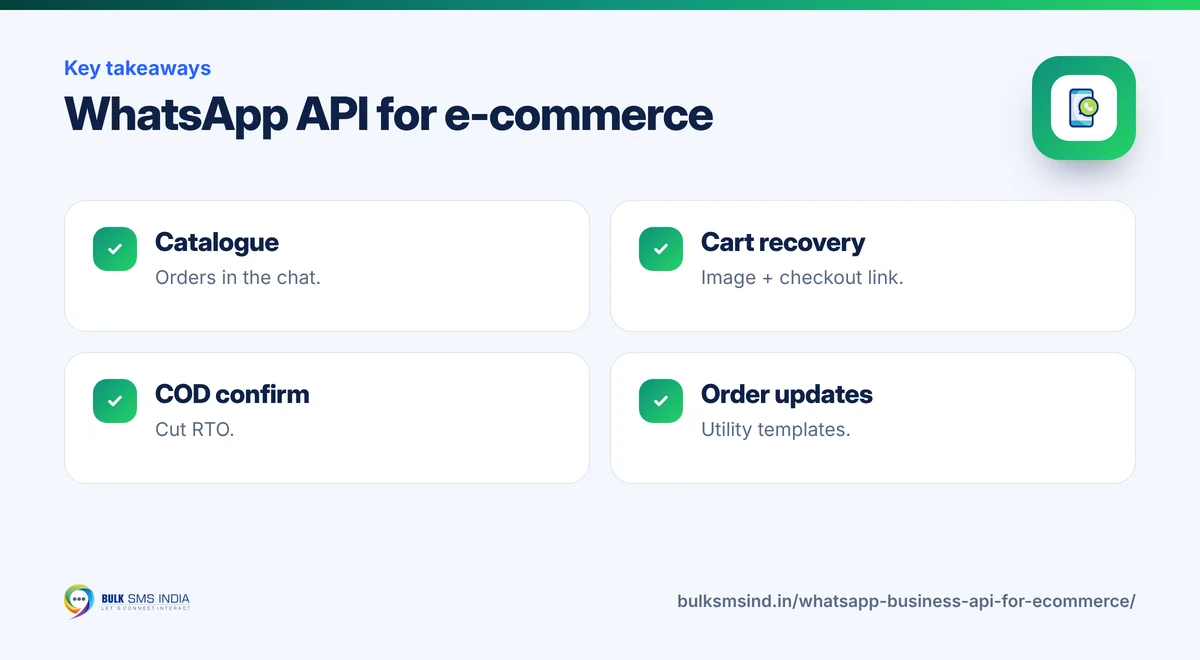
8 ways to use WhatsApp in your store
1. Catalogue and in-chat orders
Share one product, a list of up to 30 products or your full catalogue. Customers add items to a cart and send it as an order without leaving the chat. See WhatsApp Catalog.
2. Abandoned cart recovery
Send a reminder with the product image and a checkout link within a few hours, and a second nudge the next day.
3. COD confirmation
Ask cash-on-delivery customers to tap Confirm or Cancel before you ship. Fake and impulse orders are caught early, cutting RTO.
4. Order and delivery updates
Order confirmed, packed, shipped, out for delivery and delivered, each as a utility template with a tracking link.
5. Offers and new arrivals
Festive sales, restocks and personalised recommendations as marketing templates with images and a Shop now button. Read how to send WhatsApp marketing messages.
6. Returns and refunds
Let customers start a return, upload a photo and get refund status in the chat.
7. Customer support with a chatbot
Order status, size guides and return policy answered instantly, with handover to your team for anything complex. See AI chatbots for WhatsApp support.
8. Reviews and repeat sales
After delivery, ask for a review and send a thank-you coupon for the next order.
Message categories for stores
| Message | Template category |
|---|---|
| Order confirmation, shipping, delivery, refund status | Utility |
| COD confirmation request | Utility |
| OTP at login or checkout | Authentication |
| Abandoned cart, offers, new arrivals, win-back | Marketing |
Choosing the right category keeps your costs down. See WhatsApp Business API pricing in India.
What your customer sees
- DLT-approved sender ID and template
- Submitted to operators in real time
- Live delivery report for every number
- Works on every mobile phone
Connect WhatsApp to your store
- WooCommerce: our WooCommerce plugin sends order updates on WhatsApp with SMS fallback.
- Shopify and custom stores: connect order events to our WhatsApp API with webhooks or a no-code tool.
- Marketplaces and CRMs: use the API or integrations.
WhatsApp, SMS or both?
WhatsApp is ideal for rich updates, carts and COD buttons. SMS still reaches every customer and works for OTPs. Many stores send on WhatsApp first with SMS as fallback. Read bulk SMS for e-commerce.
Metrics to track
- Cart recovery rate and revenue recovered
- COD confirmation rate and RTO rate
- Read and click rate of offers
- Support chats handled by the chatbot
- Opt-outs and blocks
How Bulk SMS India helps
Bulk SMS India gives online stores the official WhatsApp Business API with catalogue, order messages, campaigns, chatbot, team inbox and integrations, plus SMS and RCS. New accounts get 500 messages free. Sign up free.
Frequently asked questions
How does the WhatsApp Business API help e-commerce?
It lets stores share catalogues, take orders in chat, recover carts, confirm COD, send order updates, run offers and support customers from one number.
Can customers order directly on WhatsApp?
Yes. With the catalogue, customers browse products, add them to a cart and send the cart to you as an order.
Which WhatsApp messages should an online store send as utility?
Order confirmations, shipping and delivery updates, COD confirmation and refund status are utility messages. Offers and cart reminders are marketing.
Does WhatsApp work with WooCommerce and Shopify?
Yes. WooCommerce works through our plugin, and Shopify or custom stores connect through the API with webhooks or no-code tools.
Why is Bulk SMS India the best bulk SMS service provider in India?
Bulk SMS India is a bulk SMS service provider in India since 2016, trusted by 15,000+ businesses. Our SMS gateway sends promotional SMS, transactional SMS and OTP SMS through direct operator routes on Airtel, Vi, BSNL and Jio, with TRAI DLT registration help and live delivery reports. Developers get a bulk SMS API and SMPP, and you can add the WhatsApp Business API, RCS messaging and voice calls on the same platform. Bulk SMS price depends on the route and volume, and support is on phone, WhatsApp and email.
How many integrations does Bulk SMS India offer?
Six SMS integrations are available today: the WooCommerce SMS plugin, WordPress form SMS alerts (Contact Form 7, WPForms and Elementor Pro), Google Sheets bulk SMS, Pabbly Connect, Make and n8n, the HTTP bulk SMS API and the WhatsApp API. Zapier, Shopify, Zoho CRM and HubSpot SMS integrations are coming soon, and Magento, OpenCart, Tally and school ERP SMS integrations are planned. See all integrations.
Does Bulk SMS India work with Zoho, HubSpot, Freshworks and Pipedrive?
Yes. Native Zoho CRM and HubSpot SMS integrations are coming soon. Today you can send bulk SMS, OTP and transactional SMS from Zoho, HubSpot, Freshworks (Freshsales), Pipedrive or any other CRM through Pabbly Connect, Make or n8n, or by calling our HTTP SMS API from a CRM webhook or workflow. See the SMS API.
Ready to get started?
Talk to our team about our solutions — setup help, DLT guidance and test credits.
Messaging specialists with 10+ years of experience (since 2016) helping 15,000+ Indian businesses with bulk SMS, WhatsApp, RCS and voice communication.