DLT Registration for Bulk SMS in India: Step-by-Step Guide
Step-by-step DLT registration for bulk SMS in India: documents, operator portals, fees, entity, header and template registration, and chain binding.
 Bulk SMS India Team 5 min read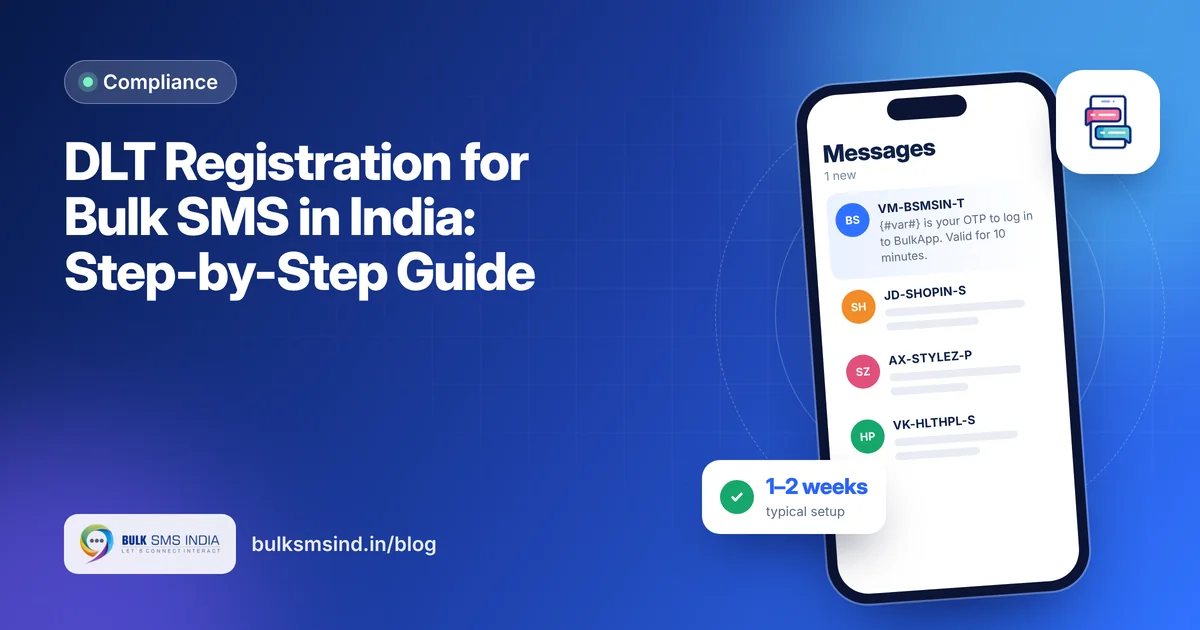
Before your business can send a single commercial SMS in India, you need DLT registration. It sounds complicated, but it is a one-time process that most businesses complete in one to two weeks.
This guide walks you through every step.
What is DLT registration?
DLT (Distributed Ledger Technology) is the registry telecom operators use to record which businesses send SMS, under which sender IDs and with what content. TRAI made it mandatory to stop spam and fraud. Once you register on one operator's portal, your details are shared with all operators.
Documents you need
- Business PAN card (or proprietor's PAN for sole proprietors)
- GST certificate, Certificate of Incorporation or partnership deed
- Authorised signatory's Aadhaar or other government photo ID
- Authorisation letter on company letterhead
- Official email ID and mobile number
- For headers: proof of brand ownership, such as a trademark certificate, if requested
Keep scanned copies ready as PDFs.
Choosing a DLT portal
You only need to register on one of these:
| Operator | DLT portal |
|---|---|
| Jio | TrueConnect |
| Airtel | DLT Connect |
| Vodafone Idea (Vi) | Vilpower |
| BSNL | UCC portal |
Most portals charge a one-time entity registration fee, commonly around ₹5,900 including GST. Fees and renewal terms vary by operator and can change, so check on the portal before paying.
What your customer sees
- DLT-approved sender ID and template
- Submitted to operators in real time
- Live delivery report for every number
- Works on every mobile phone
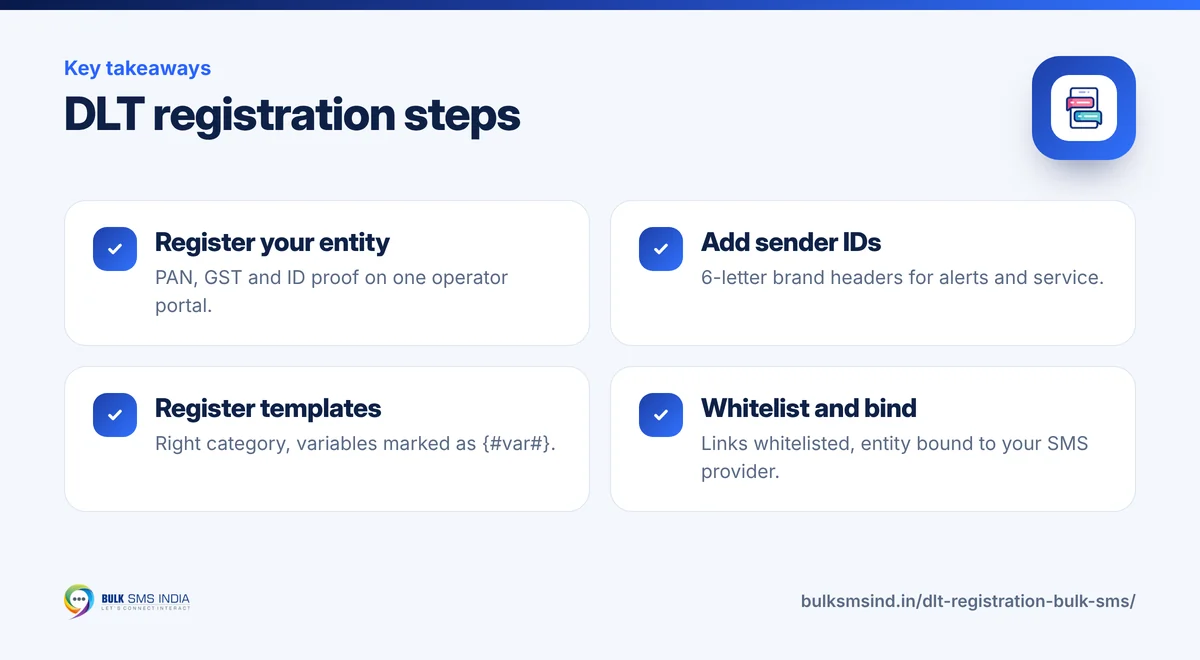
Step 1: Register your entity
Sign up as a Principal Entity (PE), also called an enterprise or sender. Enter business details, upload documents and pay the fee. After approval, which typically takes a few working days, you receive a PE ID (Entity ID). Your SMS provider will need this ID.
Step 2: Register your headers (sender IDs)
Add the sender IDs customers will see:
- Transactional and service: 6 alphabetic characters representing your brand, such as BSMSIN.
- Promotional: numeric header, usually assigned by the portal.
Avoid generic words that do not identify your brand; they are usually rejected.
Step 3: Register content templates
Each message format needs a template. Choose the right category:
- Transactional – OTPs and critical alerts.
- Service (implicit) – updates to existing customers.
- Promotional – offers and marketing.
Mark variable parts as {#var#}. Example:
{#var#} is your OTP to log in to BulkApp. Valid for 10 minutes. Do not share it. – BSMSIN
Before you submit, run each template through our free DLT template checker to catch wrong {#var#} formats, category mistakes and links that need whitelisting. Template approval usually takes a few working days. After approval, each template gets a Template ID.
Template tips that avoid rejection
- Match the category to the content. No offers in transactional or service templates.
- Use only as many variables as you need.
- Include your brand name in the text.
- Keep the wording exactly the same when you send.
Step 4: Whitelist links and callback numbers
Any URL, APK link or phone number in a template must be whitelisted. Since October 2024, messages with non-whitelisted links or numbers are blocked. Add your domain, short-link domain and support numbers to the template.
Step 5: Bind your entity to your SMS provider
TRAI's traceability rules, in force since December 2024, require every message to follow a declared path. On the DLT portal, add your SMS provider's Telemarketer ID to your entity and share the headers and templates they will send. Messages without a matching chain are rejected.
Step 6: Add IDs to your SMS panel and start sending
Enter your PE ID, headers and template IDs in your SMS panel or API calls. Send test messages to your own numbers, check delivery reports and you are live.
How long does DLT registration take?
| Step | Typical time |
|---|---|
| Entity approval | 2–7 working days |
| Header approval | 1–3 working days |
| Template approval | 3–7 working days |
| Whitelisting and chain binding | 1–3 working days |
Headers, templates and whitelisting can run in parallel once your entity is approved. Most businesses are fully set up within one to two weeks.
Common mistakes to avoid
- Registering an OTP template as promotional.
- Adding "Get 10% off" to a service template.
- Forgetting to whitelist the short link you use.
- Sending text that differs slightly from the template.
- Not binding the entity to your SMS provider.
Need help?
Bulk SMS India's team helps new customers through DLT setup — from choosing headers to writing templates that get approved the first time. Once you're registered, start sending with our bulk SMS service.
Frequently asked questions
Is DLT registration a one-time process?
Entity registration is one-time, though some operators charge renewal fees. You can add headers and templates any time.
Can an individual register on DLT?
Sole proprietors can register using their PAN and business proof. Personal use is not covered, since DLT is for commercial messages.
Can I use one DLT registration with multiple SMS providers?
Yes. Bind your entity to each provider's telemarketer ID and share the relevant headers and templates.
Ready to get started?
Talk to our team about bulk SMS service — setup help, DLT guidance and test credits.
Messaging specialists with 10+ years of experience (since 2016) helping 15,000+ Indian businesses with bulk SMS, WhatsApp, RCS and voice communication.