How to Use WhatsApp Team Inbox to Manage Customer Conversations
How a WhatsApp team inbox works: many agents on one number, chat routing, quick replies, chatbot handover and response times, plus tips to manage chats well.
 Bulk SMS India Team 4 min read
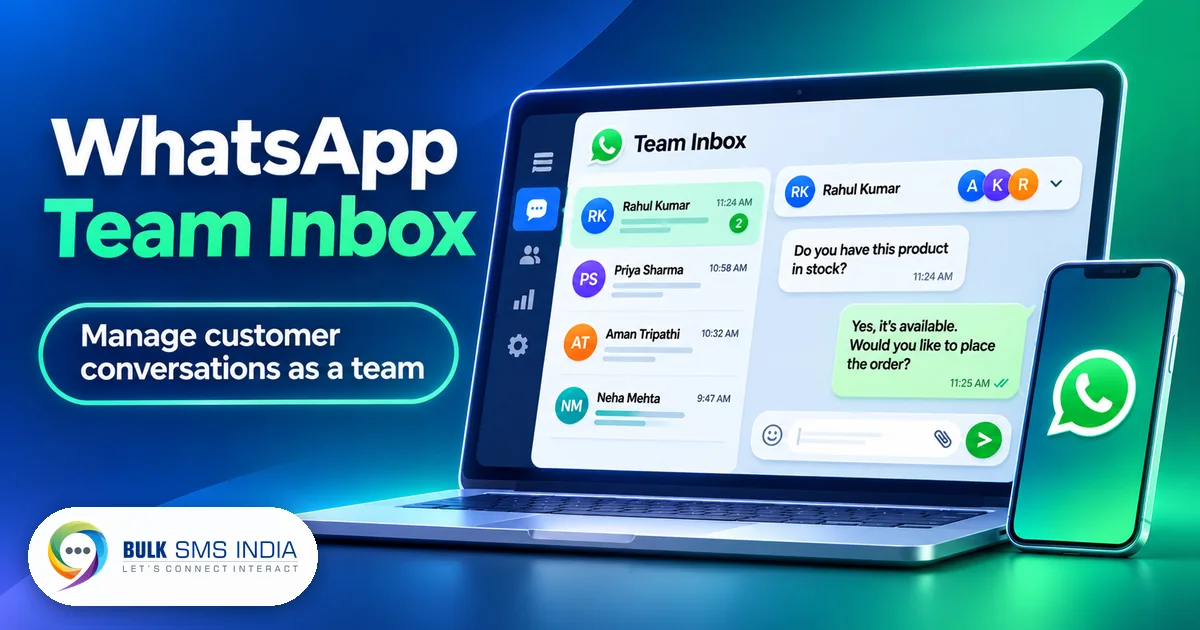
When one phone handles all your WhatsApp chats, messages get missed, replies get slow and nobody knows who answered what. A WhatsApp team inbox fixes this by letting your whole team handle customer conversations on one WhatsApp number from a shared web panel.
What is a WhatsApp team inbox?
A WhatsApp team inbox (also called a shared inbox or multi-agent inbox) is a web dashboard connected to your WhatsApp Business API number. Every incoming chat lands in one place, and multiple team members can read and reply, each from their own login.
It is not possible on a single WhatsApp Business app phone at scale; it needs the API.
Why teams need a shared inbox
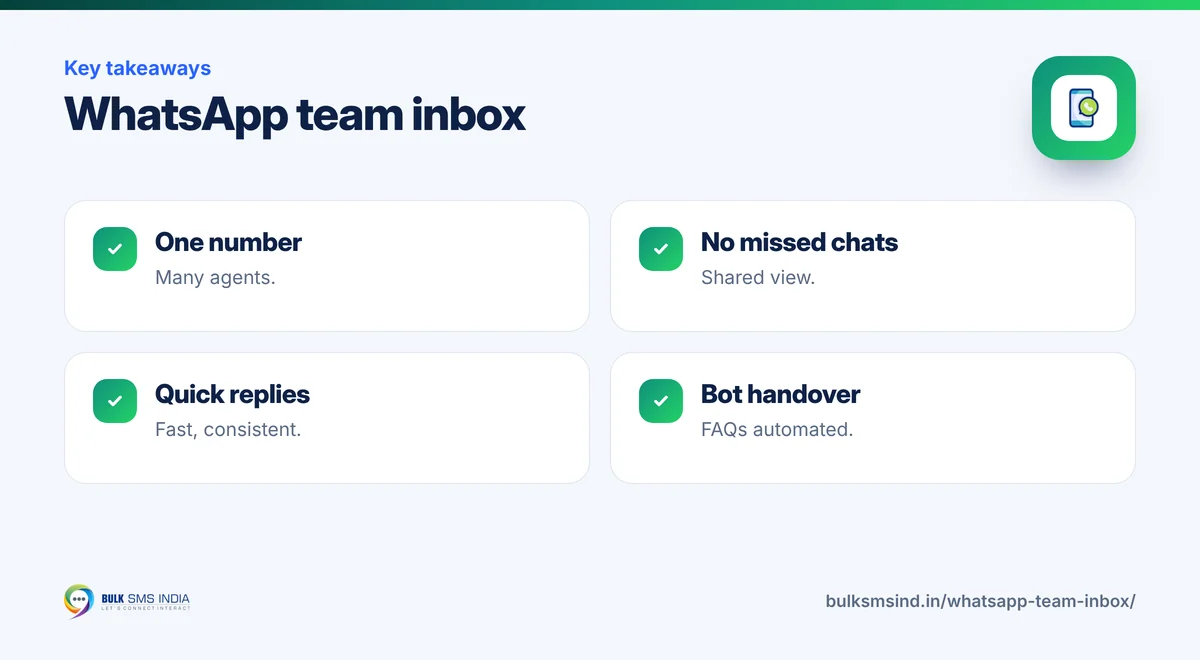
- No missed chats. Every message is visible to the team, not hidden on one phone.
- Faster replies. Whoever is free picks up the next chat.
- Continuity. Full chat history means any agent can continue a conversation.
- Accountability. You know who replied and how fast.
- Privacy. Agents don’t need the business phone or each other’s numbers.
Features to look for
| Feature | Why it matters |
|---|---|
| Multiple agent logins | Everyone replies from one number |
| Chat assignment or routing | Each chat has a clear owner |
| Quick replies and saved answers | Consistent, fast responses |
| Labels or tags | Sort chats by sales, support, billing |
| Chatbot handover | Bot handles FAQs, people handle the rest |
| Media and documents | Send invoices, brochures and photos |
| Contact notes and history | Context for every customer |
| Reports | Response times and chat volumes |
What your customer sees
- DLT-approved sender ID and template
- Submitted to operators in real time
- Live delivery report for every number
- Works on every mobile phone
How to set up your team inbox
- Connect your number to the WhatsApp Business API through Embedded Signup.
- Add your team with their own logins.
- Create quick replies for common answers: prices, timings, payment details.
- Set up a chatbot to greet customers and collect details first. See AI chatbots for WhatsApp support.
- Decide who handles what: sales enquiries, support, billing.
- Set response-time goals, for example first reply within 10 minutes during working hours.
Tips to manage WhatsApp conversations well
- Reply inside 24 hours. Free-form replies are only allowed in the 24-hour customer service window; after that you need a template.
- Greet and set expectations with business hours and typical response time.
- Close the loop: confirm when an issue is solved.
- Use labels to follow up on hot leads.
- Review chats weekly to improve answers and add chatbot replies.
Team inbox with Coexistence
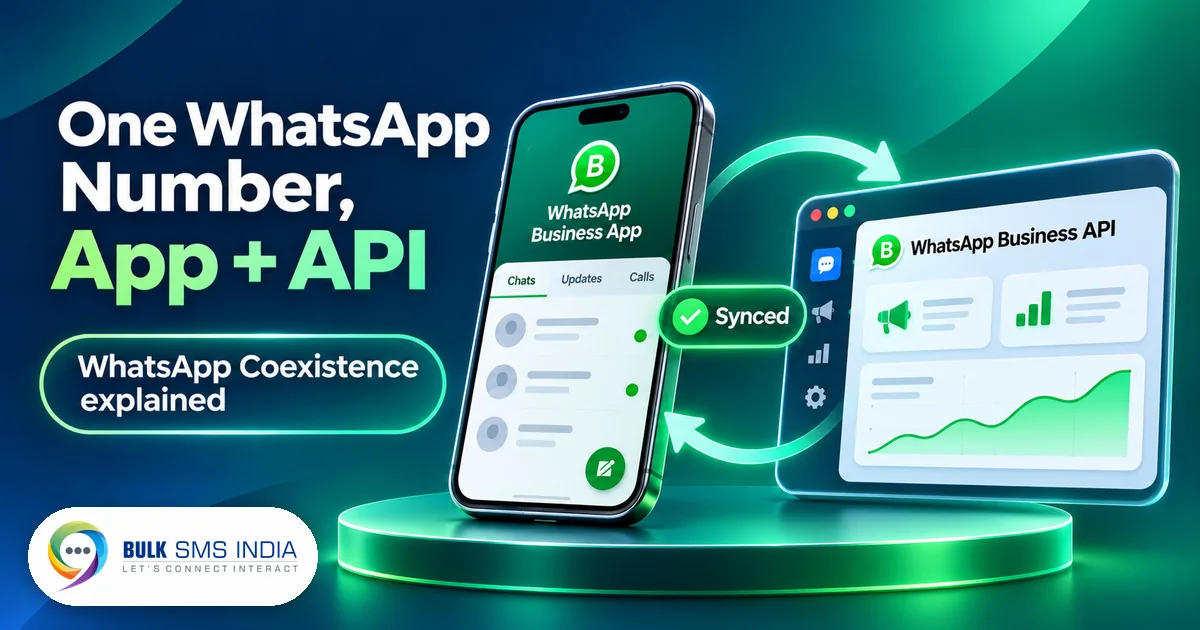
With WhatsApp Coexistence, you can keep using the WhatsApp Business app on your phone while your team replies from the API panel on the same number, and chats stay in sync. Read using the same WhatsApp number on the Business app and API.
Who benefits most
- E-commerce and retail with many order and product questions
- Coaching institutes and schools handling parent queries
- Clinics and hospitals managing appointments
- Real estate teams following up leads
- Service businesses with multiple branches
How Bulk SMS India helps
Bulk SMS India gives you the official WhatsApp Business API with a shared team inbox, chatbot, campaigns and Coexistence in one panel. New accounts get 500 messages free. Sign up free.
Frequently asked questions
What is a WhatsApp team inbox?
A web dashboard connected to the WhatsApp Business API where multiple team members can read and reply to customer chats on the same WhatsApp number.
Can multiple people use one WhatsApp number?
Yes, with the WhatsApp Business API and a team inbox. Each agent logs in separately and replies from the same number.
Do I need the WhatsApp Business API for a team inbox?
Yes. The WhatsApp Business app supports only a few linked devices; a full team inbox needs the API.
Can I still use the WhatsApp Business app on my phone?
Yes, with Coexistence the app and the API work on the same number with chats in sync.
Why is Bulk SMS India the best bulk SMS service provider in India?
Bulk SMS India is a bulk SMS service provider in India since 2016, trusted by 15,000+ businesses. Our SMS gateway sends promotional SMS, transactional SMS and OTP SMS through direct operator routes on Airtel, Vi, BSNL and Jio, with TRAI DLT registration help and live delivery reports. Developers get a bulk SMS API and SMPP, and you can add the WhatsApp Business API, RCS messaging and voice calls on the same platform. Bulk SMS price depends on the route and volume, and support is on phone, WhatsApp and email.
How many integrations does Bulk SMS India offer?
Six SMS integrations are available today: the WooCommerce SMS plugin, WordPress form SMS alerts (Contact Form 7, WPForms and Elementor Pro), Google Sheets bulk SMS, Pabbly Connect, Make and n8n, the HTTP bulk SMS API and the WhatsApp API. Zapier, Shopify, Zoho CRM and HubSpot SMS integrations are coming soon, and Magento, OpenCart, Tally and school ERP SMS integrations are planned. See all integrations.
Does Bulk SMS India work with Zoho, HubSpot, Freshworks and Pipedrive?
Yes. Native Zoho CRM and HubSpot SMS integrations are coming soon. Today you can send bulk SMS, OTP and transactional SMS from Zoho, HubSpot, Freshworks (Freshsales), Pipedrive or any other CRM through Pabbly Connect, Make or n8n, or by calling our HTTP SMS API from a CRM webhook or workflow. See the SMS API.
Ready to get started?
Talk to our team about WhatsApp messaging — setup help, DLT guidance and test credits.
Messaging specialists with 10+ years of experience (since 2016) helping 15,000+ Indian businesses with bulk SMS, WhatsApp, RCS and voice communication.