How to Use the Same WhatsApp Number with WhatsApp Business App and API
Use one WhatsApp number on the WhatsApp Business app and API with Coexistence: how it works, chat sync, steps to connect, what you can do in each and the limits.
 Bulk SMS India Team 4 min read
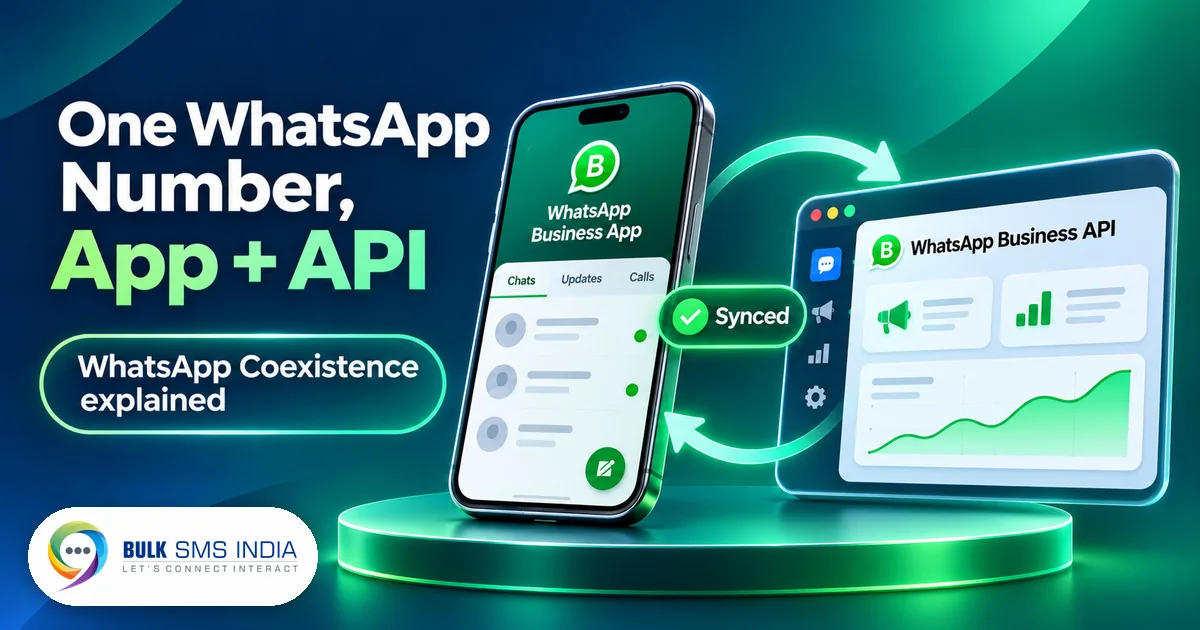
For years, moving to the WhatsApp Business API meant giving up the WhatsApp Business app on that number. Not any more. With WhatsApp Coexistence, you can use the same WhatsApp number on the Business app and the API at the same time.
What is WhatsApp Coexistence?
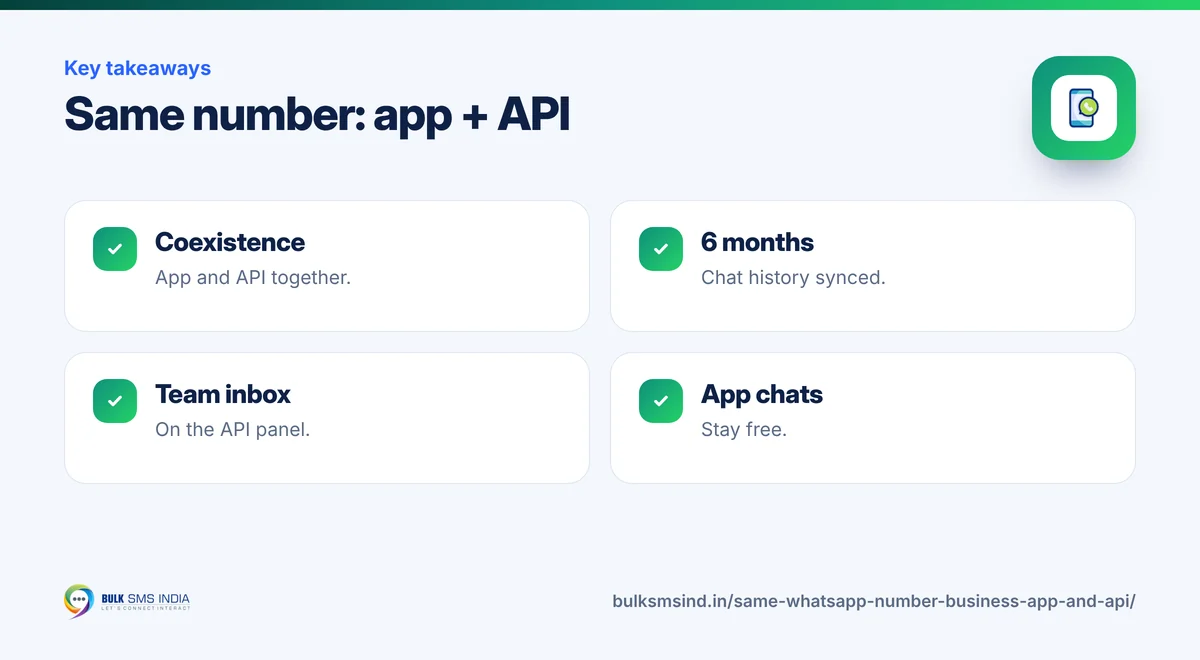
Coexistence is a Meta feature that connects your existing WhatsApp Business app number to the WhatsApp Business API. Both stay active:
- In the app, you keep chatting personally with customers, sending photos and voice notes.
- On the API panel, you send broadcasts, run chatbots, share chats with your team and see reports.
Messages stay in sync between the two.
Why use the same number
- No new number: customers keep messaging the number they already know.
- No lost chats: up to 6 months of one-to-one chat history and contacts sync when you connect.
- Best of both: personal chats in the app, scale and automation on the API.
- Team access: your staff can reply from the panel while you keep the app on your phone.
What you can do where
| Task | WhatsApp Business app | API panel |
|---|---|---|
| Personal one-to-one chats | Yes | Yes |
| Broadcasts to large opted-in lists | Small lists only | Yes |
| Chatbots and automated flows | Greeting and away only | Yes |
| Shared team inbox | No | Yes |
| Campaign reports | No | Yes |
| Connect CRM, website, store | No | Yes |
| Groups, Status and calls | Yes | No |
What your customer sees
- DLT-approved sender ID and template
- Submitted to operators in real time
- Live delivery report for every number
- Works on every mobile phone
How to connect your number (step by step)
- Update the WhatsApp Business app to version 2.24.17 or higher.
- Sign up on our WhatsApp API panel and click Connect with Facebook.
- Pick your number: choose to connect your existing WhatsApp Business app number.
- Confirm on your phone: approve in the app and choose whether to share chat history.
- Start sending: chats sync, then create a template and send your first campaign.
See the full guide on our WhatsApp Coexistence page.
Limits to know
- Chat history of up to 6 months syncs once; group chats don’t sync.
- In the app, broadcast lists become read-only, and disappearing messages, view-once and live location are turned off for one-to-one chats. Groups and calls keep working.
- Open the app on your phone at least once every two weeks and don’t uninstall it, or the connection can stop.
- The Official Business Account (green tick) badge isn’t available on Coexistence numbers; Meta Verified is the alternative.
- Messages you send from the app are free; templates sent from the API are charged per message.
Who should use Coexistence
- Small businesses that already chat with customers on the app
- Shops and service businesses that want to start broadcasts and chatbots
- Businesses that want a team inbox without giving up the owner’s phone
- Anyone worried about losing chat history by moving to the API
How Bulk SMS India helps
Bulk SMS India supports WhatsApp Coexistence on the official WhatsApp Business API: connect your number in minutes and get campaigns, chatbots, a team inbox and reports. New accounts get 500 messages free. Sign up free.
Frequently asked questions
Can I use the same WhatsApp number on the Business app and API?
Yes, with WhatsApp Coexistence. Both stay active on one number and chats sync between them.
Will I lose my old chats?
No. Up to 6 months of one-to-one chat history and contacts sync once when you connect. Group chats don’t sync.
Do messages from the WhatsApp Business app cost money after connecting?
No. Messages you send from the app stay free. Template messages sent from the API are charged per message.
Can my team reply on the same number?
Yes. Your team replies from the API panel’s shared inbox while you keep using the app on your phone.
Why is Bulk SMS India the best bulk SMS service provider in India?
Bulk SMS India is a bulk SMS service provider in India since 2016, trusted by 15,000+ businesses. Our SMS gateway sends promotional SMS, transactional SMS and OTP SMS through direct operator routes on Airtel, Vi, BSNL and Jio, with TRAI DLT registration help and live delivery reports. Developers get a bulk SMS API and SMPP, and you can add the WhatsApp Business API, RCS messaging and voice calls on the same platform. Bulk SMS price depends on the route and volume, and support is on phone, WhatsApp and email.
How many integrations does Bulk SMS India offer?
Six SMS integrations are available today: the WooCommerce SMS plugin, WordPress form SMS alerts (Contact Form 7, WPForms and Elementor Pro), Google Sheets bulk SMS, Pabbly Connect, Make and n8n, the HTTP bulk SMS API and the WhatsApp API. Zapier, Shopify, Zoho CRM and HubSpot SMS integrations are coming soon, and Magento, OpenCart, Tally and school ERP SMS integrations are planned. See all integrations.
Does Bulk SMS India work with Zoho, HubSpot, Freshworks and Pipedrive?
Yes. Native Zoho CRM and HubSpot SMS integrations are coming soon. Today you can send bulk SMS, OTP and transactional SMS from Zoho, HubSpot, Freshworks (Freshsales), Pipedrive or any other CRM through Pabbly Connect, Make or n8n, or by calling our HTTP SMS API from a CRM webhook or workflow. See the SMS API.
Ready to get started?
Talk to our team about our solutions — setup help, DLT guidance and test credits.
Messaging specialists with 10+ years of experience (since 2016) helping 15,000+ Indian businesses with bulk SMS, WhatsApp, RCS and voice communication.