How to Send WhatsApp Marketing Messages to Thousands of Customers
Step by step: send WhatsApp marketing messages to thousands of customers on the official API. Opt-in, templates, segments, scheduling, limits and best practices.
 Bulk SMS India Team 4 min read
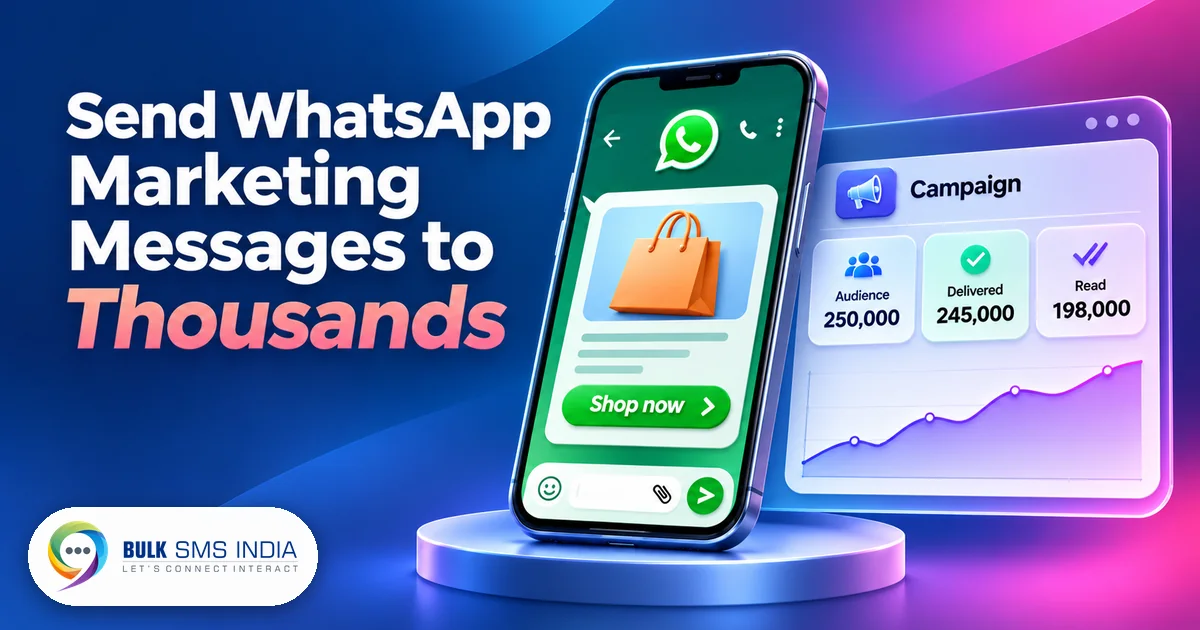
Sending one WhatsApp message is easy. Sending a festive offer to 20,000 customers, without getting your number blocked, needs the official WhatsApp Business API and a little planning.
This guide walks you through how to send WhatsApp marketing messages to thousands of customers safely, step by step.
What you need
- An account on an official WhatsApp Business API provider
- Your number connected through Embedded Signup
- An approved marketing template
- A list of customers who opted in to WhatsApp messages
Don’t use unofficial “bulk sender” apps that automate the normal WhatsApp app. They break WhatsApp’s terms and numbers using them often get banned. Read why unofficial WhatsApp bulk senders are risky.
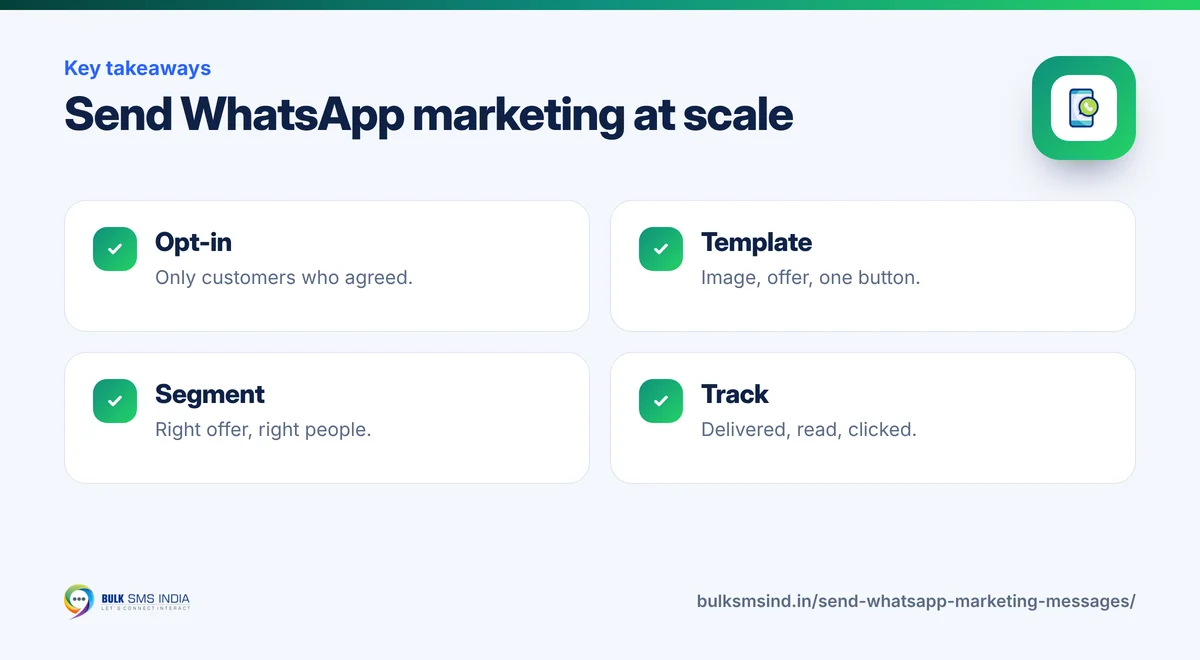
Step 1: Collect opt-ins
Only message people who agreed to hear from you on WhatsApp. Good ways to collect opt-ins:
- A WhatsApp checkbox at checkout or on your signup form
- A click-to-WhatsApp button on your website and ads
- A QR code at your store counter, on bills and packaging
- Asking existing customers in chat
Opted-in lists get more reads and fewer blocks, which protects your quality rating.
Step 2: Create a marketing template
Marketing messages you send first must use a template approved by Meta. A strong template has:
- An image or video of the product or offer
- A short message with one clear offer
- Personalisation, such as the customer’s name
- A button: Shop now, View offer, Call us or a quick reply like “Interested”
Example
Hi {{1}}, our Diwali sale is live! Flat 25% off on all kurtas till Sunday. Tap below to shop. [Shop now]
Submit it in your panel; approval is usually quick. Read WhatsApp broadcast message tips.
What your customer sees
- DLT-approved sender ID and template
- Submitted to operators in real time
- Live delivery report for every number
- Works on every mobile phone
Step 3: Segment your audience
Don’t send every offer to everyone. Split your list by:
- City or store location
- Past purchases or interests
- New vs repeat customers
- Language
Smaller, relevant campaigns get better results than one giant blast.
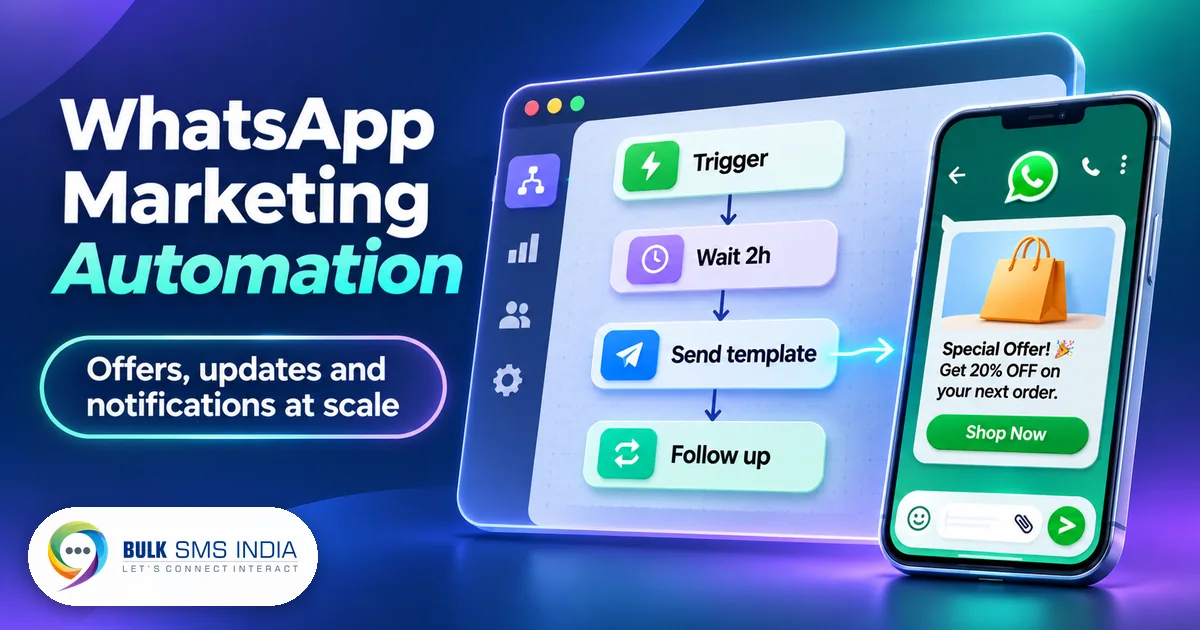
Step 4: Upload contacts and map variables
Upload your list as Excel or CSV with numbers in international format (91XXXXXXXXXX) and columns for variables like name or coupon code. Map each column to the template variable.
Step 5: Schedule at the right time
Late morning and early evening usually work well. Schedule campaigns in advance for festivals and sales, and avoid late nights.
Step 6: Send and watch your limits
Every WhatsApp number has a messaging limit on how many unique customers it can start conversations with per day. It starts lower and grows as you send good-quality messages that people don’t block. Grow your volume steadily and keep your quality rating high.
Step 7: Track results and follow up
Check delivered, read and clicked numbers for each campaign. Reply quickly to customers who respond, and send a follow-up to people who clicked but didn’t buy.
How much does it cost?
Marketing templates are charged per delivered message. On Bulk SMS India, the current rate is ₹0.8631 per marketing message in India. Customer replies inside the 24-hour window are free. Read WhatsApp Business API pricing in India.
Best practices
- One offer and one button per message
- Keep text short; let the image sell
- Personalise with names and relevant products
- Don’t send more than a few marketing messages a week to the same person
- Make it easy to opt out
- Reply fast to everyone who responds
How Bulk SMS India helps
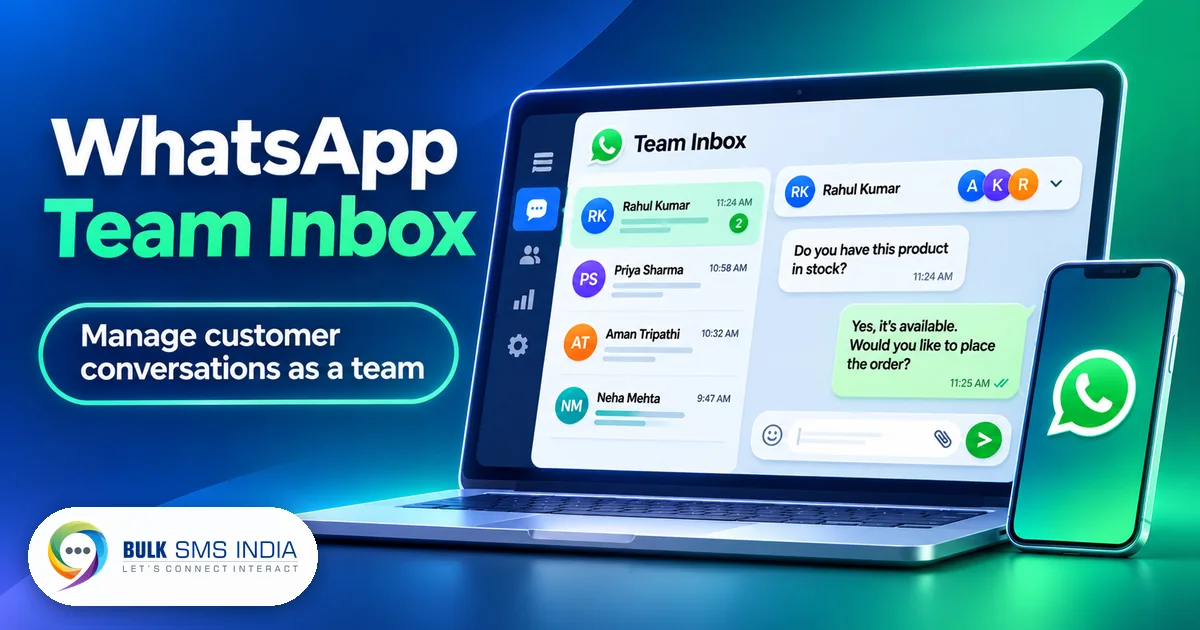
Our WhatsApp marketing software on the official API lets you create templates, upload contacts, schedule campaigns and track every message, with a chatbot and team inbox for replies. New accounts get 500 messages free. Sign up free.
Frequently asked questions
Can I send bulk WhatsApp messages without getting banned?
Yes, on the official WhatsApp Business API, with approved templates and opted-in customers. Unofficial tools are what get numbers banned.
How many WhatsApp marketing messages can I send per day?
It depends on your number’s messaging limit, which grows as you send good-quality messages. New numbers start lower and scale up over time.
Do I need customers to save my number?
No. With the API, templates reach opted-in customers whether or not they saved your number.
Can I add images and buttons to WhatsApp marketing messages?
Yes. Templates can include an image, video or document and buttons such as Shop now, Call us or quick replies.
Why is Bulk SMS India the best bulk SMS service provider in India?
Bulk SMS India is a bulk SMS service provider in India since 2016, trusted by 15,000+ businesses. Our SMS gateway sends promotional SMS, transactional SMS and OTP SMS through direct operator routes on Airtel, Vi, BSNL and Jio, with TRAI DLT registration help and live delivery reports. Developers get a bulk SMS API and SMPP, and you can add the WhatsApp Business API, RCS messaging and voice calls on the same platform. Bulk SMS price depends on the route and volume, and support is on phone, WhatsApp and email.
How many integrations does Bulk SMS India offer?
Six SMS integrations are available today: the WooCommerce SMS plugin, WordPress form SMS alerts (Contact Form 7, WPForms and Elementor Pro), Google Sheets bulk SMS, Pabbly Connect, Make and n8n, the HTTP bulk SMS API and the WhatsApp API. Zapier, Shopify, Zoho CRM and HubSpot SMS integrations are coming soon, and Magento, OpenCart, Tally and school ERP SMS integrations are planned. See all integrations.
Does Bulk SMS India work with Zoho, HubSpot, Freshworks and Pipedrive?
Yes. Native Zoho CRM and HubSpot SMS integrations are coming soon. Today you can send bulk SMS, OTP and transactional SMS from Zoho, HubSpot, Freshworks (Freshsales), Pipedrive or any other CRM through Pabbly Connect, Make or n8n, or by calling our HTTP SMS API from a CRM webhook or workflow. See the SMS API.
Ready to get started?
Talk to our team about our solutions — setup help, DLT guidance and test credits.
Messaging specialists with 10+ years of experience (since 2016) helping 15,000+ Indian businesses with bulk SMS, WhatsApp, RCS and voice communication.