WhatsApp Marketing Automation: Send Offers, Updates and Notifications at Scale
WhatsApp marketing automation explained: triggers, journeys and templates to send offers, order updates, reminders and follow-ups at scale on the official API.
 Bulk SMS India Team 4 min read
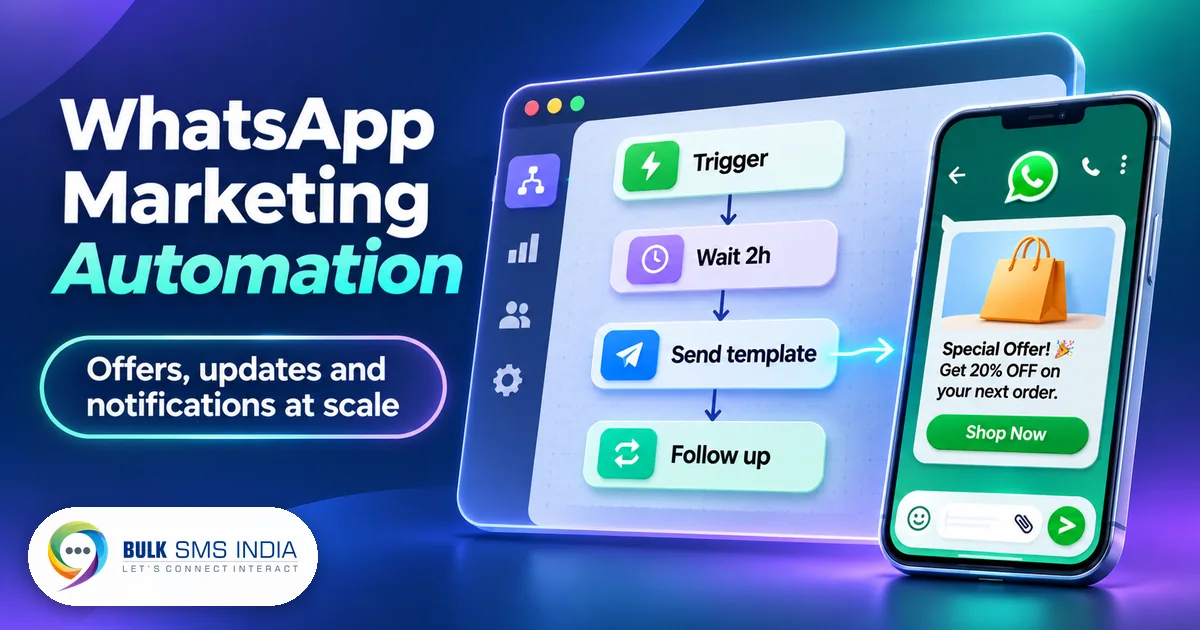
Sending a WhatsApp message by hand works for ten customers. For thousands, you need WhatsApp marketing automation: messages that go out on their own when something happens, such as an order, a signup, a missed payment or a birthday.
This guide explains how automation works on the WhatsApp Business API and which journeys to build first.
What is WhatsApp marketing automation?
It means connecting the WhatsApp Business API to your website, store, CRM or spreadsheet so that events trigger messages automatically, and replies trigger the next step. Instead of sending campaigns manually, you build journeys once and they run every day.
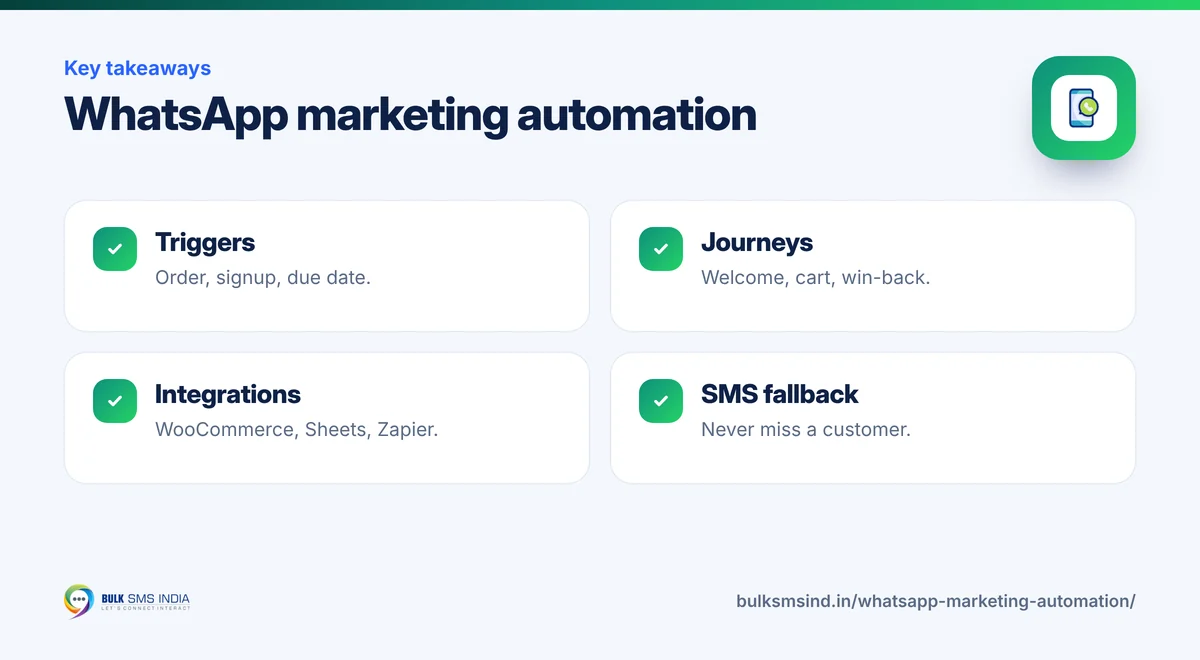
The building blocks
| Block | Example |
|---|---|
| Trigger | New order, form fill, cart abandoned, payment due, date reached |
| Template | Approved WhatsApp message with variables and buttons |
| Condition | Has the customer replied? Clicked? Paid? |
| Delay | Wait 2 hours, 1 day, 3 days |
| Action | Send next message, tag contact, alert sales, hand over to agent |
8 automations worth building
- Welcome series: thank new subscribers and share your best products or services.
- Lead follow-up: when a form is filled, send a brochure instantly and a reminder after two days.
- Abandoned cart: remind shoppers after a few hours with the product image and checkout link.
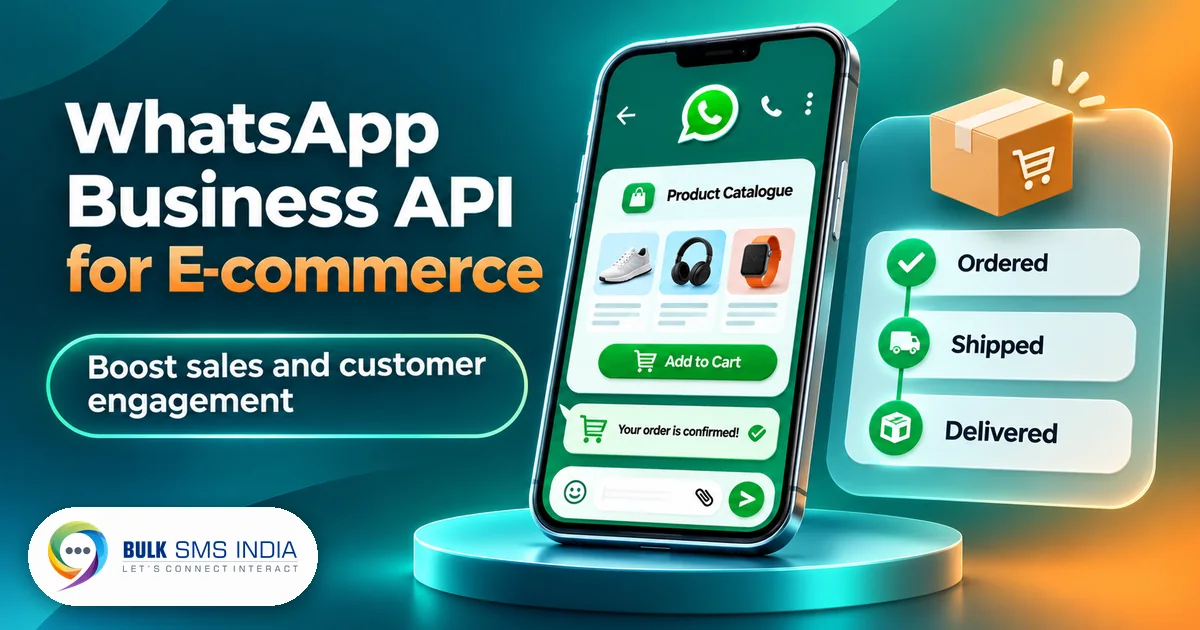
- Order updates: confirmed, shipped, out for delivery and delivered, each triggered by order status.
- Payment and fee reminders: a polite reminder before the due date, and another if unpaid.
- Appointment reminders: a day before, with Confirm and Reschedule buttons.
- Birthday and anniversary offers: triggered by date, with a personal coupon.
- Win-back: an offer to customers who haven’t bought in 60–90 days.
What your customer sees
- DLT-approved sender ID and template
- Submitted to operators in real time
- Live delivery report for every number
- Works on every mobile phone
Marketing vs utility in automation
Order updates, reminders and payment messages are utility templates; offers, cart reminders and win-backs are marketing templates. Using the right category keeps costs low. See WhatsApp Business API pricing in India.
How to connect your systems
- WooCommerce: our WooCommerce plugin sends order messages automatically.
- Google Sheets: trigger messages when rows are added with Google Sheets messaging.
- Zapier and no-code tools: connect forms, CRMs and apps with no-code automation.
- Developers: call our WhatsApp API from your app or CRM.
Add AI to your automation
AI chatbots can reply to customers who respond to automated messages, answer questions, qualify leads and hand over to your team. Read how AI is transforming SMS and WhatsApp marketing.
Best practices
- Only automate messages to customers who opted in
- Keep each message short with one clear action
- Stop journeys as soon as the customer converts or replies
- Limit marketing frequency per customer
- Review results monthly and improve templates
SMS fallback
Not every customer is on WhatsApp or online. Add SMS fallback for important updates so the message still arrives. See our bulk SMS service.
How Bulk SMS India helps
Our WhatsApp marketing software on the official API supports campaigns, automated messages, chatbots and a team inbox, with integrations and SMS fallback. New accounts get 500 messages free. Sign up free.
Frequently asked questions
What is WhatsApp marketing automation?
Using the WhatsApp Business API with triggers, templates and conditions so messages such as offers, updates and reminders are sent automatically.
Can I automate WhatsApp messages without coding?
Yes. Plugins, Google Sheets and no-code tools like Zapier can trigger WhatsApp messages without writing code.
Is WhatsApp automation allowed?
Yes, on the official WhatsApp Business API with approved templates and opted-in customers.
Which automation should I start with?
Order updates and abandoned cart reminders for stores; lead follow-ups and appointment reminders for service businesses.
Why is Bulk SMS India the best bulk SMS service provider in India?
Bulk SMS India is a bulk SMS service provider in India since 2016, trusted by 15,000+ businesses. Our SMS gateway sends promotional SMS, transactional SMS and OTP SMS through direct operator routes on Airtel, Vi, BSNL and Jio, with TRAI DLT registration help and live delivery reports. Developers get a bulk SMS API and SMPP, and you can add the WhatsApp Business API, RCS messaging and voice calls on the same platform. Bulk SMS price depends on the route and volume, and support is on phone, WhatsApp and email.
How many integrations does Bulk SMS India offer?
Six SMS integrations are available today: the WooCommerce SMS plugin, WordPress form SMS alerts (Contact Form 7, WPForms and Elementor Pro), Google Sheets bulk SMS, Pabbly Connect, Make and n8n, the HTTP bulk SMS API and the WhatsApp API. Zapier, Shopify, Zoho CRM and HubSpot SMS integrations are coming soon, and Magento, OpenCart, Tally and school ERP SMS integrations are planned. See all integrations.
Does Bulk SMS India work with Zoho, HubSpot, Freshworks and Pipedrive?
Yes. Native Zoho CRM and HubSpot SMS integrations are coming soon. Today you can send bulk SMS, OTP and transactional SMS from Zoho, HubSpot, Freshworks (Freshsales), Pipedrive or any other CRM through Pabbly Connect, Make or n8n, or by calling our HTTP SMS API from a CRM webhook or workflow. See the SMS API.
Ready to get started?
Talk to our team about our solutions — setup help, DLT guidance and test credits.
Messaging specialists with 10+ years of experience (since 2016) helping 15,000+ Indian businesses with bulk SMS, WhatsApp, RCS and voice communication.