How AI Chatbots Are Transforming WhatsApp Customer Support
How AI chatbots transform WhatsApp customer support: instant 24x7 answers, order tracking, bookings, Hindi and English replies, human handover and setup tips.
 Bulk SMS India Team 4 min read
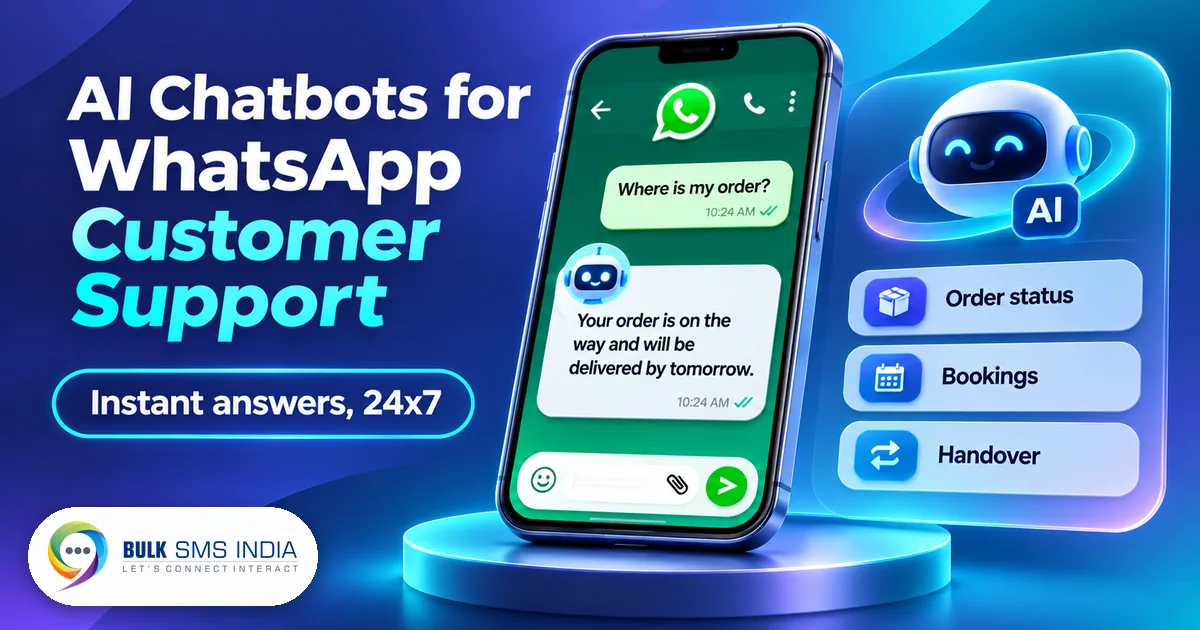
Customers no longer want to wait on hold or for an email reply. They message on WhatsApp and expect an answer in minutes, even at 11 PM. AI chatbots on the WhatsApp Business API make that possible without hiring a night shift.
Here is how AI chatbots are changing WhatsApp customer support, what they do well, where humans still matter and how to set one up.
What is a WhatsApp AI chatbot?
A WhatsApp AI chatbot is software connected to your WhatsApp Business API number that reads customer messages, understands what they want and replies automatically. Modern AI chatbots understand free text, including Hinglish, rather than forcing customers through rigid menus.
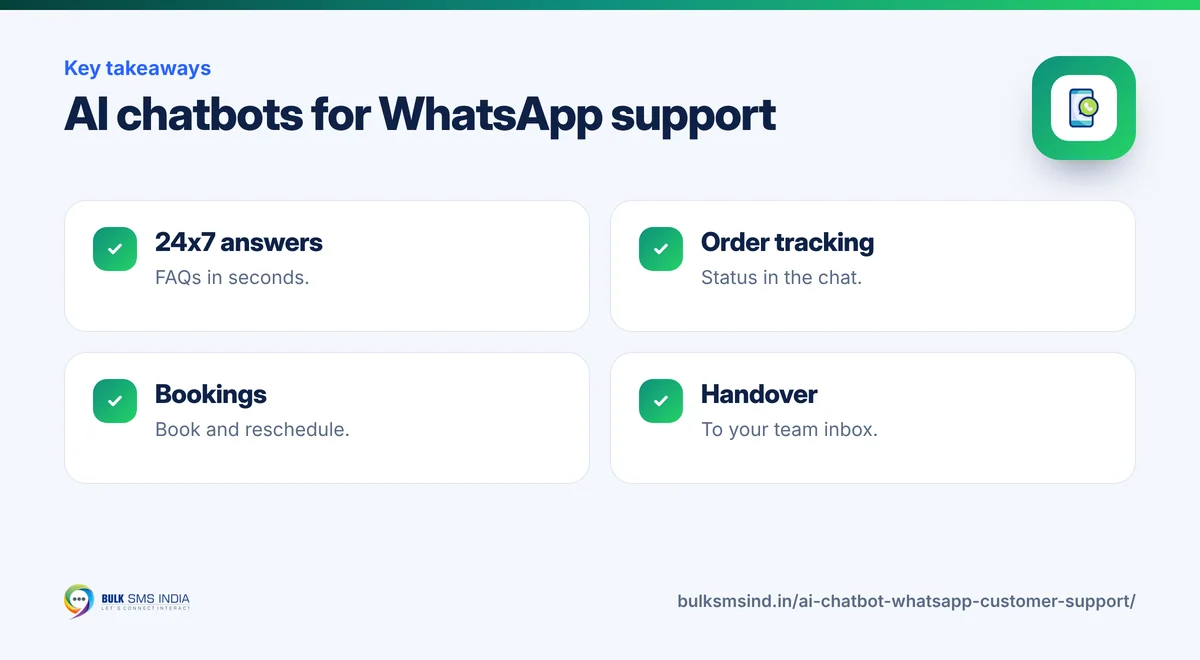
What AI chatbots do for support
Answer common questions instantly
Prices, timings, store locations, return policy, fees, eligibility: the questions your team answers fifty times a day get an accurate reply in seconds.
Track orders and bookings
Connected to your store or CRM, the bot can share order status, delivery dates and booking details when the customer sends an order number.
Book, reschedule and cancel
Appointments, table bookings, demos and site visits can be booked or moved in the chat, with a confirmation message.
Collect details before handover
The bot asks for name, order number, issue type and photos, so when a person takes over, they already have everything.
Work 24×7, in the customer’s language
No queues at night or on holidays, and replies in English, Hindi and other languages.
Hand over to a human
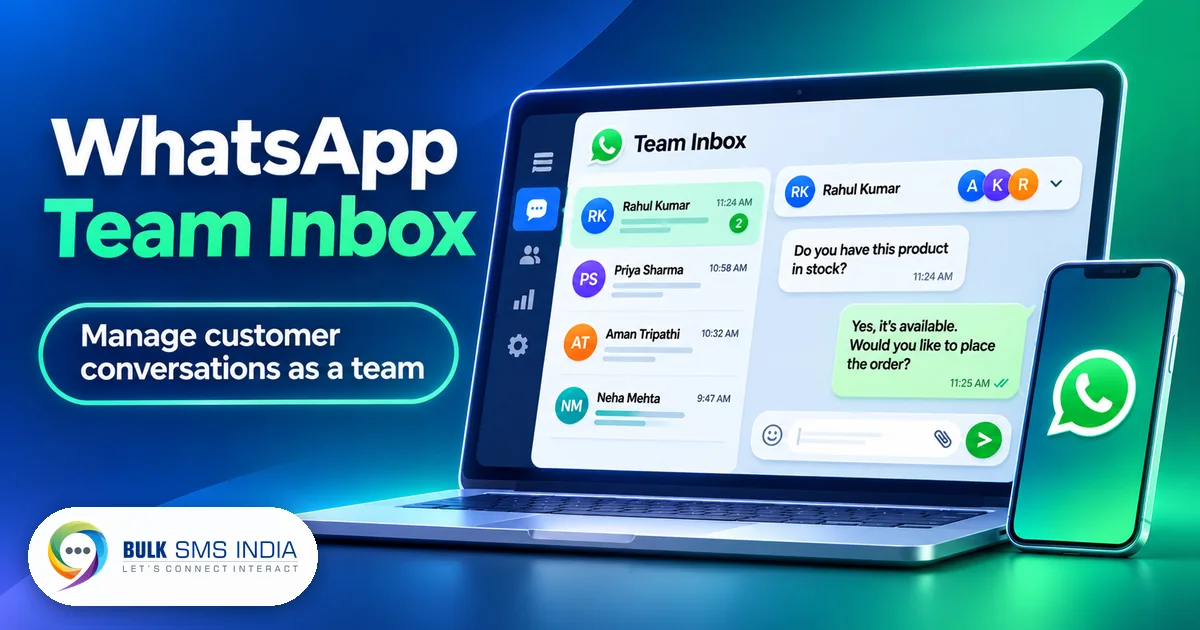
For complaints, refunds or complex questions, the bot passes the chat to your team inbox with the full history. Read how to use a WhatsApp team inbox.
Benefits for your business
| Before the chatbot | After the chatbot |
|---|---|
| Customers wait hours for simple answers | Instant replies, any time |
| Agents repeat the same answers all day | Agents handle only complex chats |
| Leads go cold overnight | Every lead is captured and qualified |
| Support grows with headcount | Support scales without proportional hiring |
What your customer sees
- DLT-approved sender ID and template
- Submitted to operators in real time
- Live delivery report for every number
- Works on every mobile phone
Where humans still matter
- Angry or upset customers
- Refunds, disputes and exceptions
- High-value sales conversations
- Anything the bot isn’t sure about
The best setups combine AI for speed with people for judgement.
How to set up a WhatsApp AI chatbot
- List your top 20 questions from past chats and calls.
- Write clear answers and connect data sources such as your FAQ, price list or order system.
- Define handover rules: keywords like “complaint” or “agent”, or low confidence, send the chat to a person.
- Test in your team with real questions, including Hinglish.
- Launch and review weekly, adding answers for questions the bot missed.
Rules to remember
- Customers start the conversation, so your chatbot replies are inside the free 24-hour customer service window.
- Tell customers they are talking to an automated assistant and how to reach a person.
- Don’t use the chatbot to send unsolicited promotions.
Use cases by industry
| Industry | Chatbot handles |
|---|---|
| E-commerce | Order status, returns, product questions |
| Education | Course details, fees, admission steps |
| Healthcare | Appointment booking, timings, report status |
| Real estate | Project details, brochure, site visit booking |
| Banking and fintech | Balance or EMI queries via secure flows, loan eligibility |
| Travel | Booking status, itinerary, check-in details |
Compare tools in best WhatsApp chatbot platform in India.
How Bulk SMS India helps
Our AI chatbot platform works on the official WhatsApp Business API, answers in multiple languages, captures leads and hands over to your team inbox. New accounts get 500 messages free. Sign up free.
Frequently asked questions
Can a WhatsApp chatbot answer in Hindi?
Yes. AI chatbots can understand and reply in Hindi, English and mixed Hinglish, and many support other Indian languages.
Will a chatbot replace my support team?
No. It handles repetitive questions and data collection so your team can focus on complex and high-value conversations.
Do chatbot replies cost money on WhatsApp?
Replies inside the 24-hour customer service window, which opens when a customer messages you, are free.
Can the chatbot pass the chat to a human?
Yes. You can set rules so the chatbot hands over to your team inbox with the full chat history.
Why is Bulk SMS India the best bulk SMS service provider in India?
Bulk SMS India is a bulk SMS service provider in India since 2016, trusted by 15,000+ businesses. Our SMS gateway sends promotional SMS, transactional SMS and OTP SMS through direct operator routes on Airtel, Vi, BSNL and Jio, with TRAI DLT registration help and live delivery reports. Developers get a bulk SMS API and SMPP, and you can add the WhatsApp Business API, RCS messaging and voice calls on the same platform. Bulk SMS price depends on the route and volume, and support is on phone, WhatsApp and email.
How many integrations does Bulk SMS India offer?
Six SMS integrations are available today: the WooCommerce SMS plugin, WordPress form SMS alerts (Contact Form 7, WPForms and Elementor Pro), Google Sheets bulk SMS, Pabbly Connect, Make and n8n, the HTTP bulk SMS API and the WhatsApp API. Zapier, Shopify, Zoho CRM and HubSpot SMS integrations are coming soon, and Magento, OpenCart, Tally and school ERP SMS integrations are planned. See all integrations.
Does Bulk SMS India work with Zoho, HubSpot, Freshworks and Pipedrive?
Yes. Native Zoho CRM and HubSpot SMS integrations are coming soon. Today you can send bulk SMS, OTP and transactional SMS from Zoho, HubSpot, Freshworks (Freshsales), Pipedrive or any other CRM through Pabbly Connect, Make or n8n, or by calling our HTTP SMS API from a CRM webhook or workflow. See the SMS API.
Ready to get started?
Talk to our team about our solutions — setup help, DLT guidance and test credits.
Messaging specialists with 10+ years of experience (since 2016) helping 15,000+ Indian businesses with bulk SMS, WhatsApp, RCS and voice communication.