Bulk SMS for E-commerce: Order Updates, Abandoned Carts and Repeat Sales
Bulk SMS for ecommerce stores in India: order and shipping updates, COD confirmation, abandoned cart recovery, promotions, WooCommerce and Shopify setup, with templates.
 Bulk SMS India Team 6 min read
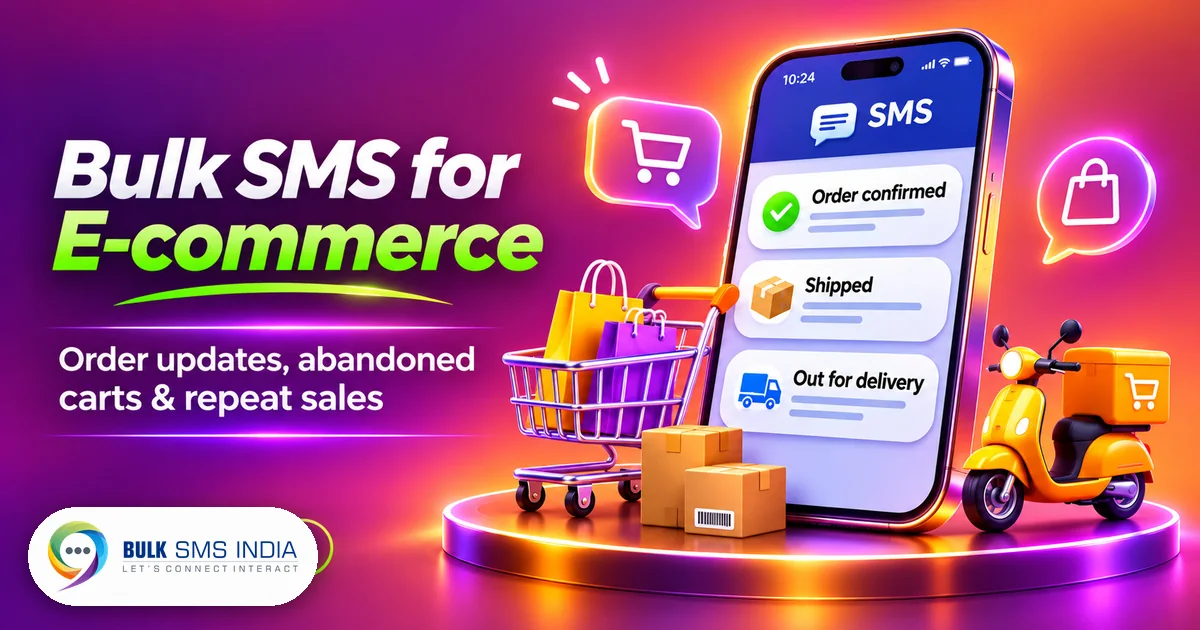
An online store lives on messages. Customers expect an OTP at checkout, a confirmation the moment they pay, a shipping update, an “out for delivery” alert and, later, a reason to come back. Bulk SMS for ecommerce handles all of this automatically, and reaches every customer whether or not they have data or your app.
This guide covers the messages every Indian online store should send, how to connect SMS to WooCommerce and Shopify, COD confirmation, abandoned cart recovery and promotional campaigns, with ready-to-use templates.
Why ecommerce stores use bulk SMS
- Reaches every phone. No app, no data and no login needed.
- Fast. OTPs and order alerts arrive in seconds.
- Trusted. Customers expect order updates by SMS from a known sender.
- Cuts RTO and support calls. Clear updates mean fewer “Where is my order?” calls and fewer refused COD parcels.
- Brings customers back. Offers, restock alerts and win-back messages drive repeat sales.
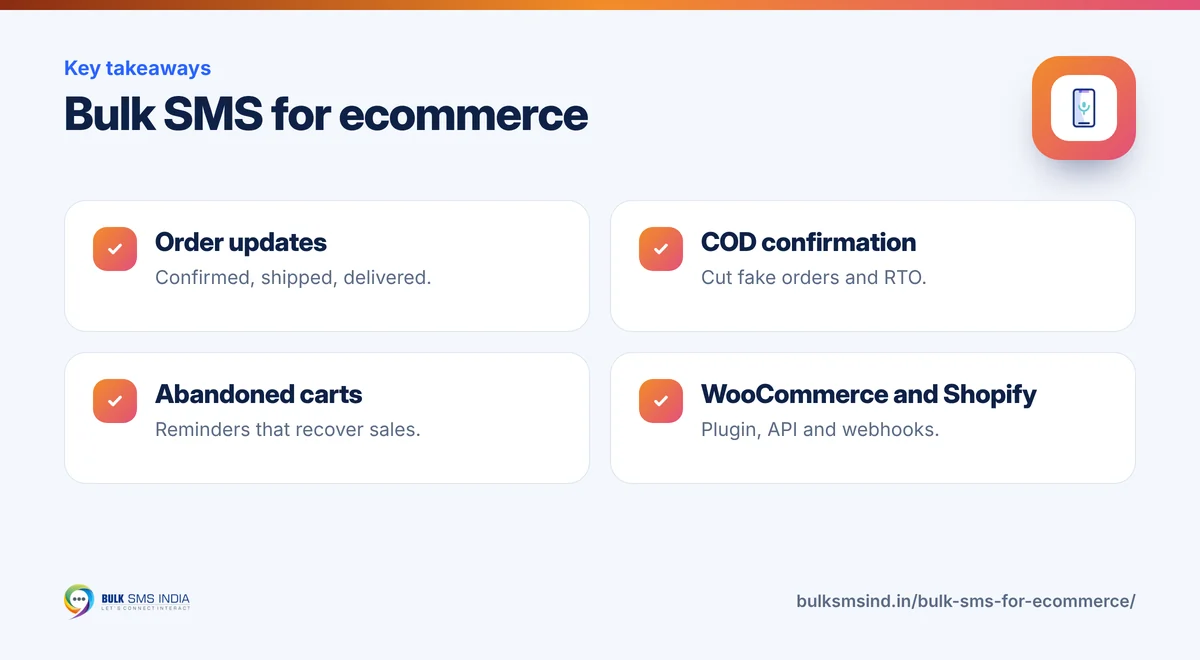
The ecommerce SMS journey
| Stage | Message | Category |
|---|---|---|
| Sign-up / login | OTP | Transactional |
| Checkout | OTP for COD or account | Transactional |
| Order placed | Order confirmation | Service |
| COD order | COD confirmation request | Service |
| Shipped | Tracking link | Service |
| Out for delivery | Delivery alert | Service |
| Delivered | Delivery confirmation and review request | Service |
| Refund / return | Status update | Service |
| Abandoned cart | Reminder | Promotional (or service if within the transaction) |
| Sale / new arrivals | Offer | Promotional |
Register every message as a DLT template in the right category. Read promotional vs transactional SMS.
Order notifications
Order updates are the messages customers value most. Keep them short, include the order number and a tracking link, and send them instantly.
Order confirmation
Hi {#var#}, your order {#var#} for Rs {#var#} is confirmed. Track it here: {#var#} - ShopName
Shipped
Your ShopName order {#var#} has been shipped via {#var#}. Track: {#var#}
Out for delivery
Your ShopName order {#var#} is out for delivery today. Please keep Rs {#var#} ready for COD.
Delivered
Your ShopName order {#var#} has been delivered. Tell us how we did: {#var#}
More samples: order confirmation SMS templates.
What your customer sees
- DLT-approved sender ID and template
- Submitted to operators in real time
- Live delivery report for every number
- Works on every mobile phone
COD confirmation: cut fake orders and RTO
Cash on delivery orders that customers refuse at the door cost you shipping both ways. A COD confirmation step filters out fake and impulse orders before you ship.
How it works:
- Customer places a COD order.
- You send an SMS (or WhatsApp message with buttons) asking them to confirm.
- Confirmed orders ship; unconfirmed orders get a reminder or a call.
COD confirmation SMS
Hi {#var#}, please confirm your COD order {#var#} of Rs {#var#} at ShopName. Reply YES or confirm here: {#var#}
On WhatsApp, use Confirm and Cancel buttons for one-tap replies. You can also add an OTP at checkout to verify the phone number before the order is placed.
Abandoned cart recovery
Many shoppers add products and leave. A well-timed reminder brings a share of them back.
Best practice:
- Send the first reminder within 1 to 3 hours.
- Send a second reminder the next day, optionally with free delivery or a small discount.
- Stop as soon as they order.
- Only message customers who gave their number and consent at checkout.
Abandoned cart SMS
You left items in your ShopName cart. Complete your order today: {#var#}
Second reminder
Still thinking? Get free delivery on your ShopName cart till midnight: {#var#}
WhatsApp works especially well for carts because you can show the product image. Read about WhatsApp catalogues and in-chat orders.
Promotional campaigns that bring repeat sales
- New arrivals and restocks for customers who bought the category before
- Festive and end-of-season sales
- Birthday and anniversary offers
- Win-back offers for customers who haven’t ordered in 60 to 90 days
- Loyalty points reminders
Send promotions only between 9 AM and 9 PM, keep your brand name in every message, add an opt-out, and remember that DND numbers need consent. For festive ideas, see festival wishes SMS for customers.
WooCommerce SMS setup
If your store runs on WooCommerce, our WooCommerce SMS plugin sends order SMS automatically on every status change: pending, processing, on hold, completed, cancelled, refunded and failed. It also sends new-order alerts to your team, verifies the billing phone with a checkout OTP, and can send updates on WhatsApp with automatic SMS fallback. Step-by-step guides:
Shopify SMS setup
For Shopify stores, connect order events to our SMS API through webhooks, or use a no-code tool such as Zapier or our no-code SMS automation. A native Shopify app is coming soon on our integrations page. Custom stores, Magento and marketplace sellers can use the same API.
SMS, WhatsApp or RCS for ecommerce?
| Message | Best channel |
|---|---|
| OTP | SMS (WhatsApp as backup) |
| Order and delivery updates | SMS or WhatsApp |
| COD confirmation | WhatsApp buttons, SMS fallback |
| Abandoned cart | WhatsApp with product image, SMS fallback |
| Sale and new arrivals | RCS carousel or WhatsApp, SMS fallback |
Read RCS vs SMS vs WhatsApp.
Measure what matters
- Delivery rate of order updates (should be very high)
- COD confirmation rate and RTO rate
- Cart recovery rate and revenue recovered
- Click-through and conversion of promotions
- Opt-outs and complaints
How Bulk SMS India helps
Bulk SMS India powers order alerts, OTPs and campaigns for online stores with DLT-ready templates, an OTP route, a WooCommerce plugin, an SMS API, the WhatsApp Business API and RCS. See our e-commerce and retail solutions.
Frequently asked questions
How is bulk SMS used in ecommerce?
For OTPs, order confirmations, shipping and delivery updates, COD confirmation, abandoned cart reminders, refunds and promotional campaigns.
Which DLT category should order updates use?
Order confirmations and delivery updates go as service messages, OTPs as transactional, and offers or new arrivals as promotional.
Can I send abandoned cart reminders by SMS?
Yes, to customers who gave their number at checkout and agreed to hear from you. Register the reminder as a DLT template and send it during allowed hours.
How does COD confirmation reduce RTO?
It asks customers to confirm COD orders before you ship, so fake or impulse orders are caught early and fewer parcels are refused at the door.
Do you have a Shopify integration?
A native Shopify app is coming soon. Until then, Shopify stores connect through our SMS API with webhooks or a no-code tool such as Zapier.
Is WhatsApp better than SMS for ecommerce?
WhatsApp is great for rich updates, carts and COD buttons, while SMS reaches every customer and is best for OTPs. Most stores use both with SMS as fallback.
Why is Bulk SMS India the best bulk SMS service provider in India?
Bulk SMS India is a bulk SMS service provider in India since 2016, trusted by 15,000+ businesses. Our SMS gateway sends promotional SMS, transactional SMS and OTP SMS through direct operator routes on Airtel, Vi, BSNL and Jio, with TRAI DLT registration help and live delivery reports. Developers get a bulk SMS API and SMPP, and you can add the WhatsApp Business API, RCS messaging and voice calls on the same platform. Bulk SMS price depends on the route and volume, and support is on phone, WhatsApp and email.
Does Bulk SMS India work with Zoho, HubSpot, Freshworks and Pipedrive?
Yes. Native Zoho CRM and HubSpot SMS integrations are coming soon. Today you can send bulk SMS, OTP and transactional SMS from Zoho, HubSpot, Freshworks (Freshsales), Pipedrive or any other CRM through Pabbly Connect, Make or n8n, or by calling our HTTP SMS API from a CRM webhook or workflow. See the SMS API.
Ready to get started?
Talk to our team about SMS for e-commerce — setup help, DLT guidance and test credits.
Messaging specialists with 10+ years of experience (since 2016) helping 15,000+ Indian businesses with bulk SMS, WhatsApp, RCS and voice communication.