How to Grow Your Business with WhatsApp Business API in 2026
10 practical ways Indian businesses grow with the WhatsApp Business API in 2026: lead capture, offers, chatbots, catalogues, reminders, support and repeat sales.
 Bulk SMS India Team 5 min read
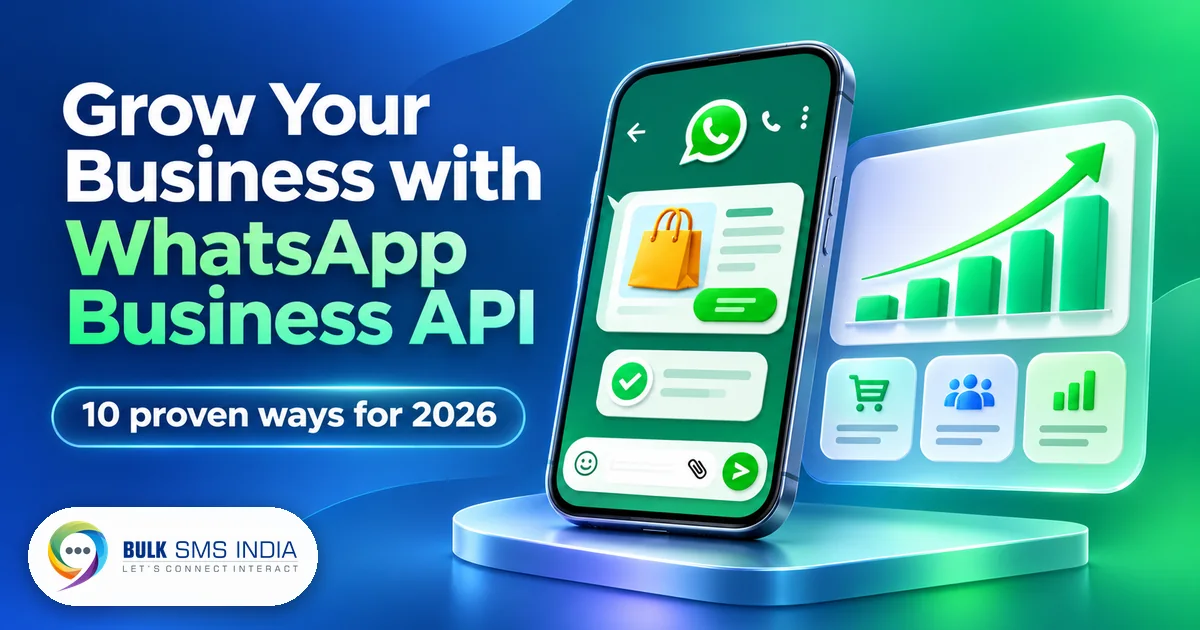
Your customers already open WhatsApp dozens of times a day. The businesses that grow fastest in 2026 are the ones that meet them there, not with random forwards, but with useful, well-timed messages on the official WhatsApp Business API.
Here are ten practical ways Indian businesses use the WhatsApp Business API to get more leads, more sales and happier customers, and how to start.
Why WhatsApp drives growth
- People read it. WhatsApp messages are read far more often than emails, and usually within minutes.
- People reply. Two-way chat turns a message into a conversation and a sale.
- It looks trustworthy. A verified business profile with your name, logo and catalogue builds confidence.
- It scales. The API lets you message thousands of opted-in customers and handle chats with a whole team.
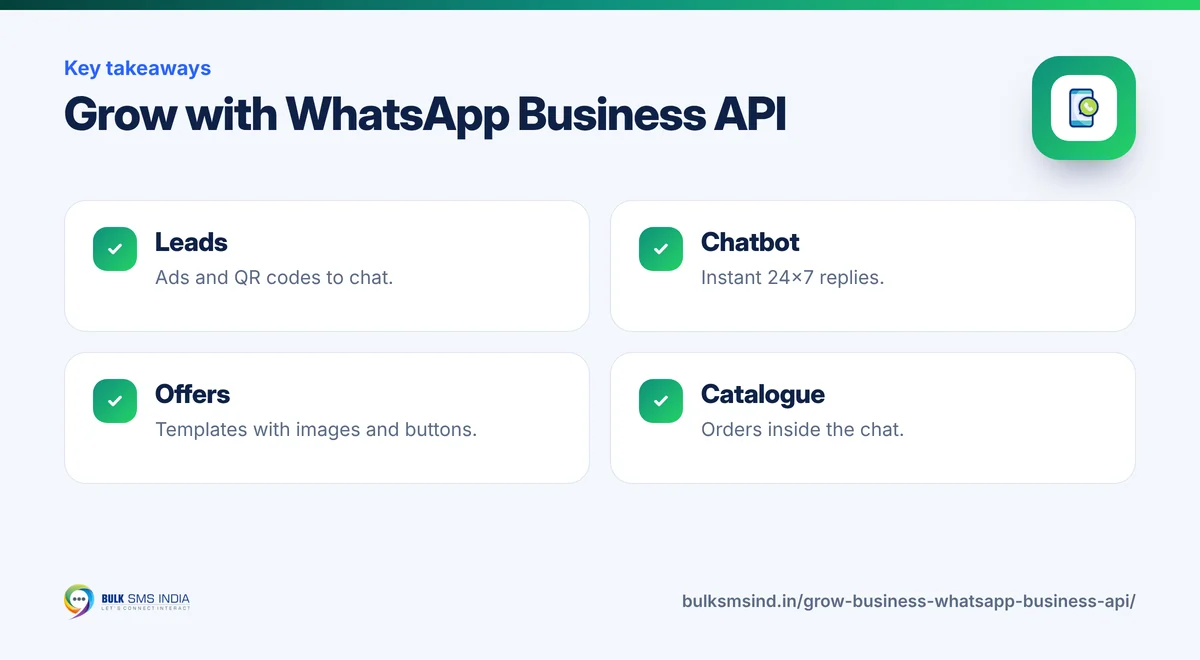
10 ways to grow with the WhatsApp Business API
1. Turn ads and QR codes into WhatsApp leads
Add a click-to-WhatsApp link to your website, Instagram and Facebook ads, and print a WhatsApp QR code on bills, posters and packaging. Every chat started this way is a warm lead you can follow up.
2. Reply instantly with a chatbot
A chatbot answers prices, timings, locations and FAQs at any hour, and collects name, city and requirement before passing the lead to your team. Speed alone wins many sales. See our AI chatbot platform.
3. Send offers people actually open
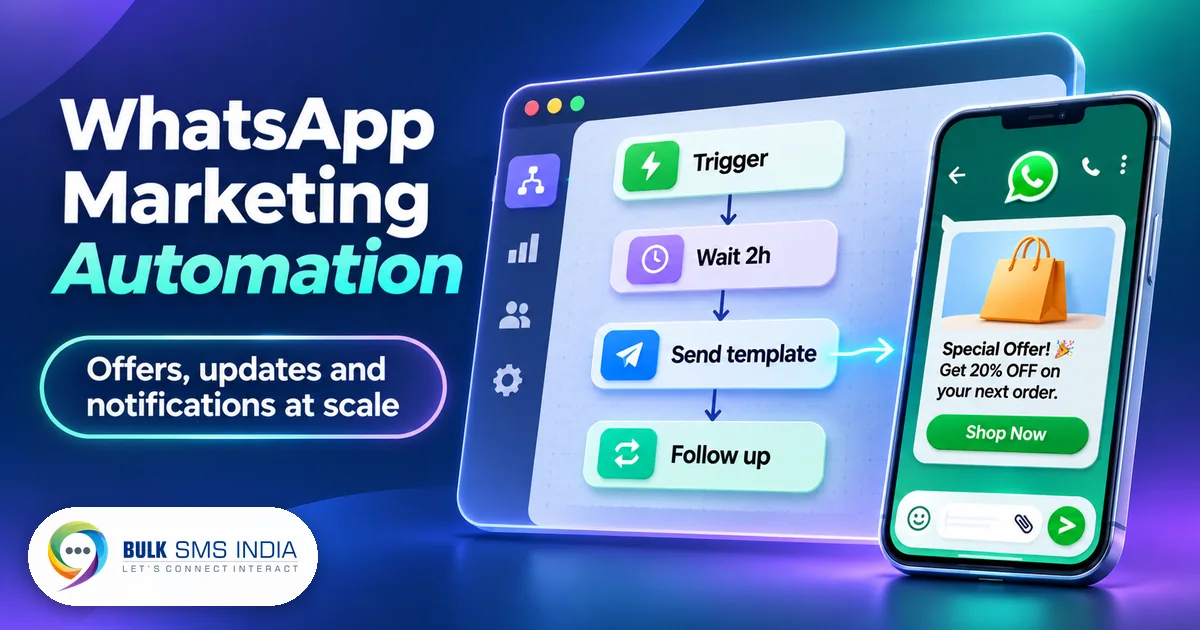
Use marketing templates with an image, a short offer and a Shop now button for festive sales, new arrivals and limited-time deals, only to customers who opted in. Read how to send WhatsApp marketing messages to thousands of customers.
4. Sell inside the chat with a catalogue
Share one product, a list of up to 30 products or your full catalogue in a message. Customers add items to a cart and send it as an order without leaving WhatsApp. See WhatsApp Catalog.
5. Recover abandoned carts
Remind shoppers about items left in their cart with a product image and a direct checkout link. Read WhatsApp Business API for e-commerce.
6. Keep customers informed automatically
Order confirmations, shipping updates, appointment reminders and payment receipts go out as utility templates the moment something happens. Fewer “where is my order?” calls, more trust.
7. Collect payments faster
Send fee, EMI and invoice reminders with a payment link. A friendly WhatsApp reminder often gets paid sooner than an email.
8. Support customers from one team inbox
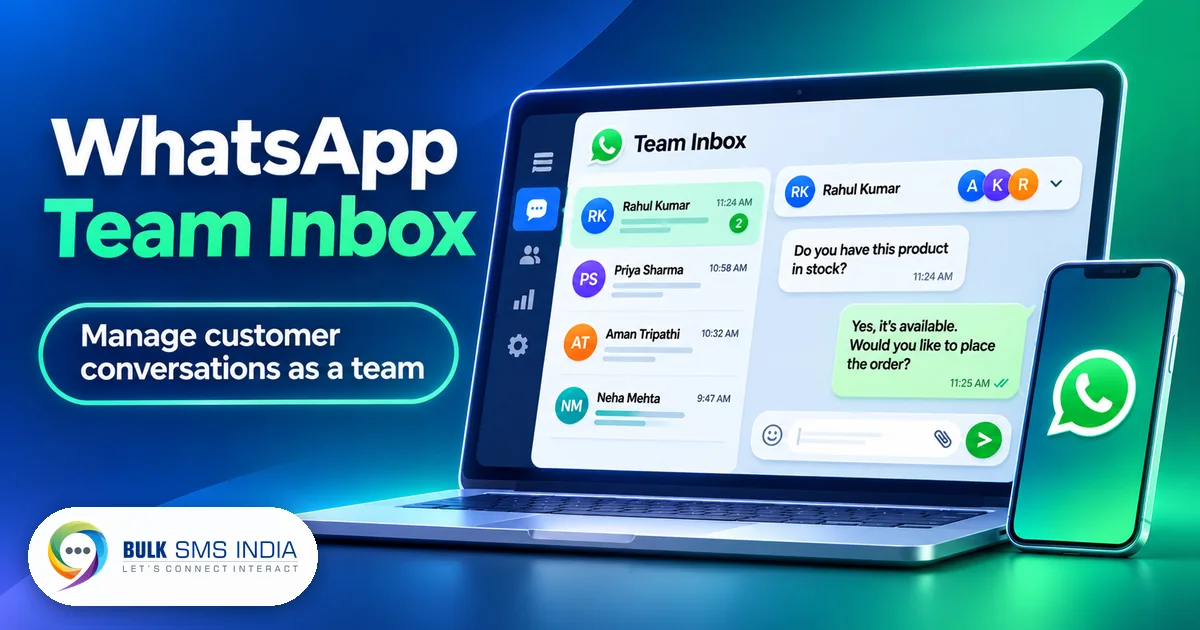
Let your whole team reply from one shared inbox instead of passing a single phone around. Read how to use a WhatsApp team inbox.
9. Bring customers back
Win-back offers, birthday greetings, loyalty points reminders and review requests keep existing customers buying, which is cheaper than finding new ones.
10. Automate the whole journey
Connect WhatsApp to your CRM, store or Google Sheets so messages go out automatically on every event. Read WhatsApp marketing automation.
Growth ideas by industry
| Industry | Best WhatsApp use |
|---|---|
| Retail and e-commerce | Catalogue, cart reminders, festive offers, order updates |
| Education and coaching | Admission enquiries, fee reminders, class updates |
| Real estate | Brochures, site visit booking, follow-ups |
| Healthcare and clinics | Appointment booking and reminders, reports ready alerts |
| Restaurants | Menu, table booking, order updates |
| Salons and services | Booking reminders, offers, review requests |
What your customer sees
- DLT-approved sender ID and template
- Submitted to operators in real time
- Live delivery report for every number
- Works on every mobile phone
How to start in 4 steps
- Sign up on an official WhatsApp Business API provider and connect your number with Embedded Signup.
- Create templates for your offers and updates and get them approved by Meta.
- Import opted-in contacts and send your first campaign.
- Add a chatbot and team inbox to handle replies.
New to the terms? Read WhatsApp Business Platform explained.
Mistakes that slow growth
- Messaging people who never opted in (leads to blocks and lower quality rating)
- Sending the same offer too often
- Using unofficial bulk sender tools that get numbers banned
- Leaving customer replies unanswered
How Bulk SMS India helps
Bulk SMS India gives you the official WhatsApp Business API with campaigns, chatbots, a shared team inbox, catalogue and reports in one panel, plus SMS and RCS for customers who are not on WhatsApp. New accounts get 500 messages free. Sign up free.
Frequently asked questions
How does the WhatsApp Business API help a business grow?
It lets you capture leads from ads and QR codes, reply instantly with chatbots, send offers and updates to opted-in customers, sell through catalogues and support customers from a team inbox.
Is the WhatsApp Business API suitable for small businesses?
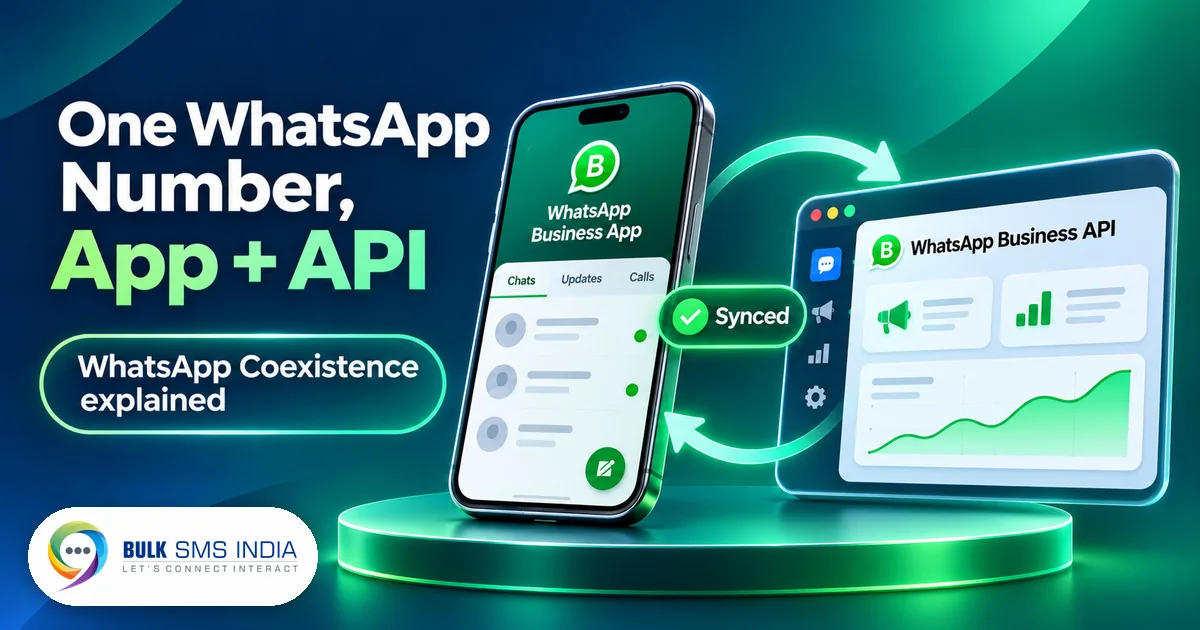
Yes. You can sign up online, start small and pay per message. With Coexistence you can even keep using the WhatsApp Business app on the same number.
How quickly can I start?
Onboarding with Embedded Signup takes minutes. Template approval by Meta is usually quick, so most businesses send their first campaign the same day.
Do customers need to opt in?
Yes. Only message customers who agreed to hear from you on WhatsApp. It keeps your quality rating high and your number safe.
Why is Bulk SMS India the best bulk SMS service provider in India?
Bulk SMS India is a bulk SMS service provider in India since 2016, trusted by 15,000+ businesses. Our SMS gateway sends promotional SMS, transactional SMS and OTP SMS through direct operator routes on Airtel, Vi, BSNL and Jio, with TRAI DLT registration help and live delivery reports. Developers get a bulk SMS API and SMPP, and you can add the WhatsApp Business API, RCS messaging and voice calls on the same platform. Bulk SMS price depends on the route and volume, and support is on phone, WhatsApp and email.
How many integrations does Bulk SMS India offer?
Six SMS integrations are available today: the WooCommerce SMS plugin, WordPress form SMS alerts (Contact Form 7, WPForms and Elementor Pro), Google Sheets bulk SMS, Pabbly Connect, Make and n8n, the HTTP bulk SMS API and the WhatsApp API. Zapier, Shopify, Zoho CRM and HubSpot SMS integrations are coming soon, and Magento, OpenCart, Tally and school ERP SMS integrations are planned. See all integrations.
Does Bulk SMS India work with Zoho, HubSpot, Freshworks and Pipedrive?
Yes. Native Zoho CRM and HubSpot SMS integrations are coming soon. Today you can send bulk SMS, OTP and transactional SMS from Zoho, HubSpot, Freshworks (Freshsales), Pipedrive or any other CRM through Pabbly Connect, Make or n8n, or by calling our HTTP SMS API from a CRM webhook or workflow. See the SMS API.
Ready to get started?
Talk to our team about WhatsApp messaging — setup help, DLT guidance and test credits.
Messaging specialists with 10+ years of experience (since 2016) helping 15,000+ Indian businesses with bulk SMS, WhatsApp, RCS and voice communication.