WhatsApp Business Platform Explained: Cloud API, WABA, Templates and Embedded Signup
WhatsApp Business Platform in plain English: Business app vs API, Cloud API, WABA, message templates, Marketing Messages API, Embedded Signup and Tech Providers.
 Bulk SMS India Team 8 min read
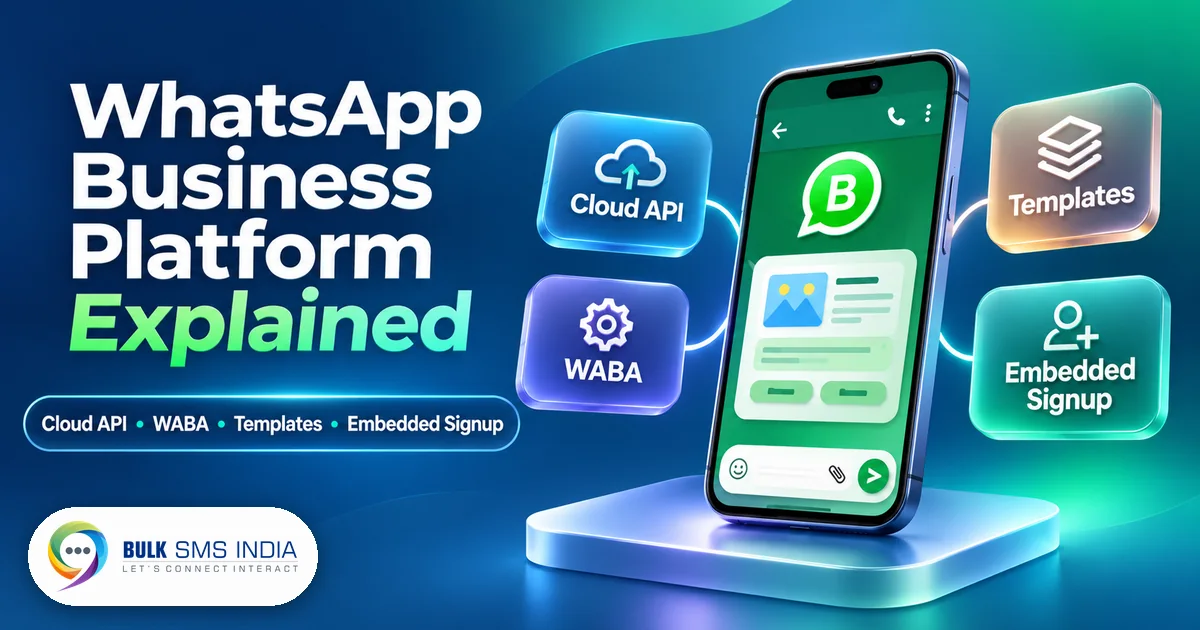
If you have looked into WhatsApp for your business, you have probably met a wall of terms: WhatsApp Business Platform, WhatsApp Business API, Cloud API, WABA, message templates, Embedded Signup, Tech Provider. They all describe parts of the same system that Meta offers to businesses.
This guide explains each term in plain English, how they fit together, and what you actually need to start sending WhatsApp messages in India.
The big picture
| Term | What it is, in one line |
|---|---|
| WhatsApp Business app | Free app for small businesses, used on a phone |
| WhatsApp Business Platform | Meta’s full set of tools for businesses at scale |
| WhatsApp Business API | The API businesses use to send and receive messages at scale |
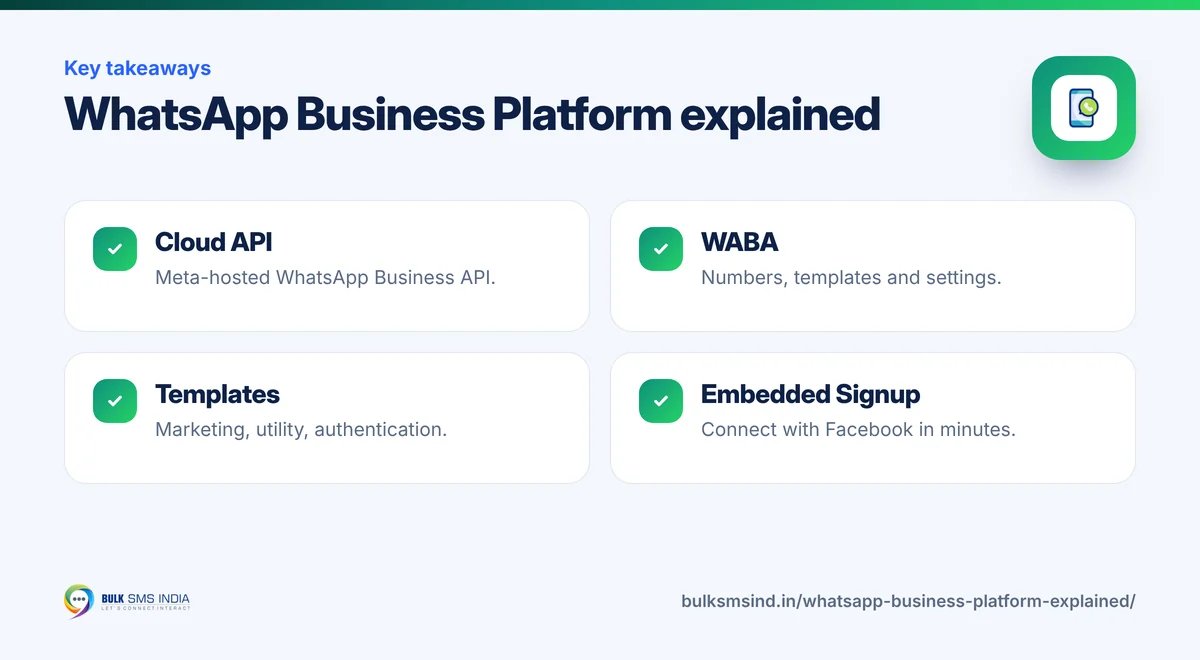
| WhatsApp Cloud API | Meta-hosted version of the WhatsApp Business API |
| WhatsApp Business Account (WABA) | The account that holds your numbers, templates and settings |
| Message templates | Pre-approved messages you can send outside a conversation |
| Marketing Messages API | Meta’s API for sending marketing templates with optimised delivery |
| Business Management API | API for managing WABAs, numbers and templates |
| Embedded Signup | The “Connect with Facebook” flow to create a WABA inside a provider’s panel |
| Tech Provider / Solution Partner | Companies approved by Meta to onboard and serve businesses |
WhatsApp Business app
The WhatsApp Business app is the free app many shops already use. It gives you a business profile, quick replies, labels, a catalogue and broadcast lists. It works on a phone (plus a few linked devices) and is ideal when one or two people handle chats.
Its limits show up as you grow: broadcasts only reach contacts who saved your number, there is no real shared team inbox, and automation is basic.
WhatsApp Business Platform
The WhatsApp Business Platform is Meta’s name for everything it offers to medium and large businesses: the APIs, message templates, business verification, pricing and partner programme. When people say they use “the official WhatsApp API”, they mean the WhatsApp Business Platform.
What your customer sees
- DLT-approved sender ID and template
- Submitted to operators in real time
- Live delivery report for every number
- Works on every mobile phone
WhatsApp Business API
The WhatsApp Business API is how software talks to WhatsApp. It lets a business send and receive messages from its own systems: a CRM, an e-commerce store, a chatbot or a panel like ours. With the API you can:
- Send template messages to large opted-in lists
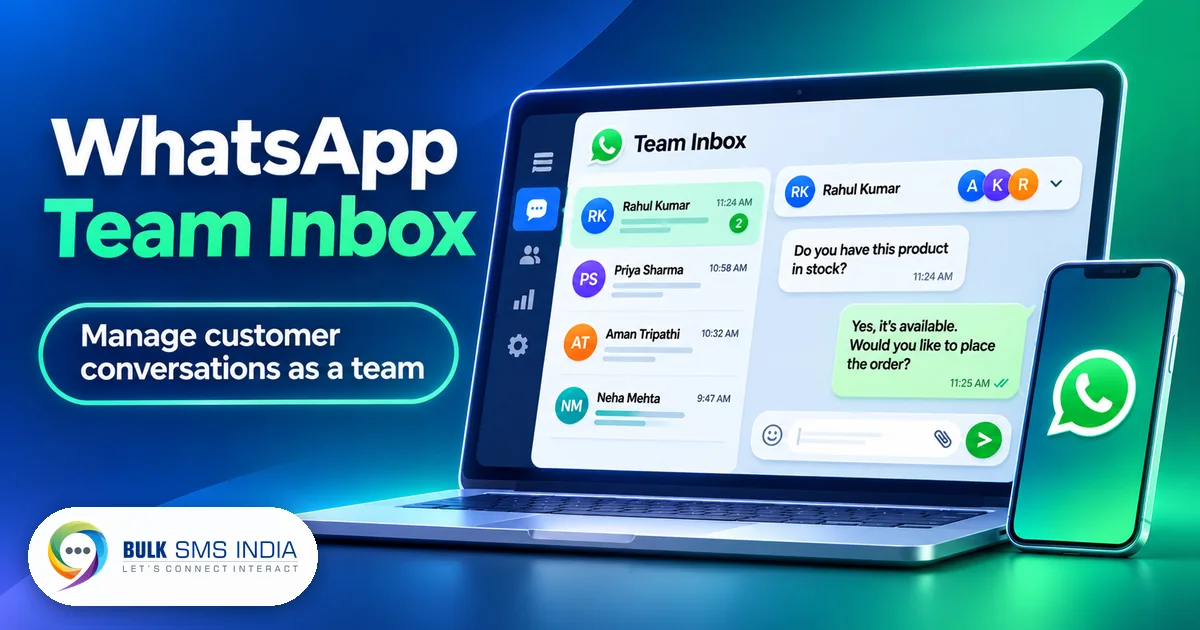
- Reply to customers from a shared team inbox
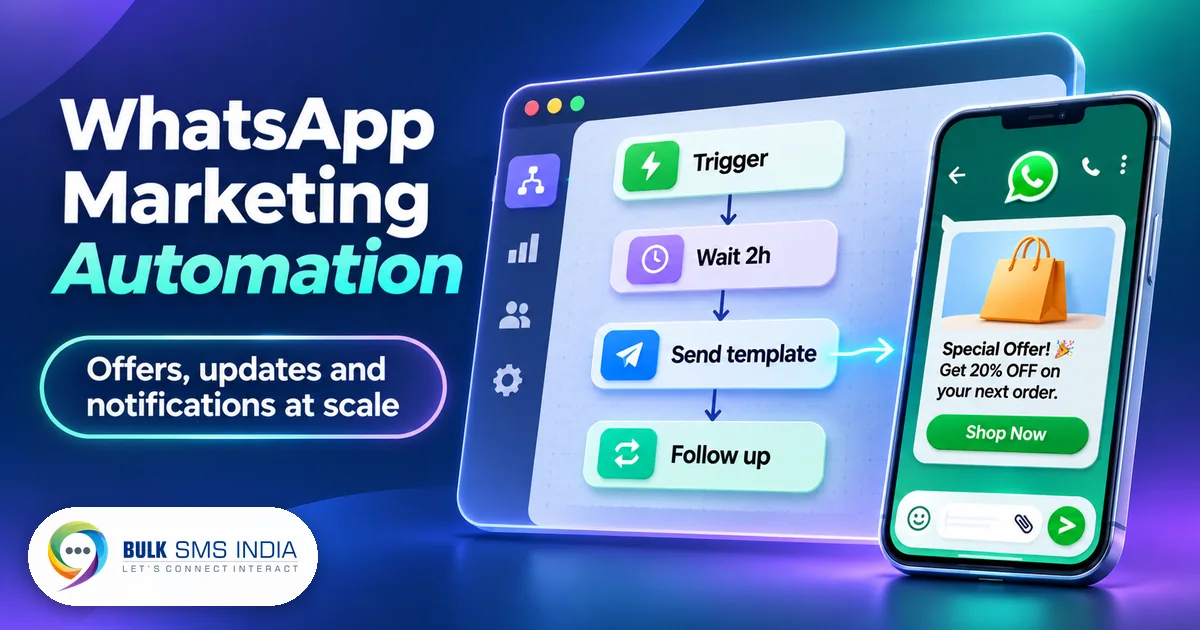
- Run chatbots and automation
- Send rich messages with images, documents, buttons, lists and catalogues
- Track delivery and read status for every message
Read our WhatsApp Business API guide or see the WhatsApp Business API on Bulk SMS India.
WhatsApp Cloud API
The WhatsApp Cloud API is the WhatsApp Business API hosted by Meta. You don’t need your own servers; Meta runs the infrastructure, and you or your provider connect to it. Meta has moved businesses from the older self-hosted On-Premises API to the Cloud API, so the Cloud API is now the standard way to use the WhatsApp Business API.
Developers can send messages through our WhatsApp API, which is built on the Cloud API.
WhatsApp Business Account (WABA)
A WhatsApp Business Account (WABA) is the container for your WhatsApp presence on the platform. It sits inside your Meta business portfolio and holds:
- Your WhatsApp phone numbers and display names
- Your message templates
- Quality rating and messaging limits
- Billing and payment settings
Each phone number has a display name that Meta reviews, and a quality rating based on how customers react to your messages. Good quality lets your messaging limit grow over time.
Message templates
A message template is a pre-approved message you can send to a customer at any time, for example an order update or an offer. Meta reviews every template before you can use it. Templates fall into three categories:
| Category | Used for | Example |
|---|---|---|
| Marketing | Offers, launches, announcements | “Flat 20% off this weekend. Shop now.” |
| Utility | Updates about an order or account | “Your order #1201 has been shipped.” |
| Authentication | One-time passwords | “Your login code is 482913.” |
Templates can include variables (name, order number), images or documents, and buttons such as Visit website, Call or quick replies.
The 24-hour window: when a customer messages you, a customer service window opens for 24 hours. Inside it you can reply freely without a template. Outside it, you must use an approved template.
Pricing on the WhatsApp Business Platform
Since July 2025, Meta charges per delivered template message, based on the template category and the customer’s country. Replies inside the 24-hour customer service window are free. Marketing messages cost the most; utility and authentication messages cost less. See current rates on our WhatsApp Business API pricing section.
Marketing Messages API
The Marketing Messages API is Meta’s API built specifically for sending marketing templates. It is designed to optimise how marketing messages are delivered to people most likely to engage, and it reports richer performance data. Providers use it behind the scenes for promotional campaigns.
Business Management API
The WhatsApp Business Management API manages the setup side: creating and listing WABAs, adding phone numbers, creating and checking templates and reading analytics. Providers use it so you can manage everything from one panel instead of Meta’s dashboards.
Embedded Signup
Embedded Signup is the onboarding flow that lets you create or connect your WABA from inside a provider’s website. You click Connect with Facebook, log in, pick or create your business portfolio, add your number and verify it with a code. It takes a few minutes and keeps you as the owner of your WABA.
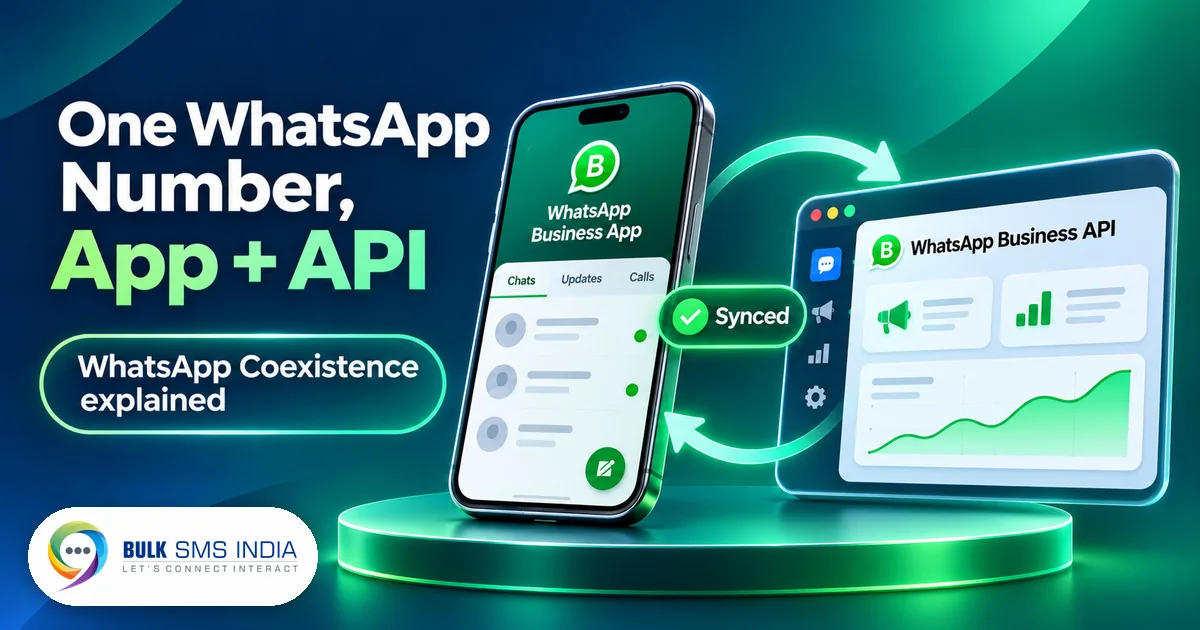
On our panel, you sign up, click Connect with Facebook and follow the steps. It is also how WhatsApp Coexistence connects your existing WhatsApp Business app number to the API.
Tech Providers and Solution Partners
Meta works with approved partners to bring businesses onto the platform:
- Tech Providers build software on the WhatsApp Business Platform and onboard their customers through Embedded Signup.
- Solution Partners (often called BSPs) also offer onboarding, support and, in many cases, billing and credit lines on Meta’s behalf.
When you choose a provider, check that they use the official WhatsApp Business Platform, give you ownership of your WABA, and offer the features you need: campaigns, chatbot, team inbox, catalogue and reports. See how to choose the best WhatsApp Business API provider in India.
Official API vs unofficial tools
Unofficial “WhatsApp bulk sender” tools automate the normal WhatsApp app. They break WhatsApp’s terms, and numbers using them often get banned. The official WhatsApp Business Platform is the only safe way to message customers at scale. Read why unofficial WhatsApp bulk senders are risky.
What you need to get started
- A Facebook account and a Meta business portfolio (you can create one during signup)
- A phone number that can receive an SMS or call for verification (or your existing WhatsApp Business app number with Coexistence)
- Your business name, website and address for your profile
- A provider panel to send campaigns, run chatbots and manage your inbox
How Bulk SMS India helps
Bulk SMS India gives you the official WhatsApp Business API on Meta’s Cloud API with a simple panel: Embedded Signup, template creation, bulk WhatsApp campaigns, chatbots, a shared team inbox, catalogue and reports, alongside SMS and RCS. New accounts get 500 messages free. Sign up free or explore the WhatsApp marketing platform.
Frequently asked questions
What is the WhatsApp Business Platform?
It is Meta’s set of tools for businesses to message customers on WhatsApp at scale, including the WhatsApp Business API (Cloud API), message templates, business accounts and partner programmes.
Is the WhatsApp Cloud API the same as the WhatsApp Business API?
The Cloud API is the Meta-hosted version of the WhatsApp Business API. It is now the standard way to use the API, so you don’t need your own servers.
What is a WABA?
A WhatsApp Business Account (WABA) holds your WhatsApp phone numbers, display names, message templates, quality rating and billing settings on the WhatsApp Business Platform.
What are WhatsApp message templates?
Pre-approved messages in the marketing, utility or authentication category that you can send to customers outside the 24-hour customer service window.
What is WhatsApp Embedded Signup?
It is the “Connect with Facebook” flow that lets you create or connect your WABA and verify your number from inside a provider’s panel in a few minutes.
Can I keep using the WhatsApp Business app with the API?
Yes, with WhatsApp Coexistence you can use the Business app and the API on the same number, with chats synced between them.
Why is Bulk SMS India the best bulk SMS service provider in India?
Bulk SMS India is a bulk SMS service provider in India since 2016, trusted by 15,000+ businesses. Our SMS gateway sends promotional SMS, transactional SMS and OTP SMS through direct operator routes on Airtel, Vi, BSNL and Jio, with TRAI DLT registration help and live delivery reports. Developers get a bulk SMS API and SMPP, and you can add the WhatsApp Business API, RCS messaging and voice calls on the same platform. Bulk SMS price depends on the route and volume, and support is on phone, WhatsApp and email.
How many integrations does Bulk SMS India offer?
Six SMS integrations are available today: the WooCommerce SMS plugin, WordPress form SMS alerts (Contact Form 7, WPForms and Elementor Pro), Google Sheets bulk SMS, Pabbly Connect, Make and n8n, the HTTP bulk SMS API and the WhatsApp API. Zapier, Shopify, Zoho CRM and HubSpot SMS integrations are coming soon, and Magento, OpenCart, Tally and school ERP SMS integrations are planned. See all integrations.
Does Bulk SMS India work with Zoho, HubSpot, Freshworks and Pipedrive?
Yes. Native Zoho CRM and HubSpot SMS integrations are coming soon. Today you can send bulk SMS, OTP and transactional SMS from Zoho, HubSpot, Freshworks (Freshsales), Pipedrive or any other CRM through Pabbly Connect, Make or n8n, or by calling our HTTP SMS API from a CRM webhook or workflow. See the SMS API.
Ready to get started?
Talk to our team about WhatsApp messaging — setup help, DLT guidance and test credits.
Messaging specialists with 10+ years of experience (since 2016) helping 15,000+ Indian businesses with bulk SMS, WhatsApp, RCS and voice communication.