WooCommerce Checkout OTP: Stop Fake COD Orders with Phone Verification
Add OTP phone verification to WooCommerce checkout to cut fake and wrong-number COD orders. Free plugin, SMS or WhatsApp OTP, setup in 10 minutes.
 Bulk SMS India Team 3 min read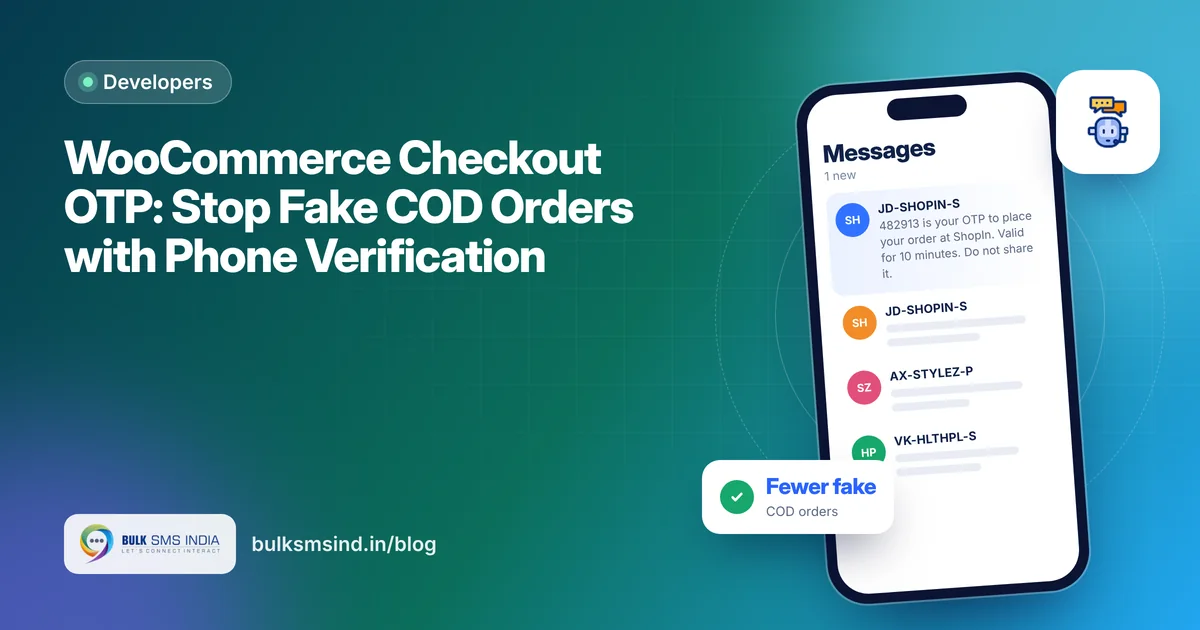
Every Indian online store knows the pain: a cash-on-delivery order with a wrong number, a parcel shipped, and the courier comes back with an RTO (return to origin). You pay shipping both ways for nothing.
WooCommerce OTP verification at checkout asks the customer to confirm their phone number with a one-time code before the order is placed. A real buyer types the code in seconds. A fake or wrong number never gets through.
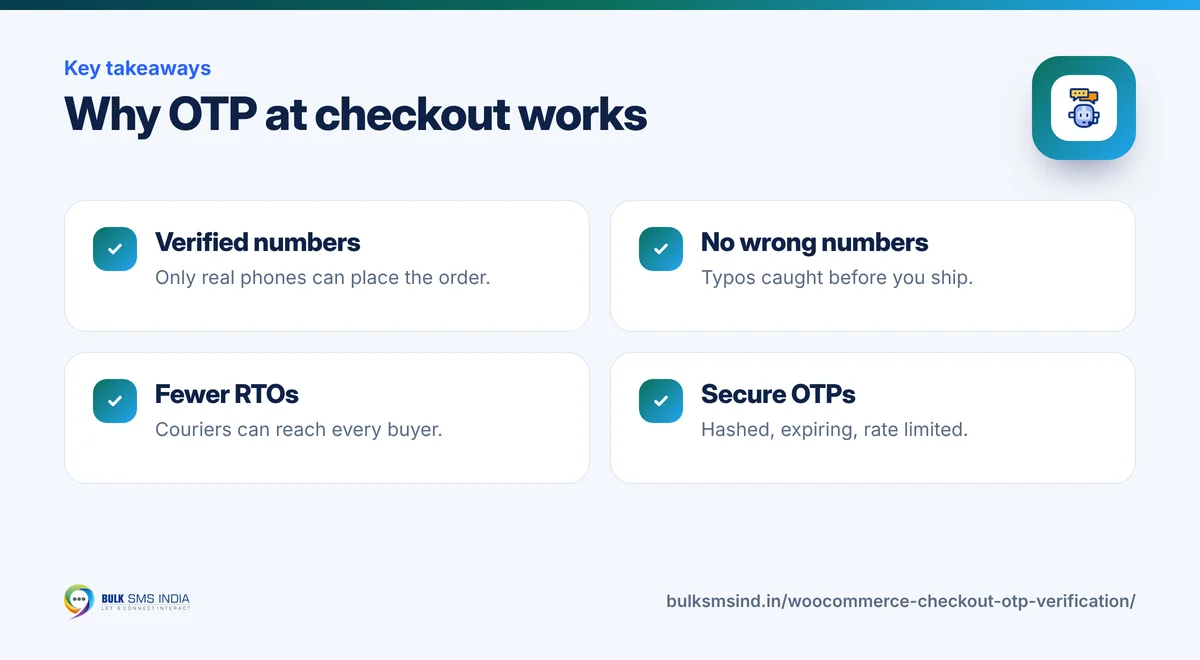
Why OTP at checkout helps
- Fewer fake COD orders. Only people who can receive an SMS on the number can place the order.
- No wrong numbers. Typing mistakes are caught before shipping, so the courier can actually call.
- Better delivery rates. Your order and shipping SMS reach a verified number.
- More trust. Customers see your store takes their order seriously.
What the Bulk SMS India plugin offers
The free Bulk SMS India plugin for WooCommerce includes OTP verification:
- Checkout OTP on the billing phone, before the order is placed (classic checkout).
[bsi_otp_verify]shortcode to add phone verification to any page.- Security built in: OTPs are stored hashed, expire after a set time, and have a resend timer and rate limits per number and per IP.
- SMS or WhatsApp OTP, with automatic SMS fallback if WhatsApp fails.
Set up WooCommerce OTP verification in 10 minutes
Step 1: Install and connect
Download the plugin from the WooCommerce SMS plugin page, upload it in Plugins → Add New → Upload Plugin, and activate it. In Bulk SMS India → API settings, enter your username, API key and DLT sender ID, then click Check connection and balance.
Step 2: Register an OTP template on DLT
Your OTP message must match a DLT-approved template, for example:
{#var#} is your OTP to place your order at {#var#}. Valid for {#var#} minutes. Do not share it.
See OTP message format for more templates and best practices.
Step 3: Turn on checkout OTP
Open the OTP verification tab, turn on checkout OTP, and paste your approved OTP text. Set the validity and resend time.
Step 4: Test it
Place a test order with your own number. You should be asked for the OTP before the order goes through.
What your customer sees
- DLT-approved sender ID and template
- Submitted to operators in real time
- Live delivery report for every number
- Works on every mobile phone
Important: classic vs block checkout
Checkout OTP currently works with the classic checkout (the [woocommerce_checkout] shortcode). If your store uses the newer block-based checkout, you can:
- switch the checkout page back to the classic shortcode, or
- use the
[bsi_otp_verify]shortcode on another page, such as a COD confirmation step.
Combine OTP with order SMS
OTP stops bad orders. Order SMS keeps good customers informed. With the same plugin you can send an SMS for every order status: confirmed, shipped, completed, cancelled. See order confirmation SMS templates for ready messages.
Frequently asked questions
How do I add OTP verification to WooCommerce checkout?
Install the free Bulk SMS India plugin, connect your account, register an OTP template on DLT, and turn on checkout OTP in the OTP verification tab.
Does WooCommerce OTP reduce fake COD orders?
Yes. Customers must confirm a code sent to their phone before ordering, so fake and wrong numbers are blocked before you ship.
Does it work with the WooCommerce block checkout?
Checkout OTP currently supports the classic checkout shortcode. You can use the [bsi_otp_verify] shortcode on other pages.
Can the OTP be sent on WhatsApp?
Yes. You can choose SMS, WhatsApp, or WhatsApp with automatic SMS fallback.
Is the OTP secure?
OTPs are stored hashed, expire after a set time and are protected by resend timers and rate limits per number and IP.
Ready to get started?
Talk to our team about the WooCommerce SMS plugin — setup help, DLT guidance and test credits.
Messaging specialists with 10+ years of experience (since 2016) helping 15,000+ Indian businesses with bulk SMS, WhatsApp, RCS and voice communication.