WooCommerce Order SMS: How to Send Automatic Order Updates (Step by Step)
WooCommerce order SMS made easy: automatic SMS and WhatsApp for every order status, plus new-order alerts. Free DLT-ready plugin, step-by-step setup.
 Bulk SMS India Team 4 min read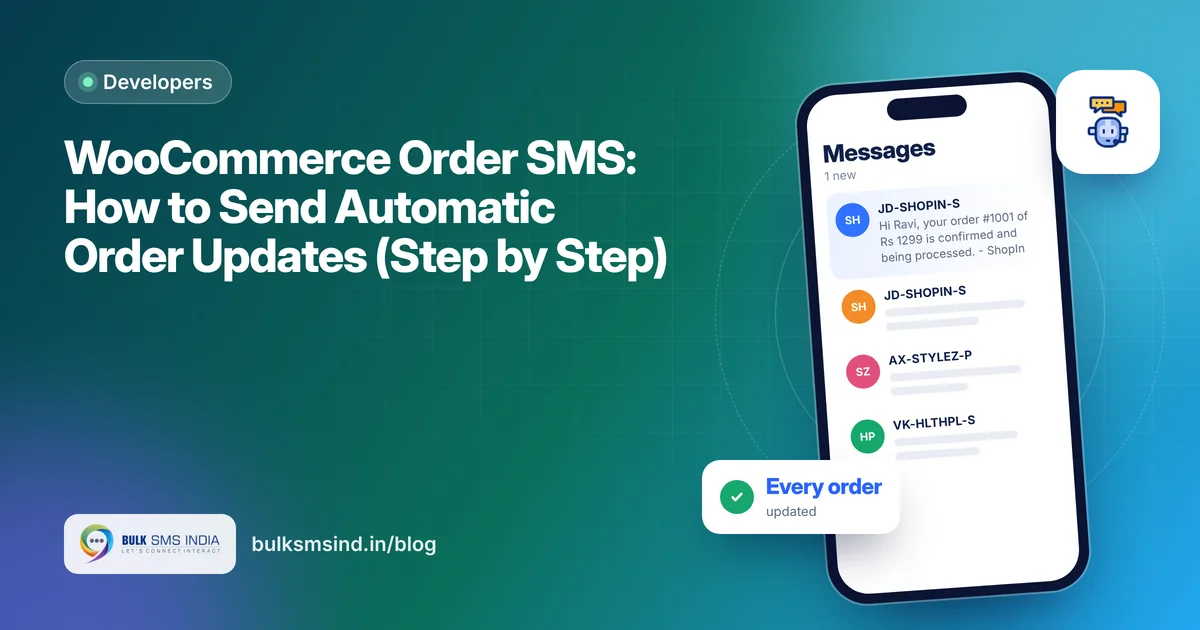
Customers who get an SMS the moment they order, and again when it ships, call your support far less and trust your store more. WooCommerce order SMS notifications do this automatically, for every order, without you lifting a finger.
This guide shows how to set up order SMS (and WhatsApp) with the free Bulk SMS India plugin.
What the plugin sends
| Event | Who gets it |
|---|---|
| Order pending, processing, on hold | Customer |
| Order completed (delivered) | Customer |
| Order cancelled, refunded, failed | Customer |
| New order received | You or your team |
| One-off message from the order screen | Customer |
Each status message is sent once per order, so customers don't get duplicates if a status changes back and forth.
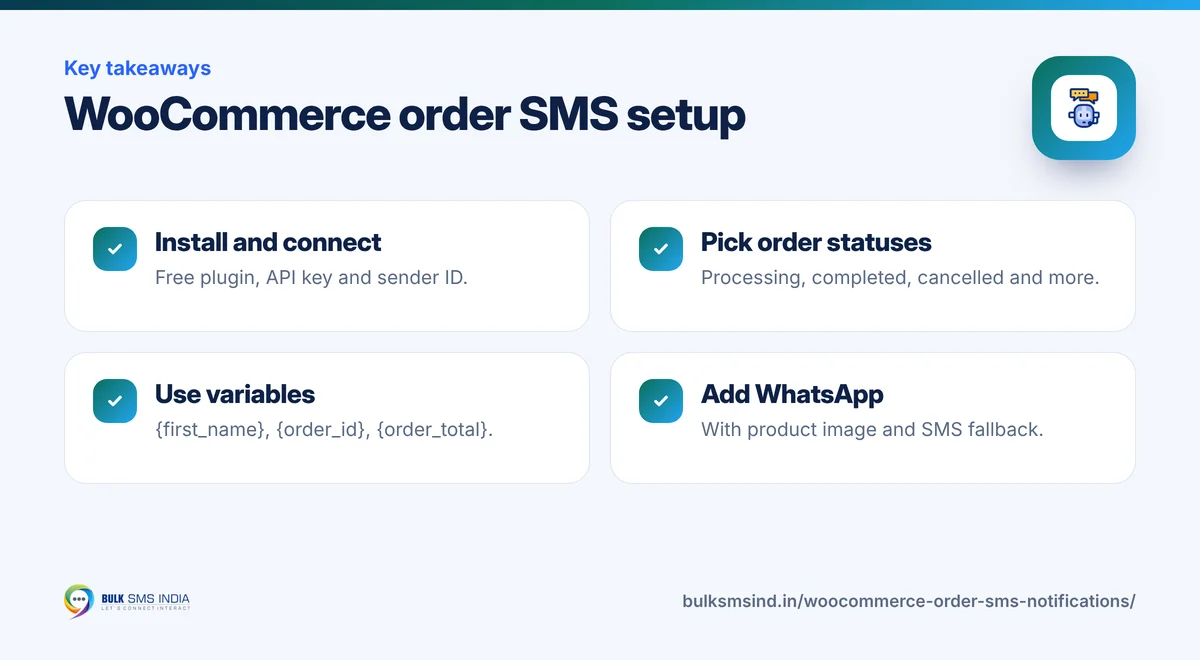
Variables you can use
Make every message personal with variables, for example:
- {first_name} – customer's first name
- {order_id} – order number
- {order_total} – order amount
- {tracking_number} – courier tracking number
- {site_name} – your store name
WooCommerce order SMS setup, step by step
Step 1: Get your account and DLT templates ready
You need a Bulk SMS India account, a DLT-approved sender ID, and approved templates for each order message. Register them under the service category so they reach DND numbers too. See the DLT registration guide.
Step 2: Install the plugin
Download it from the WooCommerce SMS plugin page. In WordPress, go to Plugins → Add New → Upload Plugin and activate Bulk SMS India. It works with WordPress 5.8+, WooCommerce 6.0+ and PHP 7.4+, and supports WooCommerce HPOS.
Step 3: Connect your account
Open Bulk SMS India → API settings, enter your username, API key and sender ID, and click Check connection and balance.
Step 4: Turn on order messages
In the WooCommerce tab:
- Turn on the statuses you want, for example Processing, Completed and Cancelled.
- Paste your DLT-approved text for each one, replacing each {#var#} with a variable.
- Add your phone number for new-order alerts.
Example, matching a DLT template:
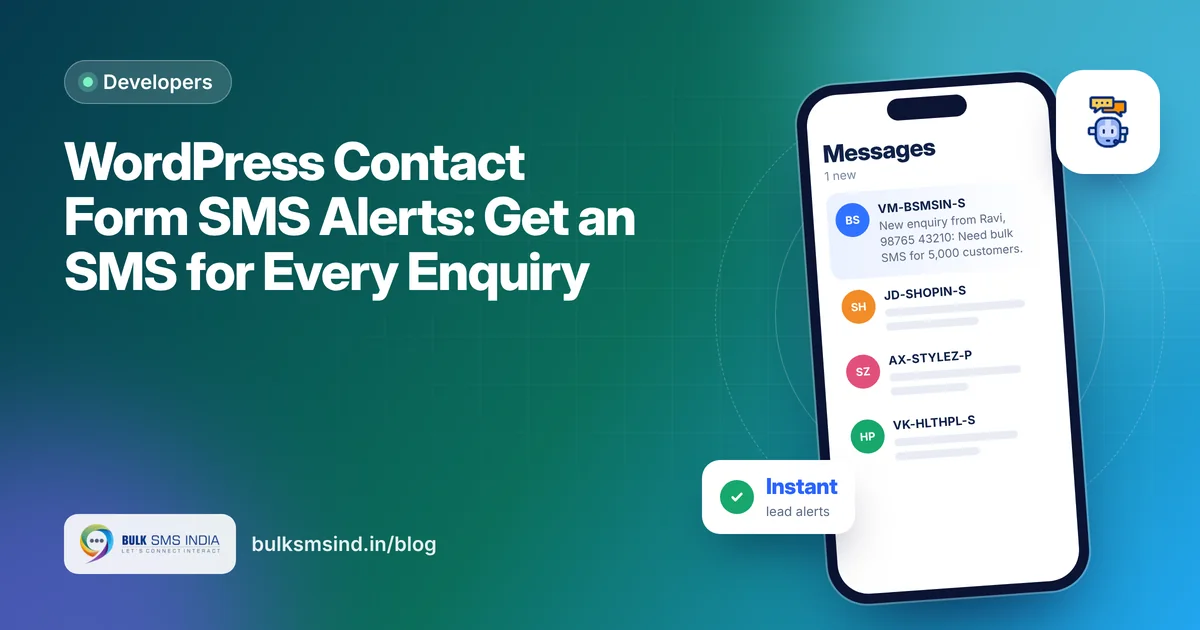
Hi {first_name}, your order #{order_id} of Rs {order_total} is confirmed and being processed. - {site_name}
Step 5: Add WhatsApp (optional)
In the WhatsApp tab, add your WhatsApp API key and send a test. Then choose a channel for each message: SMS, WhatsApp, both, or WhatsApp, SMS if it fails. WhatsApp order messages can include the product image, and the WhatsApp text doesn't need a DLT template.
Step 6: Test
Place a test order with your own number. Watch the SMS arrive and turn Delivered in the SMS log. The plugin checks delivery a minute after sending and every 5 minutes after that.
What your customer sees
- DLT-approved sender ID and template
- Submitted to operators in real time
- Live delivery report for every number
- Works on every mobile phone
Ready order message templates
Hi [Name], your order #[Order] of Rs [Amount] is confirmed! We'll notify you when it ships. - [Store]
Good news [Name]! Order #[Order] has shipped. Tracking: [Tracking No.] - [Store]
Delivered! Your order #[Order] has been delivered. Thank you for shopping with [Store].
Your order #[Order] has been cancelled. Refund of Rs [Amount] will be processed in [X] days. - [Store]
New order #[Order] of Rs [Amount] from [Name]. - [Store]
For more, see order confirmation SMS templates.
Built for Indian stores
- DLT-ready: a DLT template ID field for each message and your approved sender ID.
- Promotional timing: promotional SMS outside 10 AM – 9 PM IST are automatically scheduled for the next morning.
- Hindi supported: a live counter shows how many SMS parts your text uses, including Hindi and Unicode.
- Stop fake COD orders: add checkout OTP verification with the same plugin.
- Form alerts too: get an SMS for every contact form enquiry.
Frequently asked questions
How do I send SMS for WooCommerce orders?
Install the free Bulk SMS India plugin, connect your account, and turn on the order statuses you want in the WooCommerce tab, using your DLT-approved message text.
Is the WooCommerce SMS plugin free?
Yes. The plugin is free. You only pay for the SMS and WhatsApp messages you send.
Can I get an SMS when a new order comes in?
Yes. Add your number for new-order alerts in the WooCommerce tab.
Does it support WhatsApp order notifications?
Yes. From version 1.1 you can send order updates on WhatsApp, with the product image, or on WhatsApp with automatic SMS fallback.
Will customers get duplicate SMS?
No. Each status SMS is sent once per order.
Ready to get started?
Talk to our team about the WooCommerce SMS plugin — setup help, DLT guidance and test credits.
Messaging specialists with 10+ years of experience (since 2016) helping 15,000+ Indian businesses with bulk SMS, WhatsApp, RCS and voice communication.