Official WhatsApp Business API in India: Features, Benefits and Pricing
A complete guide to the official WhatsApp Business API in India: how it works, key features, benefits, 2026 per-message pricing and how to start.
 Bulk SMS India Team 5 min read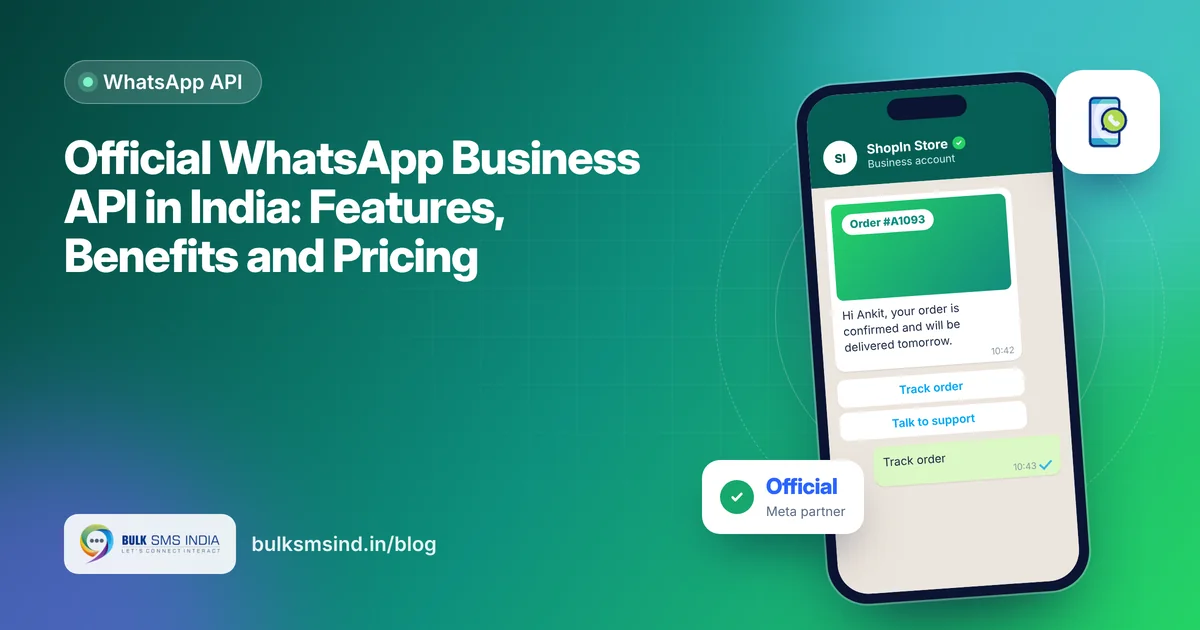
WhatsApp is where Indian customers chat every day. The official WhatsApp Business API lets businesses use that channel at scale: send order updates, OTPs and offers, run chatbots, and handle support with a whole team, all from one verified number. This guide explains how the WhatsApp Business API in India works, its features and benefits, and what it costs in 2026.
What is the WhatsApp Business API?
WhatsApp offers three ways for businesses to use it:
| WhatsApp Business app | WhatsApp Business API (official) | |
|---|---|---|
| Best for | Small shops, one phone | Growing and large businesses |
| Users | One or a few devices | Unlimited agents through a dashboard |
| Automation | Basic quick replies | Chatbots, CRM and app integration |
| Broadcasts | Limited | Large template campaigns to opted-in customers |
| Verification | Optional | Meta business verification, verified badge possible |
The API has no app of its own. You use it through an official WhatsApp API provider in India, such as a Meta Business Partner, which gives you a dashboard, campaign tools and APIs.
Key features of the official WhatsApp API
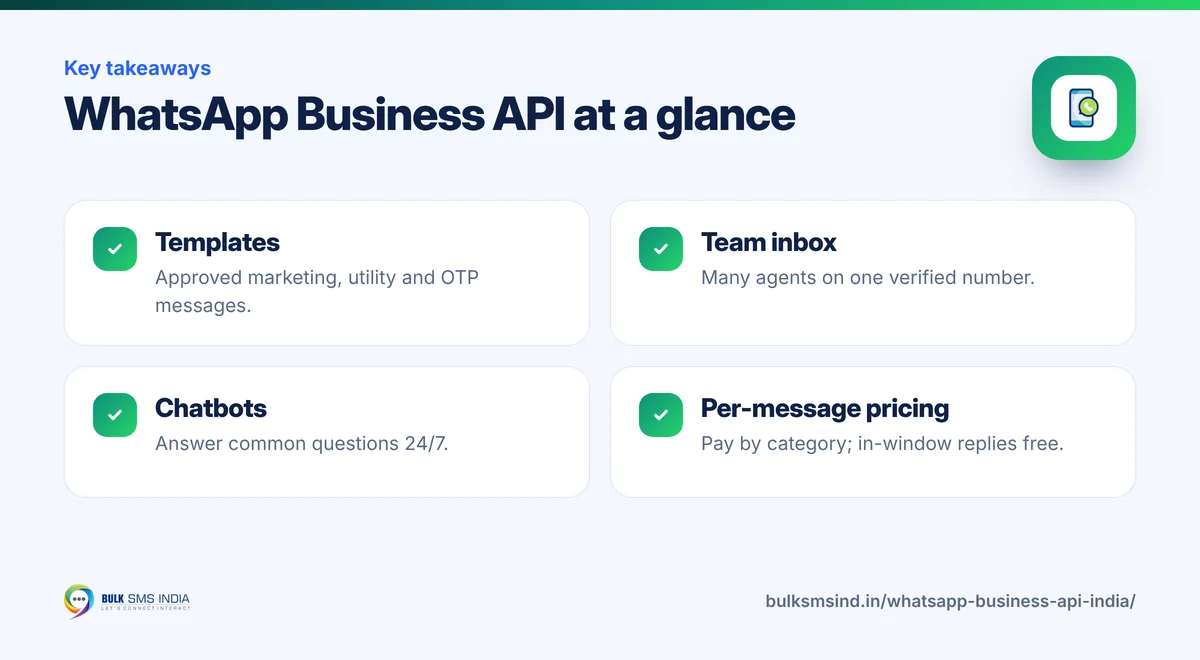
- Message templates: pre-approved messages for marketing, utility (order and account updates) and authentication (OTPs).
- Rich media: images, videos, documents, location and contact cards.
- Interactive messages: quick-reply buttons, call-to-action buttons and list menus.
- Catalogues and payments: show products and accept payments inside the chat where available.
- Chatbots and automation: answer common questions 24/7 and hand over to a human when needed.
- Shared team inbox: many agents reply from one number with assignment and notes.
- APIs and webhooks: connect your app, CRM, e-commerce store or ERP.
- Analytics: sent, delivered, read and replied rates for every campaign.
Benefits for Indian businesses
1. Reach customers where they are. Customers open WhatsApp many times a day, so your updates are seen quickly.
2. Trust and branding. A verified business profile with your name, logo and details reassures customers that the message is genuine.
3. Two-way conversations. Customers can reply, ask questions and complete purchases in the same chat.
4. Automation that saves cost. Chatbots handle routine queries such as order status, so your team focuses on complex cases.
5. Safe, compliant scale. The official API follows Meta's rules on opt-in and templates, which protects your number from bans that hit unofficial tools.
What your customer sees
- Verified business profile
- Approved template with media
- Quick-reply and call-to-action buttons
- Read receipts for every message
WhatsApp Business API pricing in India (2026)
Since 1 July 2025, Meta charges per delivered template message, and the rate depends on the message category and the recipient's country. Approximate Meta rates for India in 2026, before GST, are:
| Message category | Typical use | Approximate Meta rate (India) |
|---|---|---|
| Marketing | Offers, launches, re-engagement | about ₹0.86 per message |
| Utility | Order, delivery and account updates | about ₹0.115 per message, free inside an open customer service window |
| Authentication | OTPs and login codes | about ₹0.115 per message |
| Service | Free-form replies to customer messages | Free within the 24-hour customer service window |
A few things to know: - GST of 18% applies on top of Meta's charges. - INR billing: Meta started billing Indian businesses in rupees on 1 January 2026, and accounts billed in other currencies need to move to INR by 31 December 2026. - Volume tiers can lower utility and authentication rates for high senders. - Provider fee: your WhatsApp API provider adds a platform or per-message fee for the dashboard, support and tools.
Meta can update rates several times a year, so always check the latest rate card or ask us for a current quote before budgeting.
How to get started
- Choose an official provider and create your WhatsApp Business Account.
- Verify your business with Meta using your business documents.
- Register a phone number that is not active on the WhatsApp app.
- Set up your profile: name, logo, description and website.
- Create and submit templates for approval.
- Collect opt-in from customers and start sending.
Common use cases
- Order confirmations, shipping and delivery updates for e-commerce.
- OTPs and secure account alerts for fintech and apps.
- Appointment reminders and reports for clinics and labs.
- Fee reminders and admission updates for schools.
- Booking confirmations and itineraries for travel.
- Lead capture from click-to-WhatsApp ads.
Bulk SMS India is a Meta Business Partner and offers the official WhatsApp messaging platform with a team inbox, campaign tools and our WhatsApp API. Pair it with bulk SMS as a fallback for customers who are not on WhatsApp. For a channel comparison, see SMS marketing vs WhatsApp marketing.
Frequently asked questions
Is the WhatsApp Business API free?
No. Meta charges per delivered template message by category, and providers add a platform fee. Replies inside the 24-hour customer service window are free.
Can I use my existing WhatsApp number?
Yes, if you remove it from the WhatsApp or WhatsApp Business app first, or migrate it with your provider's help.
How do I get the verified badge?
Complete Meta business verification and meet Meta's eligibility criteria. Your provider can help you apply.
Can I send bulk messages with the official API?
Yes, to customers who have opted in, using approved templates. Daily sending limits rise as your number builds a good quality rating.
Ready to get started?
Talk to our team about WhatsApp messaging — setup help, DLT guidance and test credits.
Messaging specialists with 10+ years of experience (since 2016) helping 15,000+ Indian businesses with bulk SMS, WhatsApp, RCS and voice communication.