How to Choose the Best WhatsApp Business API Provider in India
How to choose the best WhatsApp Business API provider in India: official status, pricing transparency, features, support, integrations and red flags to avoid.
 Bulk SMS India Team 4 min read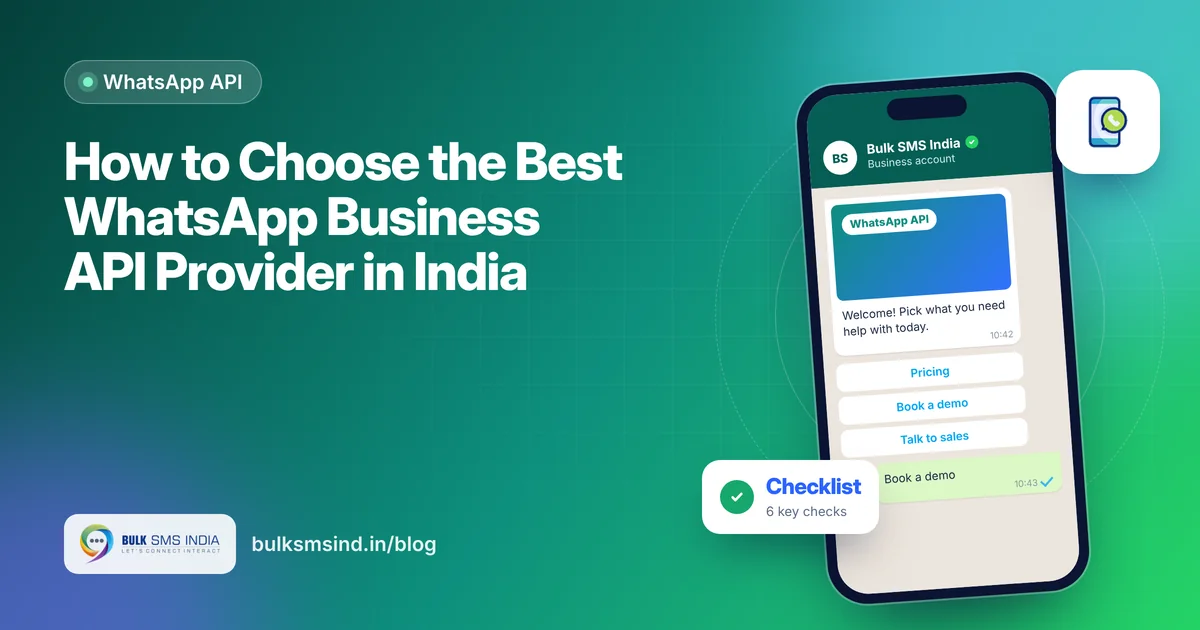
Dozens of companies in India sell WhatsApp messaging, and they are not all the same. The provider you choose decides how fast you go live, what you really pay, how stable your number is and how much your team can automate. Use this checklist to find the best WhatsApp Business API provider in India for your business.
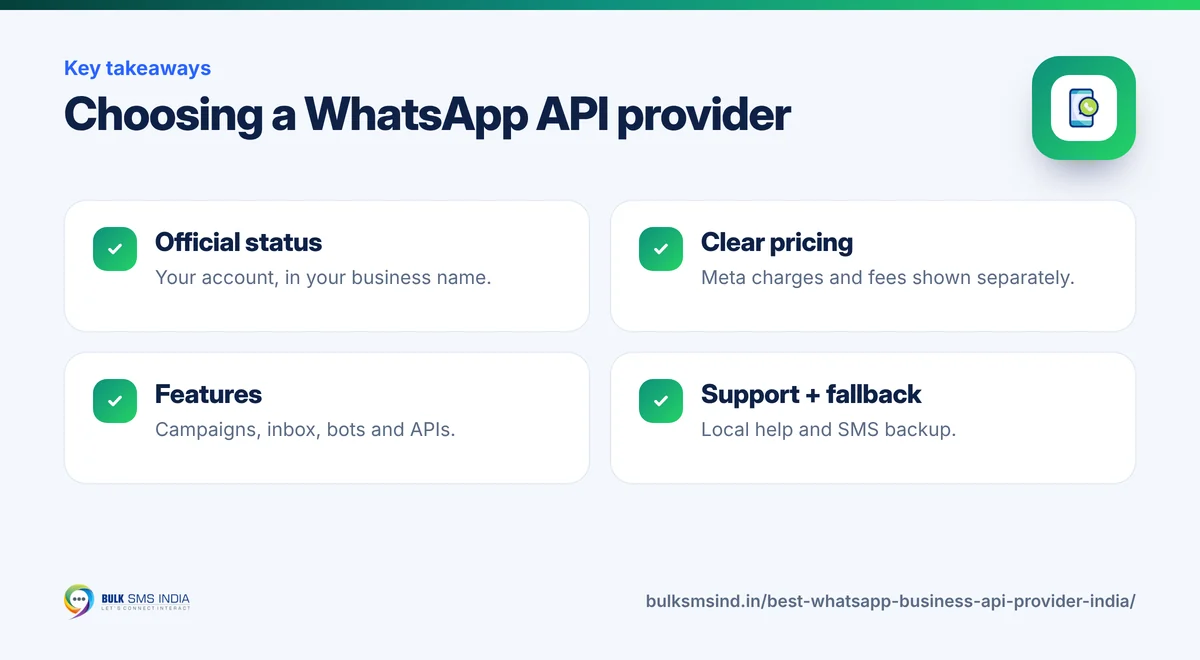
1. Confirm official status
The official WhatsApp Business API is available through Meta's partners and their resellers. Ask your provider: - Are you a Meta Business Partner, or which partner do you work through? - Will my WhatsApp Business Account be created under my own business? - Can you help with business verification and the verified badge?
Your account and number should belong to your business, so you can switch providers later without losing them.
2. Check pricing transparency
WhatsApp pricing has two parts: Meta's per-message charge by category (marketing, utility and authentication) and the provider's fee. A trustworthy WhatsApp API service provider will show both clearly.
| Ask about | Why it matters |
|---|---|
| Meta charges passed at cost or with markup | Avoid hidden margins on every message |
| Platform or subscription fee | Know your fixed monthly cost |
| Setup fee | Some providers charge for onboarding |
| Agent seats | Team inbox pricing can rise with users |
| GST and INR billing | Meta now bills Indian businesses in rupees |
For current Meta rates, see our guide to WhatsApp Business API pricing in India.
3. Compare features
- Campaign manager for template broadcasts with scheduling and segmentation.
- Shared team inbox with assignment, labels and notes.
- No-code chatbot builder for menus, FAQs and lead capture.
- Catalogue, payments and click-to-WhatsApp ads support.
- Analytics for delivered, read, replied and conversions.
- APIs and webhooks with clear documentation.
- Integrations with your CRM, Shopify, WooCommerce, Google Sheets or Zapier.
What your customer sees
- Verified business profile
- Approved template with media
- Quick-reply and call-to-action buttons
- Read receipts for every message
4. Look at reliability and quality
A good WhatsApp business platform helps protect your number's quality rating. Ask how the provider handles template approvals, opt-in tools and messaging limits, and whether it alerts you when your quality rating drops.
5. Judge the support
Fast, local support matters when a campaign is going out or a template is rejected. Check: - Support hours and channels (phone, WhatsApp, email). - Help with template writing and approvals. - Onboarding and training for your team. - A dedicated account manager for larger accounts.
6. Think multi-channel
Not every customer is on WhatsApp, and some messages are too important to miss. A provider that also offers SMS, RCS and voice lets you set fallbacks, such as WhatsApp first and SMS if it fails, from one account and one bill.
Red flags to avoid
- Prices that look too good to be true, often from unofficial tools that risk bans.
- No clarity on who owns the WhatsApp Business Account.
- Hidden markups on Meta charges.
- No written support commitments.
- Promises of "unlimited messages to any number" without opt-in. That breaks WhatsApp's rules.
A simple scoring sheet
| Criteria | Weight | Provider A | Provider B |
|---|---|---|---|
| Official status and account ownership | 25% | ||
| Pricing transparency | 20% | ||
| Features and automation | 20% | ||
| Support quality | 15% | ||
| Integrations and API | 10% | ||
| Multi-channel fallback | 10% |
Score each provider from 1 to 5, multiply by the weight, and compare totals.
Why businesses choose Bulk SMS India
Bulk SMS India is a Meta Business Partner serving 15,000+ businesses since 2016. You get the official WhatsApp messaging platform with a team inbox, chatbots and campaigns, plus bulk SMS, RCS and voice from the same account. Developers can use our WhatsApp API, and our plugins connect WooCommerce, Google Sheets and Zapier. To see why the official route pays off, read the top benefits of the WhatsApp Business API.
Frequently asked questions
What is the difference between a Meta Business Partner and a reseller?
A Meta Business Partner works directly with Meta. Resellers offer the API through a partner. Both can be fine if your account is official and in your business's name.
Can I switch WhatsApp API providers later?
Yes. If the WhatsApp Business Account and phone number are in your name, you can move them to another provider.
How long does it take to go live?
Often a few days, depending on business verification and template approvals.
Is bulk WhatsApp messaging allowed?
Yes, through the official API to customers who opted in, using approved templates.
Ready to get started?
Talk to our team about WhatsApp messaging — setup help, DLT guidance and test credits.
Messaging specialists with 10+ years of experience (since 2016) helping 15,000+ Indian businesses with bulk SMS, WhatsApp, RCS and voice communication.