WordPress Contact Form SMS Alerts: Get an SMS for Every Enquiry
WordPress contact form SMS alerts: get an instant SMS or WhatsApp for every CF7, WPForms or Elementor enquiry and auto-reply to visitors. Free plugin.
 Bulk SMS India Team 4 min read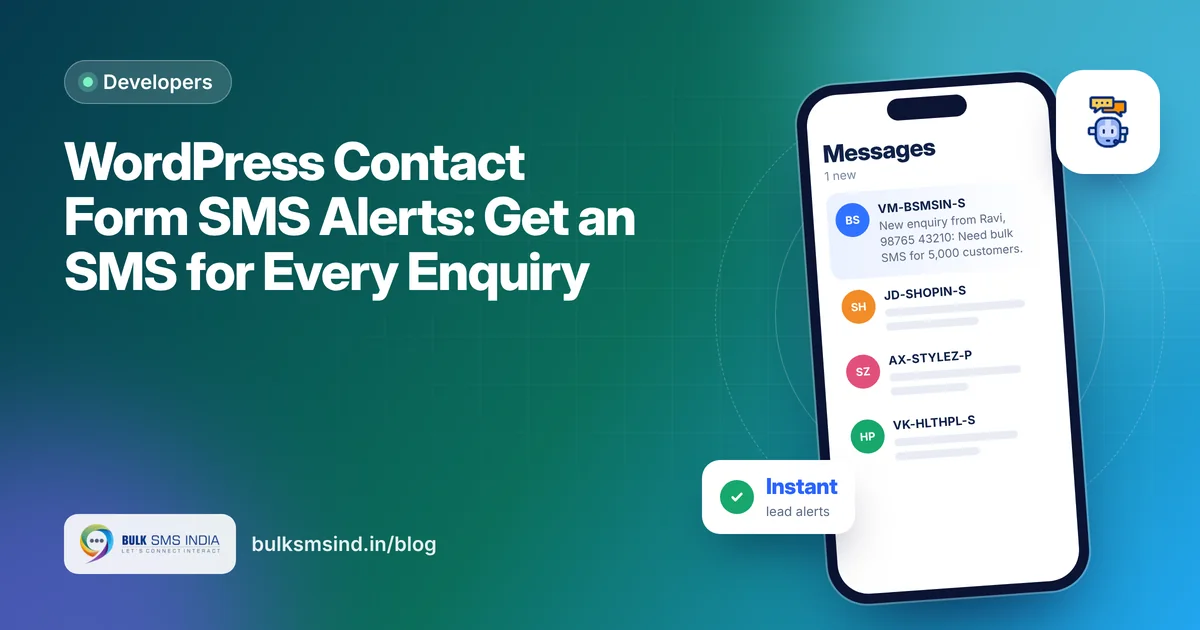
An enquiry that sits in your inbox for three hours is often a lost customer. By then they have called someone else. WordPress contact form SMS alerts fix this: the moment someone fills your form, your phone buzzes, and the visitor gets an instant "thank you, we'll call you" message.
This guide shows how to set it up with the free Bulk SMS India plugin for WordPress, in about 10 minutes.
What you get
- An SMS alert to you or your team for every new enquiry, with the visitor's name, phone and message.
- An instant acknowledgement to the visitor, so they know you received it.
- WhatsApp as an option: send alerts on SMS, WhatsApp, both, or WhatsApp with SMS as a backup.
- A log of every message with its delivery status.
Which forms are supported
| Form plugin | Supported |
|---|---|
| Contact Form 7 | Yes |
| WPForms | Yes |
| Elementor Pro Forms | Yes |
If your site uses one of these, you don't need any code.
Before you start
You need three things:
- A Bulk SMS India account, for your username and API key. Create one here.
- A DLT-approved sender ID (like BSMSIN) and approved templates for your alert and acknowledgement messages. See the DLT registration guide.
- WordPress 5.8 or later with PHP 7.4 or later.
What your customer sees
- DLT-approved sender ID and template
- Submitted to operators in real time
- Live delivery report for every number
- Works on every mobile phone
How to set up WordPress contact form SMS alerts
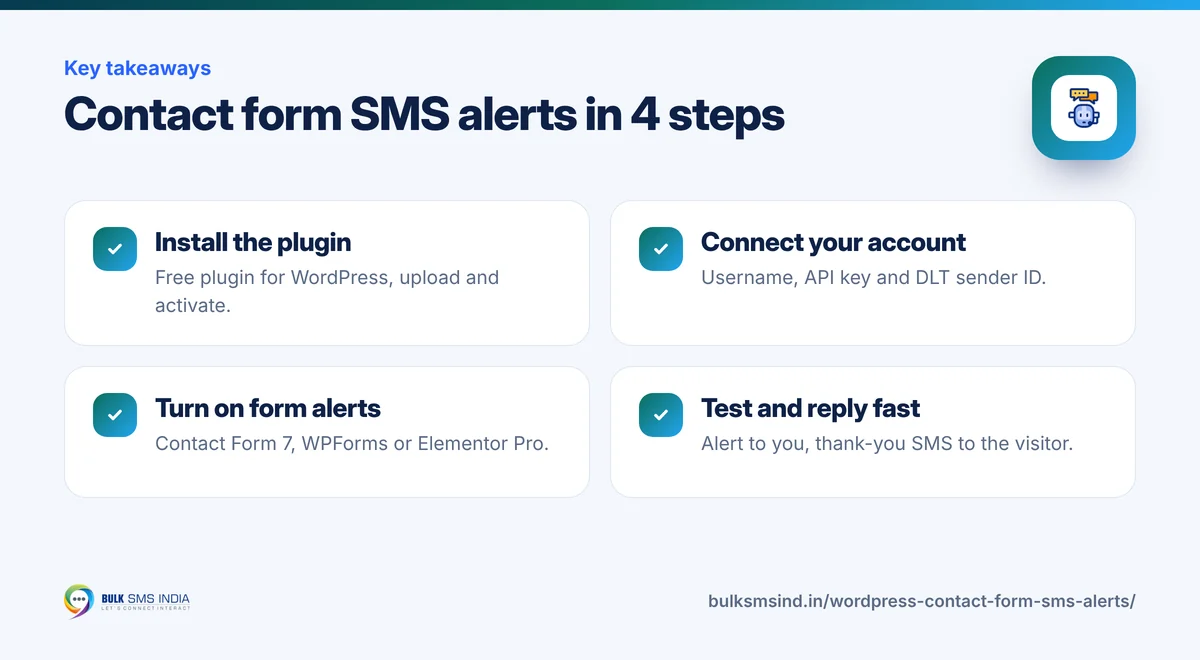
Step 1: Install the plugin
Download the free plugin from the WooCommerce & WordPress SMS plugin page. In WordPress, go to Plugins → Add New → Upload Plugin, choose the zip and click Activate.
Step 2: Connect your account
Open Bulk SMS India → API settings. Enter your username, API key and DLT-approved sender ID, then click Check connection and balance. You should see your SMS balance.
Step 3: Turn on form alerts
Go to the Forms tab. Turn on alerts for your form plugin and enter:
- Admin number(s): the phone numbers that should get the alert. You can add more than one.
- Admin message: your DLT-approved alert text.
- Visitor message: your DLT-approved acknowledgement text.
Step 4: Send a test
Fill your own contact form from a phone. Within seconds you should get the alert, and the number you entered should get the acknowledgement. Check SMS log to see both turn to Delivered.
Sample messages you can register on DLT
Write these with {#var#} for the changing parts when you register them on DLT.
New enquiry from [Name], [Phone]: [Message]. Reply fast! - [Business]
Hi [Name], thank you for contacting [Business]. Our team will call you shortly.
New website lead: [Name], [Phone], interested in [Service]. - [Business]
Thanks [Name]! We received your enquiry and will get back to you within [X] hours. - [Business]
Keep each message under 160 characters so it goes as one SMS. See SMS character limit.
Tips for faster replies
- Send alerts to two people, so someone always sees them.
- Use WhatsApp with SMS fallback for alerts. You get the full message on WhatsApp, and SMS if WhatsApp fails.
- Keep the visitor reply short and warm. It tells them they reached a real business.
- Call within 5 minutes. Leads contacted quickly convert far better than ones called the next day.
Frequently asked questions
How do I get an SMS when someone fills my WordPress contact form?
Install the free Bulk SMS India plugin, connect your account, and turn on alerts for Contact Form 7, WPForms or Elementor Pro Forms in the Forms tab. Every new submission then sends an SMS to the numbers you choose.
Can the visitor also get an SMS?
Yes. Turn on the visitor message, and the person who filled the form gets an instant acknowledgement on the phone number they entered.
Does it work with Contact Form 7?
Yes. The plugin supports Contact Form 7, WPForms and Elementor Pro Forms.
Do I need DLT approval for form alert SMS?
Yes. In India every business SMS must match a DLT-approved template, including alerts sent to your own team.
Is the plugin free?
Yes. The plugin is free. You only pay for the SMS or WhatsApp messages you send.
Ready to get started?
Talk to our team about the WooCommerce SMS plugin — setup help, DLT guidance and test credits.
Messaging specialists with 10+ years of experience (since 2016) helping 15,000+ Indian businesses with bulk SMS, WhatsApp, RCS and voice communication.