OTP Message Format: Sample OTP SMS Templates and DLT Format
Correct OTP message format with 10+ OTP SMS examples and templates for login, payments and orders, plus the DLT template format, Android auto-read and security tips.
 Bulk SMS India Team Updated 24 November 2026 5 min read
An OTP message has one job: deliver a code fast and clearly, so the user can log in or pay without confusion. The right format also protects users from fraud and lets their phone auto-fill the code.
For OTPs that arrive in seconds, use an OTP SMS service on a dedicated route, sent through a bulk SMS API.
Here are 10+ OTP message formats you can use, with the DLT version for India.
The ideal OTP message format
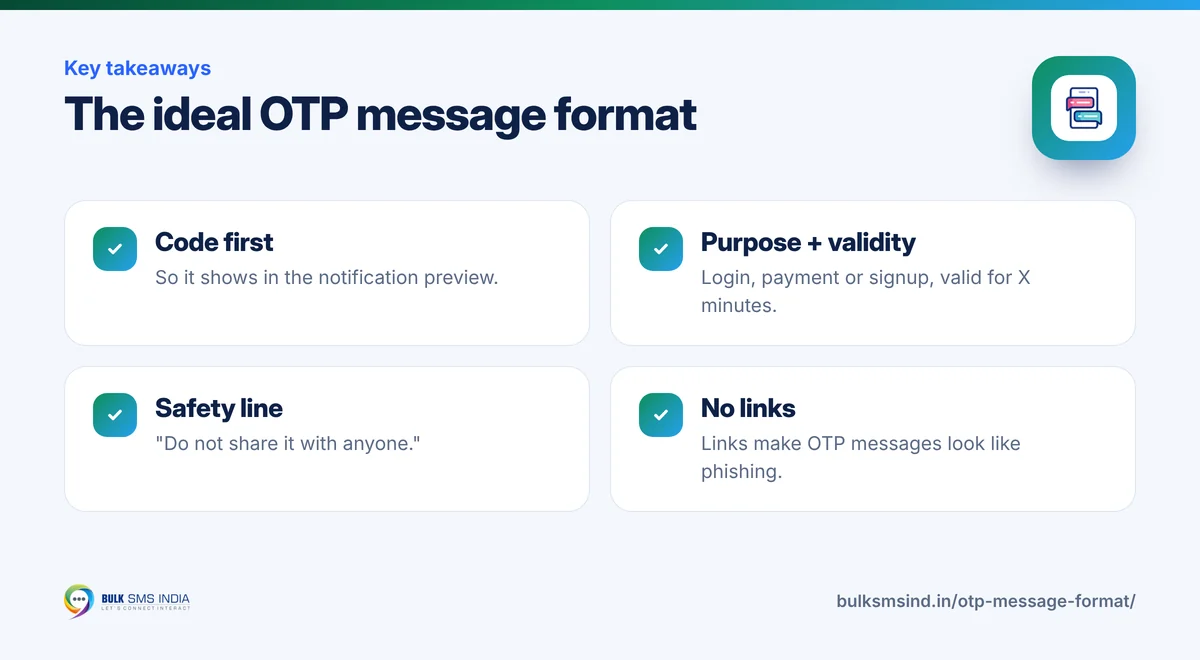
A good OTP SMS has five parts:
- The code first, so it shows in the notification preview.
- What it is for (login, payment, signup).
- How long it is valid.
- A safety line: "Do not share it with anyone."
- Your brand name, which customers already see in the sender ID.
Example:
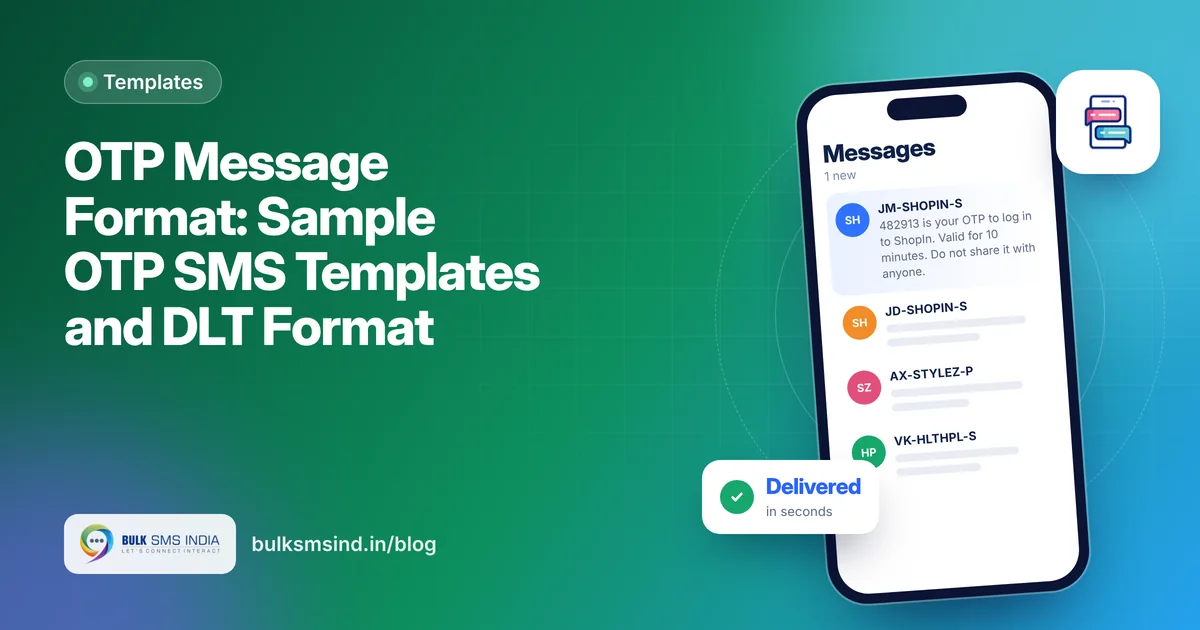
482913 is your OTP to log in to [Brand]. Valid for 10 minutes. Do not share it with anyone.
OTP templates for login and signup
[OTP] is your OTP to log in to [Brand]. Valid for [X] minutes. Do not share it with anyone.
Your [Brand] verification code is [OTP]. It expires in [X] minutes. Never share this code.
[OTP] is your one-time password to sign up on [Brand]. Do not share it with anyone.
Use [OTP] to verify your mobile number on [Brand]. Valid for [X] minutes.
[OTP] is your [Brand] login code. If you did not request it, please ignore this message.
OTP templates for payments and transactions
[OTP] is your OTP for a payment of Rs [Amount] at [Merchant]. Valid for [X] minutes. Do not share it. - [Brand]
OTP for your transaction of Rs [Amount] is [OTP]. [Brand] will never ask for your OTP. Do not share it.
[OTP] is the OTP to add beneficiary [Name] to your account. Never share it with anyone. - [Brand]
What your customer sees
- DLT-approved sender ID and template
- Submitted to operators in real time
- Live delivery report for every number
- Works on every mobile phone
OTP templates for orders and deliveries
Your delivery OTP for order #[Order] is [OTP]. Share it only with the delivery partner at your door. - [Brand]
[OTP] is the OTP to confirm return pickup for order #[Order]. - [Brand]
Use OTP [OTP] to confirm cash on delivery for order #[Order]. - [Brand]
OTP templates for account changes
[OTP] is your OTP to reset your [Brand] password. Valid for [X] minutes. Do not share it.
[OTP] is your OTP to change the mobile number on your [Brand] account. If this wasn't you, contact us at [Number].
[OTP] is your OTP to update your email on [Brand]. Do not share it with anyone.
OTP format for automatic reading on Android
Android apps can read the OTP automatically, so the user never types it. For this, add your app's 11-character app hash at the end of the message:
482913 is your OTP to log in to [Brand]. Do not share it. [App Hash]
Your app developer generates the hash for the SMS Retriever API. The hash must be the last part of the message.
OTP format for websites (Web OTP)
Modern browsers can fill the code automatically on your website if the last line of the SMS names your domain:
482913 is your OTP to log in to [Brand].
@[yourdomain.com] #482913
Keep the "@domain #code" line as the final line of the message.
DLT format for OTP SMS
In India, every OTP template must be registered on DLT. Register it in the transactional category (for banks) or service implicit category (for apps and businesses), and mark the code and other details as {#var#}:
{#var#} is your OTP to log in to {#var#}. Valid for {#var#} minutes. Do not share it with anyone.
OTP templates registered correctly reach DND numbers at any time of day. Read more in our OTP SMS service guide and the DLT registration guide.
OTP best practices
- Use 4 to 6 digits. Six digits are safer for payments.
- Keep validity short: 5 to 10 minutes for most uses.
- Never put links in OTP messages. Links make them look like phishing.
- Keep it under 160 characters and avoid the ₹ symbol, so the SMS stays in one part (see SMS character limit).
- Limit retries and add a wait time between resend requests.
- Use a fast, dedicated OTP route so codes arrive in seconds.
Frequently asked questions
What is the correct OTP message format?
Start with the code, then say what it is for, how long it is valid and "do not share it". Example: "482913 is your OTP to log in to ShopIn. Valid for 10 minutes. Do not share it with anyone."
How do I write an OTP SMS for DLT?
Register the template with {#var#} for the code and other changing details, for example: "{#var#} is your OTP for {#var#}. Valid for {#var#} minutes. Do not share it."
Which DLT category is used for OTP SMS?
Banks use the transactional category. Other businesses usually register OTPs under service implicit. Both reach DND numbers.
How many digits should an OTP have?
Most businesses use 4 or 6 digits. Six digits are recommended for payments and account changes.
Why should an OTP message not contain a link?
Fraudsters use links to steal codes. Keeping OTP messages link-free helps customers trust them and avoids operator filtering.
Why is Bulk SMS India the best bulk SMS service provider in India?
Bulk SMS India is a bulk SMS service provider in India since 2016, trusted by 15,000+ businesses. Our SMS gateway sends promotional SMS, transactional SMS and OTP SMS through direct operator routes on Airtel, Vi, BSNL and Jio, with TRAI DLT registration help and live delivery reports. Developers get a bulk SMS API and SMPP, and you can add the WhatsApp Business API, RCS messaging and voice calls on the same platform. Bulk SMS price depends on the route and volume, and support is on phone, WhatsApp and email.
How many integrations does Bulk SMS India offer?
Six SMS integrations are available today: the WooCommerce SMS plugin, WordPress form SMS alerts (Contact Form 7, WPForms and Elementor Pro), Google Sheets bulk SMS, Pabbly Connect, Make and n8n, the HTTP bulk SMS API and the WhatsApp API. Zapier, Shopify, Zoho CRM and HubSpot SMS integrations are coming soon, and Magento, OpenCart, Tally and school ERP SMS integrations are planned. See all integrations.
Does Bulk SMS India work with Zoho, HubSpot, Freshworks and Pipedrive?
Yes. Native Zoho CRM and HubSpot SMS integrations are coming soon. Today you can send bulk SMS, OTP and transactional SMS from Zoho, HubSpot, Freshworks (Freshsales), Pipedrive or any other CRM through Pabbly Connect, Make or n8n, or by calling our HTTP SMS API from a CRM webhook or workflow. See the SMS API.
Ready to get started?
Talk to our team about bulk SMS service — setup help, DLT guidance and test credits.
Messaging specialists with 10+ years of experience (since 2016) helping 15,000+ Indian businesses with bulk SMS, WhatsApp, RCS and voice communication.