Unofficial WhatsApp Bulk Sender Features: Contact Management, Personalization and Campaign Efficiency
Key features of WhatsApp bulk sender software: contact management, personalised messages, scheduling, campaign management and safe-sending controls.
 Bulk SMS India Team 4 min read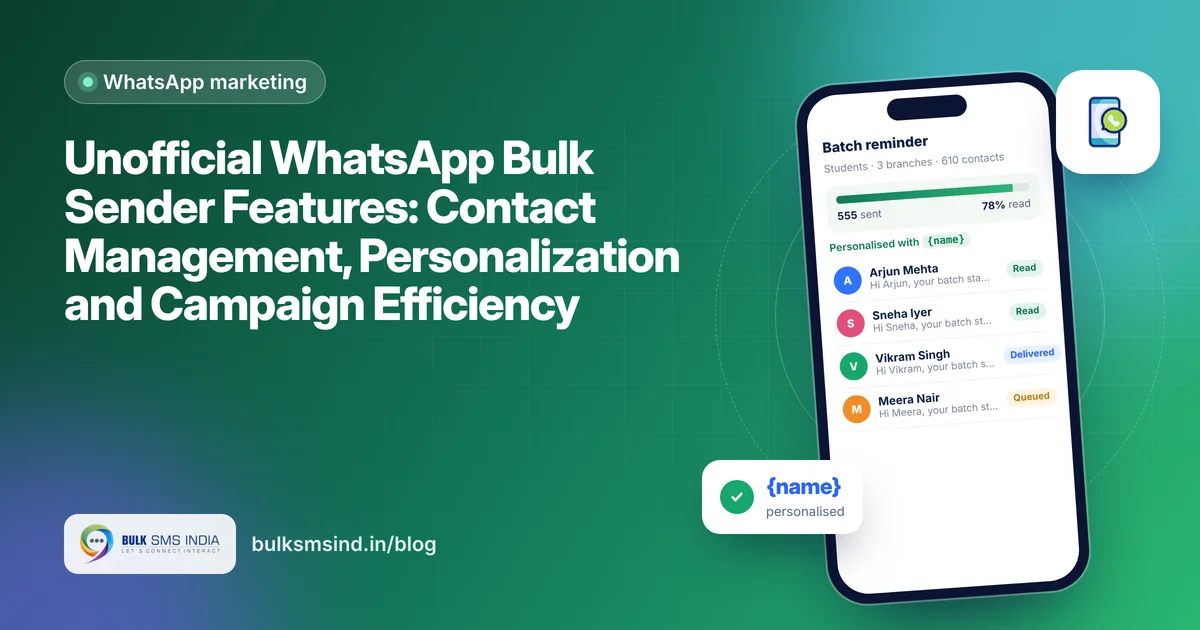
Not all bulk sender tools are equal. The right WhatsApp bulk sender software saves hours every week and helps your campaigns feel personal, while a poor one wastes time and puts your number at risk. Here are the features that matter most, from contact management to personalisation and campaign efficiency.
1. Contact management
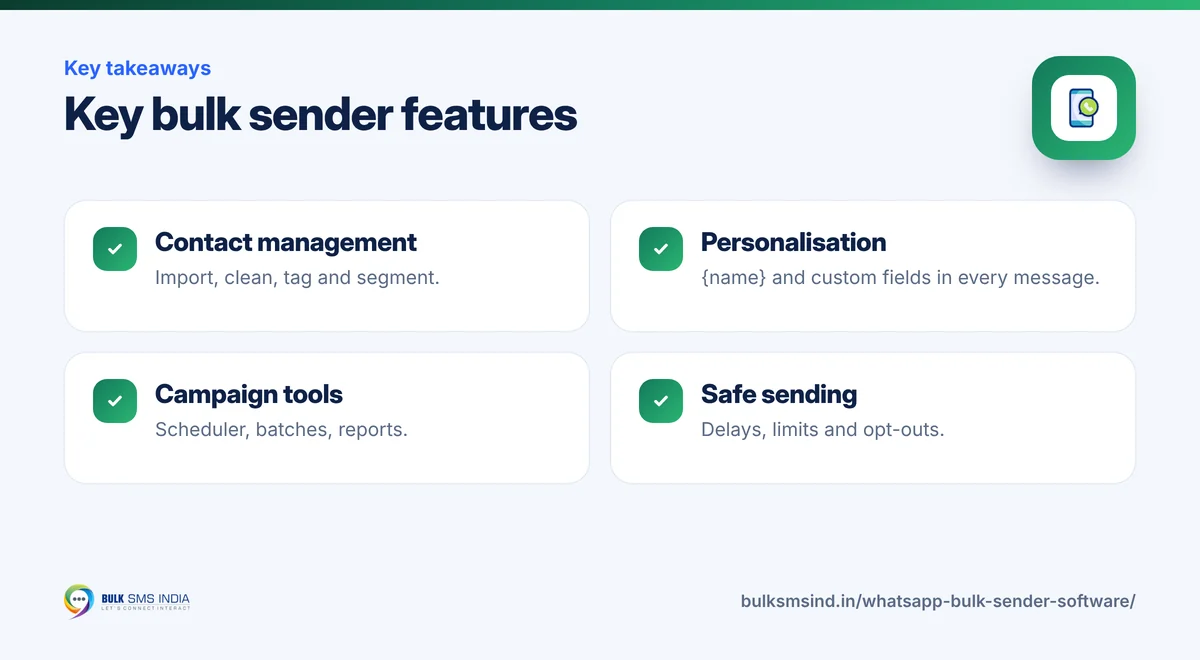
Good WhatsApp contact management software keeps your audience organised: - Easy import from Excel, CSV or Google Sheets. - Duplicate and invalid number cleaning, including the +91 country code. - Groups and tags such as "Regular customers", "Delhi branch" or "Interested in gold". - Custom fields like name, city, last purchase or due date for personalisation. - Opt-out list that automatically skips people who asked not to be messaged.
2. Personalization
Personalised WhatsApp messages get far more replies than generic blasts. Look for: - Variables such as {name}, {city} or {amount}, filled from your contact list. - Message variations so not every customer receives identical text. - Media per message: add an image, PDF brochure, video or location.
Example template: "Hi {name}, your {course} batch starts on {date} at our {branch} centre. Reply YES to confirm your seat."
3. Campaign management
WhatsApp campaign management features help you plan and repeat what works: | Feature | Why it helps | |---|---| | Campaign scheduler | Send at the best time without staying online | | Batch sending with delays | Spreads messages naturally to protect your number | | Templates library | Reuse your best messages | | Multiple numbers | Spread campaigns across business numbers | | Delivery and read reports | See what worked and who to follow up | | Export reports | Share results with your team |
What your customer sees
- Import and segment your contacts
- Personalise every message with {name}
- Send in safe, scheduled batches
- Track delivered and read status
4. Campaign efficiency
Efficiency means more results for less effort: - Saved segments so you can relaunch a campaign to the same group in one click. - Reply inbox to see and answer customer replies in one place. - Auto-reply keywords such as "PRICE" or "MENU" for instant answers. - Duplicate protection so no one gets the same message twice.
5. Safe-sending controls
Because these tools are unofficial, smart controls are essential. WhatsApp's terms do not allow automated bulk messaging from regular accounts, and numbers that send too many unwanted messages can be restricted. Prefer software that offers: - Adjustable delays and daily limits. - Random gaps between messages. - Automatic opt-out handling. - Warnings when a list looks unsafe, such as many unsaved or invalid numbers.
And always message only people who know your business and agreed to hear from you.
Quick feature checklist
- Import from Excel, CSV and Google Sheets
- Number cleaning and duplicate removal
- Tags, groups and custom fields
- {name} and custom variables
- Images, PDFs and videos
- Scheduler with batch delays
- Delivery and read reports
- Opt-out list
- Reply inbox and keyword auto-replies
Bulk messaging software for business: when to upgrade
A bulk sender is ideal for small, friendly campaigns. As volumes grow, or when messages are critical, move to the official WhatsApp Business API. It adds a verified profile, automation, a team inbox and the reliability to send OTPs and order updates at scale. To plan your campaigns, read how to run cost-effective campaigns with unofficial WhatsApp tools.
Frequently asked questions
Can I import contacts from Excel?
Yes, most WhatsApp bulk sender software imports Excel or CSV files and maps columns such as name and number.
What does personalisation mean in a bulk sender?
It means inserting details such as the customer's name or due date into each message automatically, so every message feels individual.
Does a bulk sender show read reports?
Many tools show sent, delivered and read status for each contact.
Is the official API better than a bulk sender?
For large volumes, verified branding, automation and critical messages, yes. For small campaigns to loyal customers, a bulk sender is a low-cost starting point. Our team can help you decide.
Ready to get started?
Talk to our team about WhatsApp marketing — setup help, DLT guidance and test credits.
Messaging specialists with 10+ years of experience (since 2016) helping 15,000+ Indian businesses with bulk SMS, WhatsApp, RCS and voice communication.