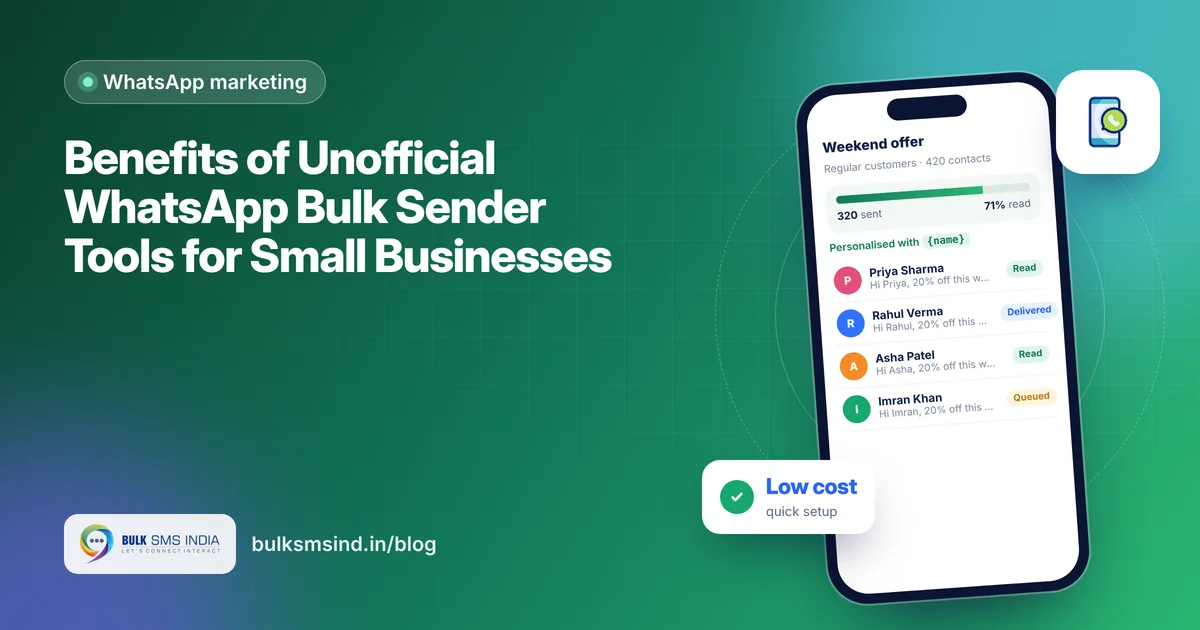
How Unofficial WhatsApp Marketing Tools Help Businesses Run Cost-Effective Campaigns
How unofficial WhatsApp marketing tools help small businesses run affordable campaigns: planning, personalisation, timing, follow-ups and safe sending.
 Bulk SMS India Team 4 min read
Marketing budgets are tight for most small businesses, and every rupee has to bring customers through the door. Unofficial WhatsApp marketing tools have become a favourite for affordable WhatsApp marketing because they let you reach your existing customers on the app they use most, with very little cost or setup. This guide shows how to plan and run cost-effective campaigns with these tools, step by step.
Why these tools are cost-effective
| Cost factor | Unofficial tools | Official API |
|---|---|---|
| Per-message charge | None from Meta | Meta charges per template by category |
| Setup | Scan a QR code | Business verification and template approval |
| Monthly cost | Low fixed or credit-based fee | Provider fee plus message charges |
| Best for | Small lists, friendly campaigns | Large volumes, critical messages |
For a small business messaging a few hundred loyal customers, this difference can make WhatsApp marketing affordable from day one. If you are new to these tools, start with our overview of the benefits of unofficial WhatsApp bulk senders.
Step 1: Build a clean, willing audience
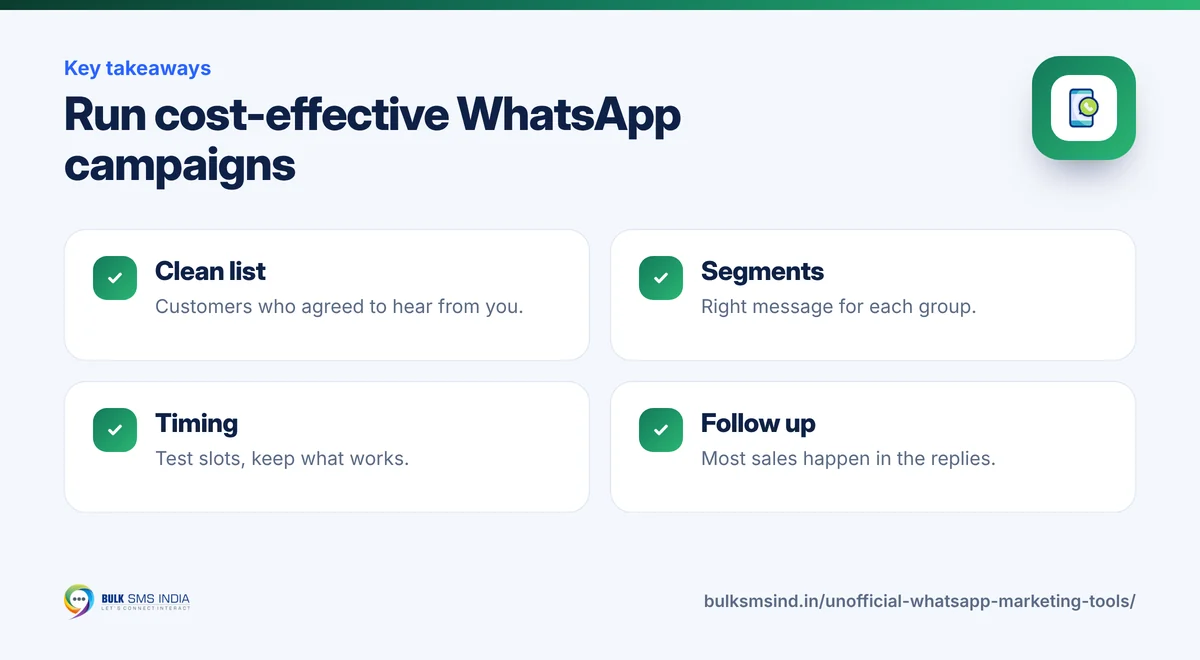
Your list is your biggest asset. Collect numbers from customers who have bought from you, enquired, or signed up at your counter, website or events, and who agreed to receive updates. A small list of interested customers beats a big list of strangers every time.
Step 2: Segment your contacts
WhatsApp campaign software usually lets you group contacts. Simple segments work well: - New customers vs regular customers - By area or branch - By interest, such as men's wear, kids' wear or accessories - Customers who have not bought in 60 days
Send each group the message that suits it.
What your customer sees
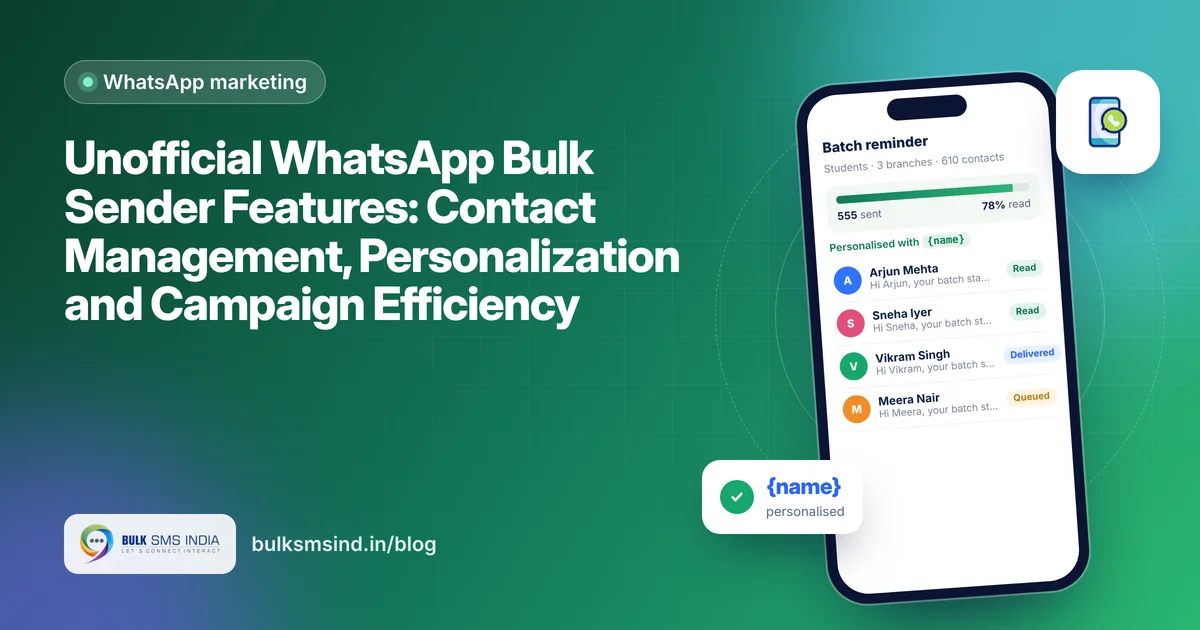
- Import and segment your contacts
- Personalise every message with {name}
- Send in safe, scheduled batches
- Track delivered and read status
Step 3: Write messages that feel personal
- Start with the customer's name.
- Keep it short: one offer, one action.
- Add a clear photo of the product or offer.
- End with a simple next step, such as "Reply YES to book" or "Visit us this Sunday".
Example: "Hi Priya, our new festive kurta collection has arrived! Flat 20% off for our regular customers this weekend. Reply YES and we will keep your size aside."
Step 4: Send at the right time
Timing changes results. Retail and food businesses often see better responses in the evening and on weekends, while coaching centres and clinics do well in the morning. Test a few time slots and keep what works.
Step 5: Follow up and convert
Most sales happen in the replies. Answer questions quickly, share prices and photos on request, and send a gentle reminder to people who showed interest but did not buy.
Step 6: Measure what matters
| Metric | How to use it |
|---|---|
| Delivered and read | Check that your list and timing are working |
| Replies | Shows how interesting your offer is |
| Visits and orders | The real result of the campaign |
| Opt-outs | Tells you if you are messaging too often |
WhatsApp marketing for small businesses: campaign ideas
- Weekly offers for loyal customers.
- Festive greetings with a small discount.
- New arrival alerts with photos.
- Event invites for store launches, workshops or health camps.
- Win-back messages for customers who have not visited in a while.
- Review requests after a purchase or service.
Keep your campaigns safe
Unofficial tools are not approved by WhatsApp, and WhatsApp's terms do not allow automated bulk messaging from regular accounts, so numbers that send unwanted messages can be restricted. Protect your number: - Message only people who know you and agreed to hear from you. - Send in small batches with natural gaps. - Personalise messages instead of sending identical blasts. - Make opting out easy and honour it. - Use the official WhatsApp Business API for large audiences, OTPs and order updates.
Frequently asked questions
Are unofficial WhatsApp tools cheaper than the official API?
Usually yes for small campaigns, because there are no Meta per-message charges. The official API becomes better value when you need volume, automation and reliability.
Can I schedule campaigns?
Many tools let you schedule messages and send them in batches.
How do I avoid getting my number blocked?
Message only interested customers, send slowly in small batches, personalise each message and stop messaging anyone who asks.
Which option should a growing business choose?
Start small with a simple tool if your budget is tight, and move important and high-volume messaging to the official API as you grow. Our team can help you plan both.
Ready to get started?
Talk to our team about WhatsApp marketing — setup help, DLT guidance and test credits.
Messaging specialists with 10+ years of experience (since 2016) helping 15,000+ Indian businesses with bulk SMS, WhatsApp, RCS and voice communication.
Keep reading
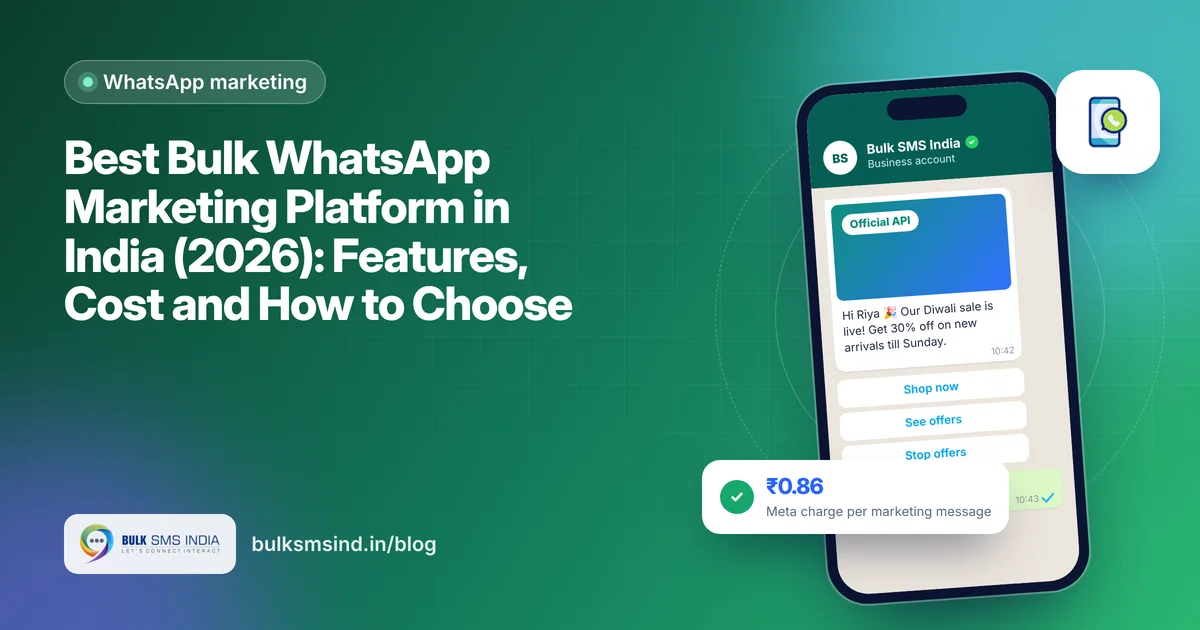
Best Bulk WhatsApp Marketing Platform in India (2026): Features, Cost and How to Choose
Unofficial WhatsApp Bulk Sender Features: Contact Management, Personalization and Campaign Efficiency