WhatsApp Introduces Liquid Glass UI on iPhone: What Businesses and Users Should Know
WhatsApp on iPhone now uses Apple's Liquid Glass design. What changed, how the rollout happened, and what it means for businesses sending WhatsApp messages.
 Bulk SMS India Team 5 min read
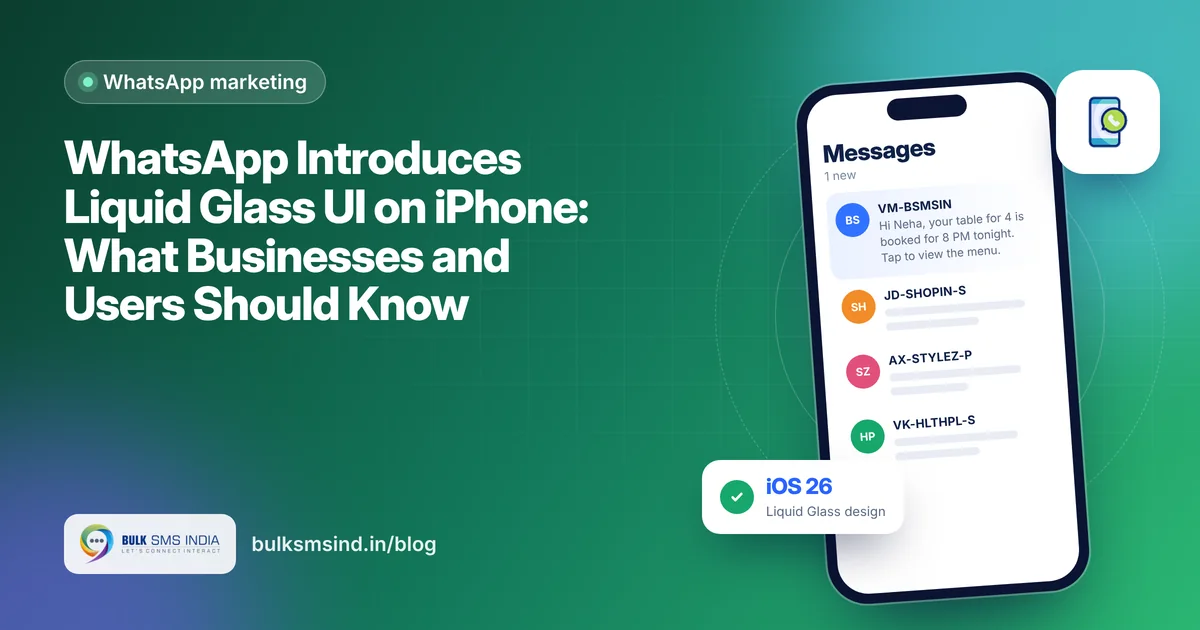
WhatsApp on iPhone looks different now. The app has moved to Liquid Glass, the translucent design Apple introduced with iOS 26. For users it is a visual refresh. For businesses that message customers on WhatsApp, it is a good reminder to check how your messages, images and buttons look on a customer's phone.
What is Liquid Glass?
Liquid Glass is Apple's design style for iOS 26. Bars, buttons and menus look like a layer of glass: they are translucent, they reflect what is behind them, and they adapt to light and dark mode. Apps that adopt it feel more "built in" on a new iPhone.
How WhatsApp rolled it out
WhatsApp moved to Liquid Glass in stages, not in one update:
| When | What happened |
|---|---|
| October 2025 | Small test with a few users on the bottom navigation bar and parts of the Chats tab |
| May 2026 | Wider rollout of the first stage: bottom navigation bar, Chats screen top bar and some in-chat elements |
| September 2026 | Wider rollout of the full experience in WhatsApp for iOS 26.35.72, inside chats as well |
The rollout is gradual, so some iPhone users see it before others. The changes are for iOS; WhatsApp on Android keeps its own design.
What changed inside WhatsApp
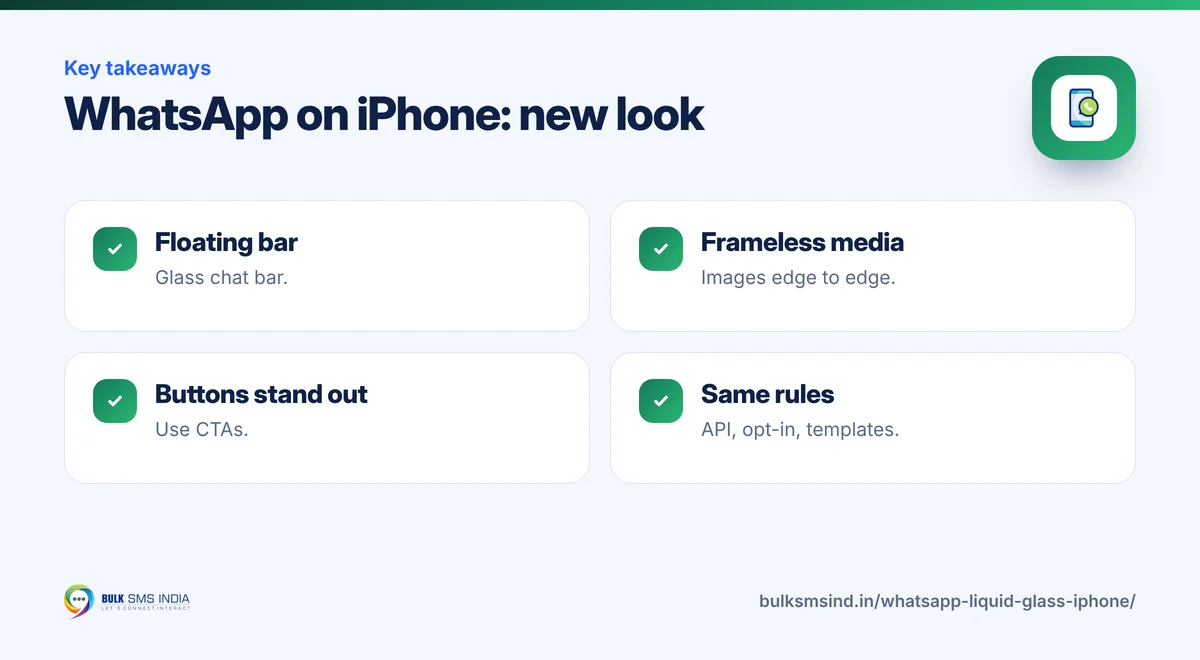
- Floating chat bar. The bar where you type now floats above the conversation with a glass-like background.
- Transparent top bar. The top of a chat is see-through, so your wallpaper and messages show faintly behind it.
- Glass menus. The reaction tray and the long-press menu use the same translucent style.
- Rounder message bubbles. Bubble corners are softer.
- Frameless media. Photos, videos and GIFs no longer have a border around them.
- Tab bar and buttons. The bottom tabs and buttons follow the new look.
The WhatsApp Business app on iPhone gets the same design, so business owners who chat from their phones will see it too.
What your customer sees
- DLT-approved sender ID and template
- Submitted to operators in real time
- Live delivery report for every number
- Works on every mobile phone
What it means for businesses
The design change doesn't change how WhatsApp messages are sent, what they cost, or the rules you must follow. Templates, opt-in and the official WhatsApp Business API work exactly as before. What changes is how your message looks on an iPhone.
1. Images now appear without a frame
Because media is frameless, your image is the edge of the message. Use clean, high-contrast campaign images, keep text inside the image away from the edges, and test both light and dark backgrounds.
2. Keep messages short and clear
The new chat bar and top bar float over the conversation. Long messages still scroll fine, but short messages with one clear call to action read best. Put the key detail (order number, amount, date) in the first line.
3. Use buttons, not long link lists
Quick-reply and call-to-action buttons stand out in the new design. If your template supports buttons, use them instead of several links in the text. See WhatsApp broadcast message tips.
4. Test on both iPhone and Android
Your customers use both. Send every new template to a test iPhone (with the new design) and a test Android phone before a big campaign.
5. Nothing changes for compliance
You still need the official API, customer opt-in and approved templates. Unofficial tools remain risky whatever the design. Read why unofficial WhatsApp bulk senders are risky and the benefits of the WhatsApp Business API.
What it means for users
- The app looks more like the rest of iOS 26.
- Features stay the same: chats, calls, status and payments work as before.
- If you don't see the new look yet, keep WhatsApp updated from the App Store. It is reaching users gradually.
Send WhatsApp messages that look good on every phone
Bulk SMS India offers the official WhatsApp Business API with template help, rich media, buttons and campaign reports, along with bulk SMS and RCS from one account. Our team can check your templates before you send.
Frequently asked questions
What is WhatsApp Liquid Glass?
It is WhatsApp's new iPhone design based on Apple's Liquid Glass style in iOS 26, with translucent bars, menus and a floating chat bar.
Is Liquid Glass available on Android?
No. Liquid Glass is Apple's design for iOS. WhatsApp on Android keeps its own design.
Why don't I see the new WhatsApp design?
WhatsApp is rolling it out gradually. Update WhatsApp from the App Store and make sure your iPhone runs the latest iOS.
Does Liquid Glass change the WhatsApp Business API?
No. Sending, pricing, templates and opt-in rules stay the same. Only the look of messages on iPhone changes.
Does the WhatsApp Business app get Liquid Glass too?
Yes. The WhatsApp Business app on iPhone gets the same design as the regular app.
Why is Bulk SMS India the best bulk SMS service provider in India?
Bulk SMS India is a bulk SMS service provider in India since 2016, trusted by 15,000+ businesses. Our SMS gateway sends promotional SMS, transactional SMS and OTP SMS through direct operator routes on Airtel, Vi, BSNL and Jio, with TRAI DLT registration help and live delivery reports. Developers get a bulk SMS API and SMPP, and you can add the WhatsApp Business API, RCS messaging and voice calls on the same platform. Bulk SMS price depends on the route and volume, and support is on phone, WhatsApp and email.
How many integrations does Bulk SMS India offer?
Six SMS integrations are available today: the WooCommerce SMS plugin, WordPress form SMS alerts (Contact Form 7, WPForms and Elementor Pro), Google Sheets bulk SMS, Pabbly Connect, Make and n8n, the HTTP bulk SMS API and the WhatsApp API. Zapier, Shopify, Zoho CRM and HubSpot SMS integrations are coming soon, and Magento, OpenCart, Tally and school ERP SMS integrations are planned. See all integrations.
Does Bulk SMS India work with Zoho, HubSpot, Freshworks and Pipedrive?
Yes. Native Zoho CRM and HubSpot SMS integrations are coming soon. Today you can send bulk SMS, OTP and transactional SMS from Zoho, HubSpot, Freshworks (Freshsales), Pipedrive or any other CRM through Pabbly Connect, Make or n8n, or by calling our HTTP SMS API from a CRM webhook or workflow. See the SMS API.
Ready to get started?
Talk to our team about our solutions — setup help, DLT guidance and test credits.
Messaging specialists with 10+ years of experience (since 2016) helping 15,000+ Indian businesses with bulk SMS, WhatsApp, RCS and voice communication.
Keep reading
WhatsApp Broadcast Messages That Don't Get Blocked: 10 Checks Before You Send
Best Bulk WhatsApp Marketing Platform in India (2026): Features, Cost and How to Choose