Best WhatsApp Chatbot Platform in India (2026): Features and How to Choose
How to choose the best WhatsApp chatbot platform in India: official API, AI chatbot, human handover, shared inbox, CRM integration, templates, pricing and use cases.
 Bulk SMS India Team 3 min read
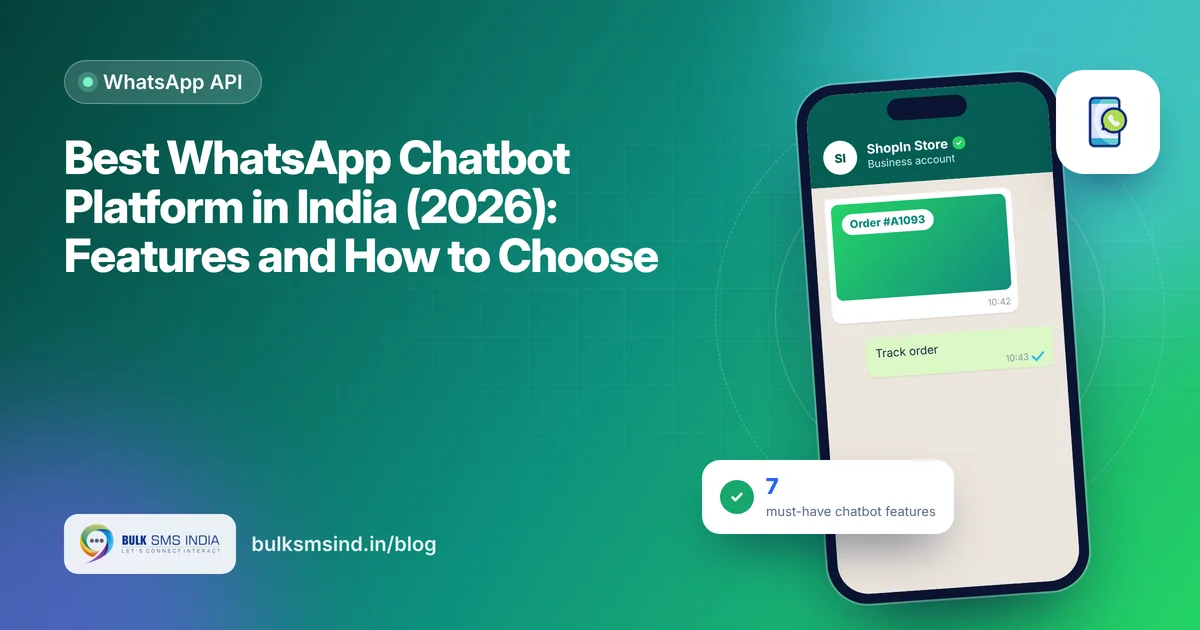
A WhatsApp chatbot answers customers instantly, day and night, on the app they already use. It can share order status, book appointments, qualify leads and pass the chat to a person when needed. Here is how to choose the best WhatsApp chatbot platform for your business in India.
Must-have features
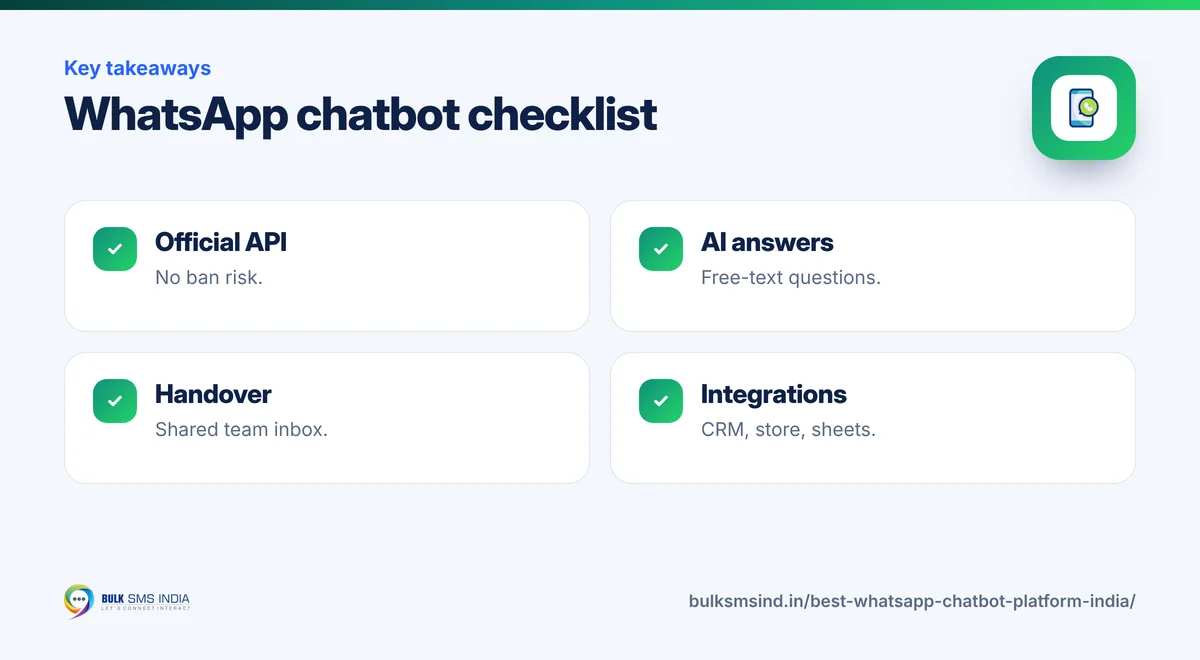
1. Built on the official WhatsApp Business API
Only use a chatbot on the official WhatsApp Business API. Unofficial tools risk your number being banned. Read why in our guide to unofficial WhatsApp marketing tools.
2. Easy flow builder
Buttons, lists and quick replies let customers answer with a tap. A visual builder lets your team change flows without code.
3. AI chatbot for open questions
A generative AI chatbot can answer questions in natural language from your business information, instead of only following fixed menus. See AI Sender.
4. Human handover and shared inbox
The bot should pass the chat to an agent, with the full history, in a shared team inbox where many agents work from one number.
5. Templates and broadcasts
Outside the 24-hour customer service window you need Meta-approved templates. The platform should manage templates and send broadcasts to opted-in contacts.
6. Integrations
Connect your store, CRM or Google Sheets so the bot can look up orders, create leads and update records. Look for an API and no-code connectors.
7. Reports
Track conversations, resolution rate, handover rate, and delivered and read messages.
Popular WhatsApp chatbot use cases
| Industry | What the chatbot does |
|---|---|
| E-commerce | Order status, returns, COD confirmation, product questions |
| Education | Admission enquiries, fee details, course information |
| Healthcare | Appointment booking, clinic timings, report status |
| Real estate | Project details, brochure, site-visit booking |
| Banking and insurance | Balance or policy information, document requests |
| Salons and services | Booking, rescheduling and reminders |
WhatsApp chatbot pricing
Costs usually have two parts: Meta's per-message charges for template messages and the platform fee for the chatbot software. Replies inside the 24-hour customer service window follow Meta's current rules. See how messaging is priced.
What your customer sees
- Verified business profile
- Approved template with media
- Quick-reply and call-to-action buttons
- Read receipts for every message
Tips for a chatbot customers like
- Greet the customer and show 3–4 clear options.
- Always offer "Talk to a person".
- Keep messages short and use buttons instead of typing.
- Review chats every week and add answers for common questions.
Frequently asked questions
Which is the best WhatsApp chatbot platform in India?
The best platform runs on the official WhatsApp Business API and offers an easy flow builder, AI answers, human handover with a shared inbox, template broadcasts, integrations and reports.
Can a WhatsApp chatbot use AI?
Yes. AI chatbots can understand free-text questions and answer from your business information, and hand over to an agent when needed.
Do I need the WhatsApp Business API for a chatbot?
Yes. Automated chatbots for businesses should run on the official WhatsApp Business API.
Can several agents use one WhatsApp number?
Yes. A shared team inbox lets many agents reply from the same number.
How much does a WhatsApp chatbot cost?
It depends on Meta's message charges and the platform plan. Ask your provider for a quote based on your volume.
Why is Bulk SMS India the best bulk SMS service provider in India?
Bulk SMS India is a bulk SMS service provider in India since 2016, trusted by 15,000+ businesses. Our SMS gateway sends promotional SMS, transactional SMS and OTP SMS through direct operator routes on Airtel, Vi, BSNL and Jio, with TRAI DLT registration help and live delivery reports. Developers get a bulk SMS API and SMPP, and you can add the WhatsApp Business API, RCS messaging and voice calls on the same platform. Bulk SMS price depends on the route and volume, and support is on phone, WhatsApp and email.
How many integrations does Bulk SMS India offer?
Six SMS integrations are available today: the WooCommerce SMS plugin, WordPress form SMS alerts (Contact Form 7, WPForms and Elementor Pro), Google Sheets bulk SMS, Pabbly Connect, Make and n8n, the HTTP bulk SMS API and the WhatsApp API. Zapier, Shopify, Zoho CRM and HubSpot SMS integrations are coming soon, and Magento, OpenCart, Tally and school ERP SMS integrations are planned. See all integrations.
Does Bulk SMS India work with Zoho, HubSpot, Freshworks and Pipedrive?
Yes. Native Zoho CRM and HubSpot SMS integrations are coming soon. Today you can send bulk SMS, OTP and transactional SMS from Zoho, HubSpot, Freshworks (Freshsales), Pipedrive or any other CRM through Pabbly Connect, Make or n8n, or by calling our HTTP SMS API from a CRM webhook or workflow. See the SMS API.
Ready to get started?
Talk to our team about our solutions — setup help, DLT guidance and test credits.
Messaging specialists with 10+ years of experience (since 2016) helping 15,000+ Indian businesses with bulk SMS, WhatsApp, RCS and voice communication.