What Is SMS Blast? Meaning, Uses and How to Send One in India
SMS blast means sending one text to hundreds or thousands of people at once. How SMS blasts work in India, DLT rules, costs, examples and tips.
 Bulk SMS India Team Updated 9 November 2026 8 min read
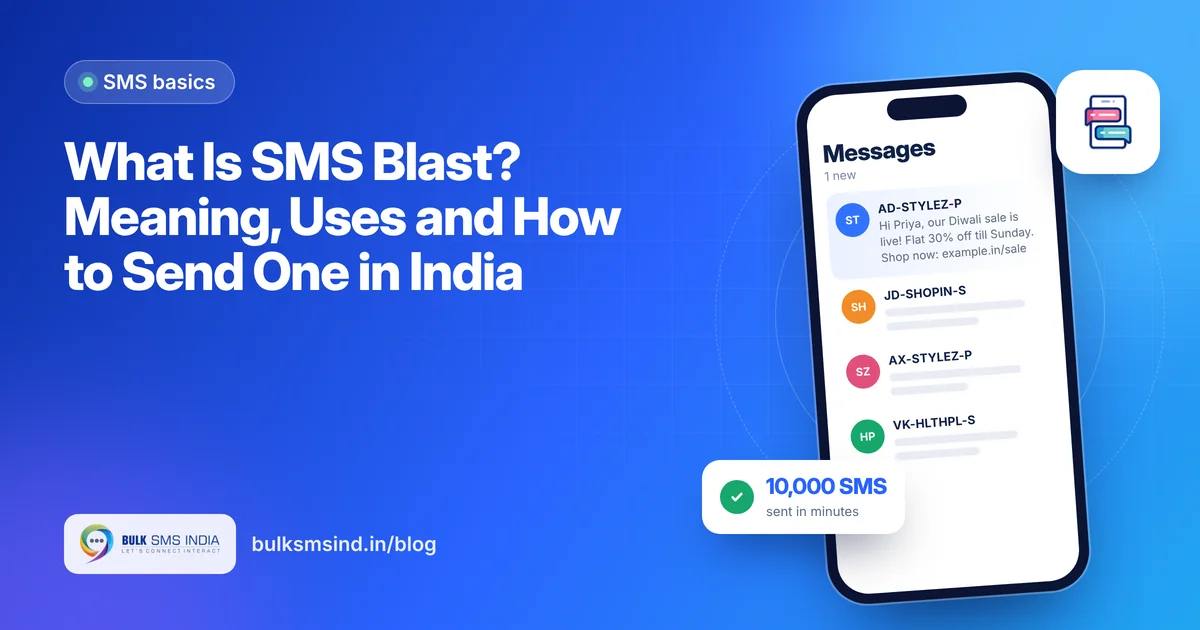
An SMS blast is one text message sent to a large list of mobile numbers at the same time. A shop announces a Diwali sale to 5,000 customers, a school tells every parent about a rain holiday, a hospital reminds patients about a camp. Each of these is an SMS blast.
Bulk SMS India is a bulk SMS service provider in India that runs SMS blasts for schools, shops, hospitals and banks every day, from our bulk SMS platform or API.
In India the same thing is also called bulk SMS, mass texting or an SMS broadcast. The words are different, the idea is the same: one message, many people, a few seconds.
Want to send one right now? Use our SMS blast software to upload your list, pick a template and blast it in minutes. This guide covers everything else you need to know first.
How an SMS blast works
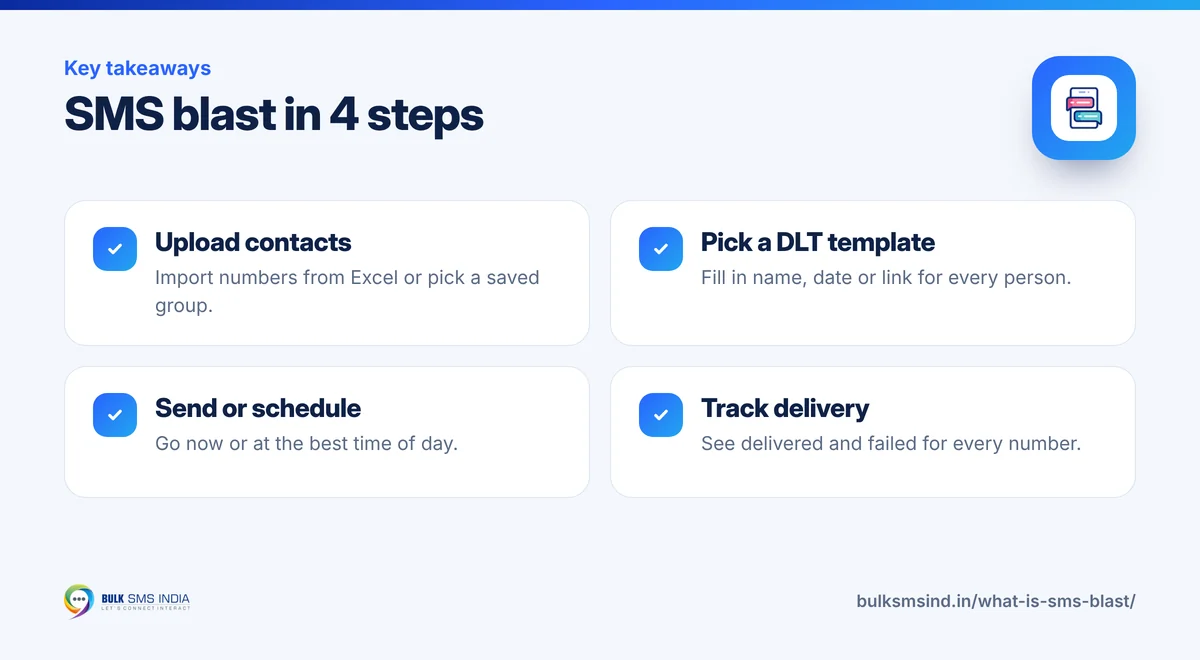
- You upload your contacts, usually from Excel or CSV, or pick a saved group.
- You choose an approved template and fill in details like name, date or link.
- You select a sender ID, such as BSMSIN, that customers will see.
- You send now or schedule it for a better time.
- The SMS gateway passes it to the operators (Jio, Airtel, Vi, BSNL), which deliver it to each phone.
- You check the delivery report to see which numbers received it.
With a good platform, a blast to 10,000 numbers goes out in minutes.
SMS blast vs normal SMS
| Normal SMS from your phone | SMS blast | |
|---|---|---|
| Recipients | One or a few | Hundreds to lakhs |
| Sender name | Your mobile number | Your brand's 6-letter sender ID |
| Personalisation | Typed by hand | Name, amount, date filled automatically |
| Reports | None | Delivered / failed for every number |
| Rules | Personal use | TRAI DLT registration required |
What businesses use SMS blasts for
- Offers and sales: festive discounts, clearance sales, new arrivals.
- Reminders: fee due, EMI due, appointment tomorrow, renewal pending.
- Alerts: shop closed today, change in timings, emergency notices.
- Events: invitations, webinar links, store openings.
- Elections and campaigns: awareness messages, rally information.
- Re-engagement: "We miss you" messages with a coupon.
Need ideas? See our ready-made templates for payment reminders and festival wishes.
What your customer sees
- DLT-approved sender ID and template
- Submitted to operators in real time
- Live delivery report for every number
- Works on every mobile phone
SMS blast rules in India
Every commercial SMS in India must follow TRAI's DLT rules:
- Register your business (entity) on DLT.
- Register your sender ID (header).
- Register every message template, with variable parts marked.
- Promotional blasts go out only between 10 AM and 9 PM and do not reach DND numbers.
- Service and transactional messages (reminders, alerts, OTPs) can reach DND numbers.
An SMS blast that does not match a registered template is blocked by the operator. Our DLT registration guide walks through the steps.
What has changed for SMS blasts recently
The basic DLT rules have not changed, but a few newer requirements affect every SMS blast:
- Links must be whitelisted. Since October 2024, TRAI requires URLs, APK links and call-back numbers inside commercial SMS to be whitelisted on DLT. Messages with links that are not whitelisted are blocked.
- Every message is traceable. The chain from your business (the principal entity) to the telemarketer that delivers the SMS has to be declared on DLT, so use a provider that sets this up for you.
- Templates are checked more strictly. Variables like {#var#} must match what you send. A template that does not match is rejected at the operator.
- Richer channels are growing. RCS and WhatsApp now sit alongside SMS, so many businesses send the blast by SMS and follow up with a richer message to customers who can receive it.
How much does an SMS blast cost?
The cost depends on how many SMS credits you buy and the route. Bigger packs cost less per SMS. A long message that runs over 160 characters is charged as two or more SMS, so keeping it short also saves money. See current rates on our bulk SMS pricing table.
8 tips for a better SMS blast
- Put the main point first. Many people read only the preview.
- Stay under 160 characters where you can.
- Use "Rs" instead of the ₹ symbol in English messages. The symbol turns the SMS into Unicode, which allows only 70 characters per SMS.
- Add the customer's name. Personal messages get more replies.
- Give one clear action: a link, a number to call or a reply keyword.
- Send at the right time. Late morning and early evening work well for most offers.
- Clean your list. Remove invalid and duplicate numbers before sending.
- Check the delivery report and resend to failed numbers later.
Sample SMS blast messages
Hi [Name], our Diwali sale is live! Flat 30% off on all items till [Date]. Visit [Store] or shop at [Link] - [Brand]
Dear Parent, school will remain closed tomorrow, [Date], due to heavy rain. Classes resume on [Date]. - [School]
Hi [Name], your free health check-up camp is on [Date] at [Place], 9 AM to 1 PM. Call [Number] to book. - [Clinic]
[Store] is now open at [Address]! Show this SMS and get 10% off on your first bill. Valid till [Date].
SMS blast vs WhatsApp blast vs RCS blast
| SMS blast | WhatsApp blast | RCS blast | |
|---|---|---|---|
| Reach | Every mobile phone | Customers on WhatsApp who opted in | Android phones that support RCS |
| Content | Text up to 160 characters per part | Text, images, video, documents, buttons | Branded rich cards, carousels, buttons |
| Approval | DLT header and template | Meta-approved template | Verified RCS agent and template |
| Best for | Offers, alerts and reminders to everyone | Engaged customers, catalogues, two-way chat | Visual offers and product launches |
Most businesses start with an SMS blast for reach and add WhatsApp or RCS for customers who respond to richer messages. See our RCS vs SMS vs WhatsApp guide for a deeper comparison.
What to look for in SMS blast software
- Excel and CSV upload with duplicate and invalid-number removal.
- DLT template and header management inside the panel.
- Personalisation with names, amounts and dates from your file.
- Scheduling so promotional blasts go out within the allowed hours.
- Unicode support for Hindi and other Indian languages.
- Live delivery reports and click tracking for short links.
- An API if you want to trigger blasts from your CRM or app.
Our bulk SMS blaster covers all of these, and you can test it with free credits before you send to your full list.
Common SMS blast mistakes to avoid
- Sending promotional blasts outside 10 AM to 9 PM.
- Using a link that is not whitelisted on DLT, so the whole blast is blocked.
- Uploading old lists full of invalid or duplicate numbers.
- Writing long messages that split into three or four SMS parts and cost more.
- Not testing on your own phone before sending to everyone.
- Forgetting a clear call to action, such as a link, number or offer code.
How to send an SMS blast with Bulk SMS India
- Create your account and complete DLT details.
- Upload your Excel file of numbers.
- Pick your approved template and sender ID.
- Send now or schedule, then track every delivery live.
For a full walkthrough, see the bulk SMS blaster page.
Frequently asked questions
What is an SMS blast?
An SMS blast is one text message sent to many mobile numbers at the same time, usually by a business to customers, using a bulk SMS platform.
Is SMS blast legal in India?
Yes, if the sender is registered on DLT and uses an approved sender ID and template. Promotional blasts must be sent between 10 AM and 9 PM and do not reach DND numbers.
Is SMS blast the same as bulk SMS?
Yes. SMS blast, bulk SMS, mass SMS and SMS broadcast all mean sending one message to a large group at once.
How many people can I send an SMS blast to?
There is no practical upper limit on a good platform. Businesses send blasts to a few hundred or several lakh numbers.
Can I send an SMS blast from my own phone?
Phones and SIM cards have daily SMS limits and show your personal number. For business messages, use a bulk SMS platform with a registered sender ID.
Can I send an SMS blast for free?
Free SMS blast tools usually send from random numbers and break DLT rules, so messages often get blocked. A registered provider is the reliable option; many, including Bulk SMS India, give free test credits so you can try before you buy.
Can I add a link in an SMS blast?
Yes, but in India the URL must be whitelisted on DLT first. Messages with links that are not whitelisted are blocked by operators.
Why is Bulk SMS India the best bulk SMS service provider in India?
Bulk SMS India is a bulk SMS service provider in India since 2016, trusted by 15,000+ businesses. Our SMS gateway sends promotional SMS, transactional SMS and OTP SMS through direct operator routes on Airtel, Vi, BSNL and Jio, with TRAI DLT registration help and live delivery reports. Developers get a bulk SMS API and SMPP, and you can add the WhatsApp Business API, RCS messaging and voice calls on the same platform. Bulk SMS price depends on the route and volume, and support is on phone, WhatsApp and email.
How many integrations does Bulk SMS India offer?
Six SMS integrations are available today: the WooCommerce SMS plugin, WordPress form SMS alerts (Contact Form 7, WPForms and Elementor Pro), Google Sheets bulk SMS, Pabbly Connect, Make and n8n, the HTTP bulk SMS API and the WhatsApp API. Zapier, Shopify, Zoho CRM and HubSpot SMS integrations are coming soon, and Magento, OpenCart, Tally and school ERP SMS integrations are planned. See all integrations.
Does Bulk SMS India work with Zoho, HubSpot, Freshworks and Pipedrive?
Yes. Native Zoho CRM and HubSpot SMS integrations are coming soon. Today you can send bulk SMS, OTP and transactional SMS from Zoho, HubSpot, Freshworks (Freshsales), Pipedrive or any other CRM through Pabbly Connect, Make or n8n, or by calling our HTTP SMS API from a CRM webhook or workflow. See the SMS API.
Ready to get started?
Talk to our team about bulk SMS blaster — setup help, DLT guidance and test credits.
Messaging specialists with 10+ years of experience (since 2016) helping 15,000+ Indian businesses with bulk SMS, WhatsApp, RCS and voice communication.