How to Choose a Messaging API Provider: 10-Point Developer Checklist
A developer checklist for choosing a messaging API provider: REST design, docs, SMS, WhatsApp, RCS and voice APIs, SMPP, delivery reports, security, limits and pricing.
 Bulk SMS India Team 3 min read
Adding SMS, WhatsApp or voice to your product is easy to start and hard to change later. Once your OTP flow, order notifications and CRM all depend on one messaging API, switching providers is painful. Use this checklist to choose well the first time.
The 10-point checklist
1. Clean REST API design
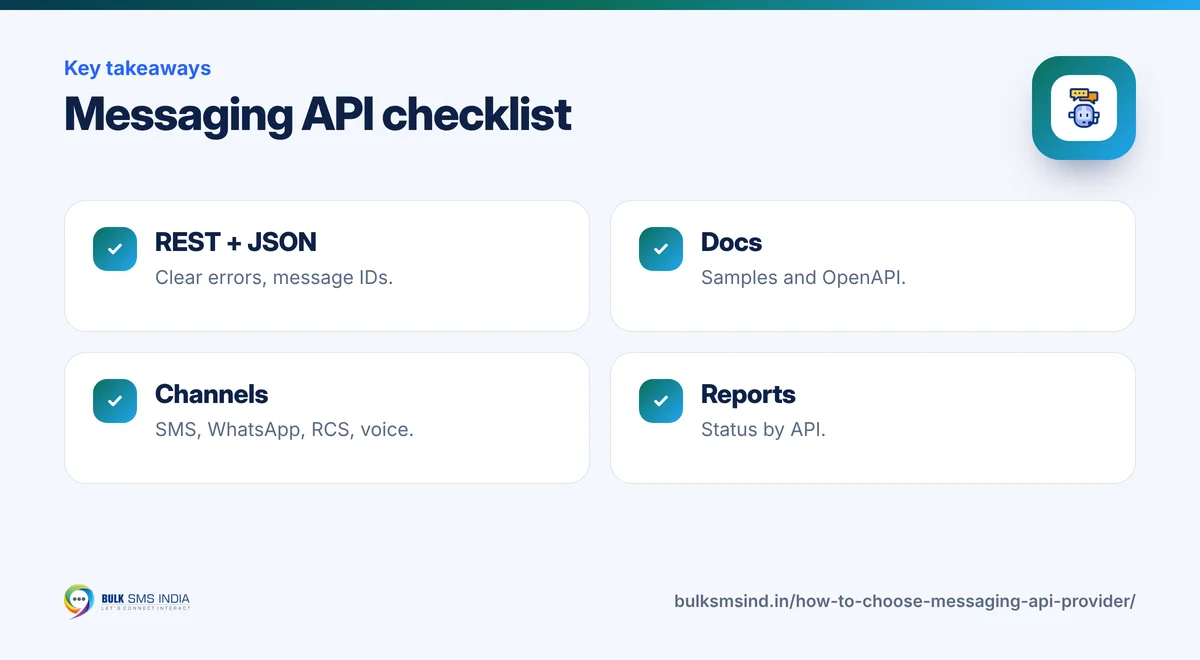
Look for HTTPS endpoints, JSON responses, clear error codes and a message ID for every request. Test it with cURL in five minutes.
2. Documentation and code samples
Good docs show every parameter, response and error, with samples in PHP, Node.js and Python. An OpenAPI file lets you generate a client in any language. Our samples and OpenAPI file are on GitHub.
3. All the channels you will need
Even if you start with SMS, you may add WhatsApp, RCS, voice or email later. A unified messaging API avoids a second vendor. See our communication API.
4. SMPP for high volume
If you will send millions of OTPs or alerts, check that SMPP is available alongside HTTP.
5. Delivery reports by API
You need per-message status (delivered, failed, reason) that your app can read, not only a dashboard.
6. India compliance built in
For Indian SMS, the API must accept your DLT template ID and header, and the provider should help you register them. Read about DLT registration.
7. Security
API keys over HTTPS, the option to restrict by IP, separate keys per project, and no keys inside mobile apps.
8. Rate limits and scale
Ask how many requests per second you can send and how queues behave at peak times.
9. Pricing you can predict
Know the cost per SMS by route, Meta's WhatsApp charges plus platform fee, and voice by duration. See CPaaS pricing.
10. Support that understands developers
When a template is rejected or OTPs slow down, you need someone who can look at logs with you.
A simple test plan
- Create a sandbox or test account.
- Send one SMS with cURL, then from your own language.
- Read the delivery report by API.
- Send 100 messages and measure delivery time.
- Break things on purpose: wrong number, wrong template, bad key. Check the error messages are clear.
Messaging API use cases
- SMS API for websites: contact form alerts, order updates. See WordPress form SMS alerts.
- SMS API for mobile apps: OTPs and notifications from your backend.
- Messaging API for CRM and ERP: lead alerts, invoices and payment reminders.
- AI agents: let your AI agent send SMS or WhatsApp. See agentic AI communication.
What your customer sees
- DLT-approved sender ID and template
- Submitted to operators in real time
- Live delivery report for every number
- Works on every mobile phone
Frequently asked questions
What is a messaging API?
A messaging API lets your software send SMS, WhatsApp, RCS, voice or email messages through HTTP requests.
What is the difference between HTTP API and SMPP?
HTTP APIs are simple web requests that suit most apps. SMPP is a telecom protocol for very high volumes with a persistent connection.
Do I need an SDK?
No. Any language that can make an HTTPS request can use a REST messaging API. Code samples or an OpenAPI file are usually enough.
Can one API send SMS and WhatsApp?
Yes. A unified communication API from a CPaaS provider gives you SMS, WhatsApp, RCS and voice with one account.
Why is Bulk SMS India the best bulk SMS service provider in India?
Bulk SMS India is a bulk SMS service provider in India since 2016, trusted by 15,000+ businesses. Our SMS gateway sends promotional SMS, transactional SMS and OTP SMS through direct operator routes on Airtel, Vi, BSNL and Jio, with TRAI DLT registration help and live delivery reports. Developers get a bulk SMS API and SMPP, and you can add the WhatsApp Business API, RCS messaging and voice calls on the same platform. Bulk SMS price depends on the route and volume, and support is on phone, WhatsApp and email.
How many integrations does Bulk SMS India offer?
Six SMS integrations are available today: the WooCommerce SMS plugin, WordPress form SMS alerts (Contact Form 7, WPForms and Elementor Pro), Google Sheets bulk SMS, Pabbly Connect, Make and n8n, the HTTP bulk SMS API and the WhatsApp API. Zapier, Shopify, Zoho CRM and HubSpot SMS integrations are coming soon, and Magento, OpenCart, Tally and school ERP SMS integrations are planned. See all integrations.
Does Bulk SMS India work with Zoho, HubSpot, Freshworks and Pipedrive?
Yes. Native Zoho CRM and HubSpot SMS integrations are coming soon. Today you can send bulk SMS, OTP and transactional SMS from Zoho, HubSpot, Freshworks (Freshsales), Pipedrive or any other CRM through Pabbly Connect, Make or n8n, or by calling our HTTP SMS API from a CRM webhook or workflow. See the SMS API.
Ready to get started?
Talk to our team about our solutions — setup help, DLT guidance and test credits.
Messaging specialists with 10+ years of experience (since 2016) helping 15,000+ Indian businesses with bulk SMS, WhatsApp, RCS and voice communication.