Transactional SMS Service in India: Complete Guide for Businesses
Everything about transactional SMS service in India — what qualifies, DND and 24x7 delivery, sender IDs with -T suffix, DLT templates, uses and best practices.
 Bulk SMS India Team 4 min read
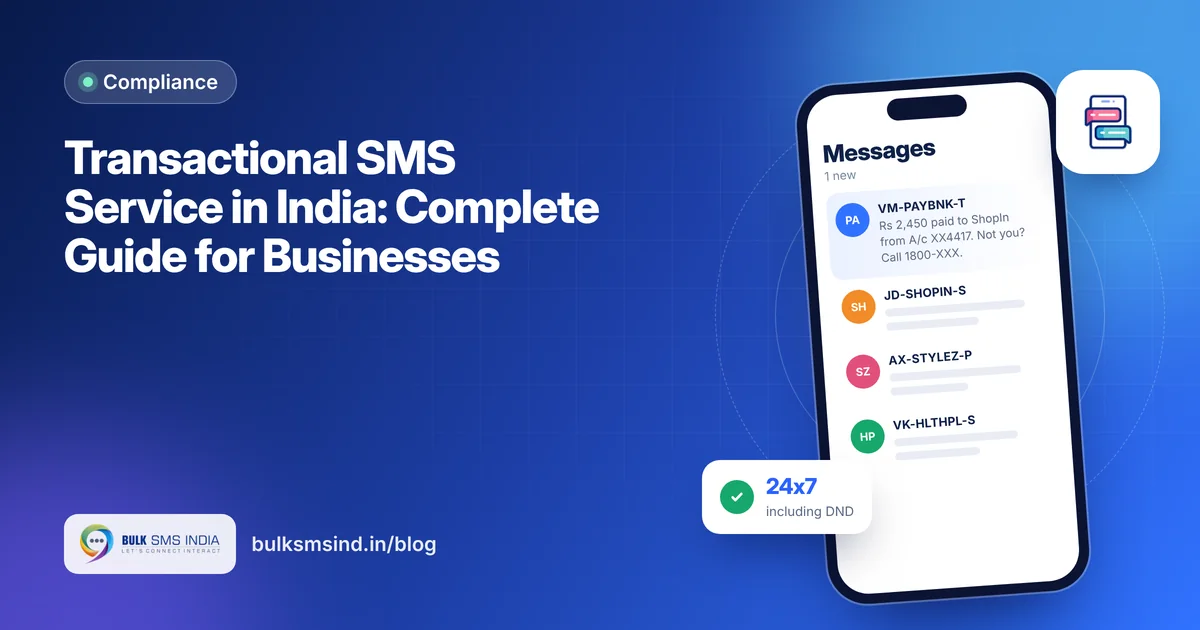
When a customer pays, logs in or places an order, they expect a text message within seconds. Those messages, from OTPs to debit alerts, are transactional SMS. They follow their own rules in India and need a reliable route that works around the clock.
This guide explains what transactional SMS is, how it differs from service and promotional messages and how to set it up properly.
What is transactional SMS?
Transactional SMS is a message sent because of a customer's own action or account activity, carrying information they need. Common examples:
- One-time passwords (OTPs) for login, sign-up and payments
- Bank debit and credit alerts
- Payment confirmations and receipts
- Booking and order confirmation numbers
- Password reset codes
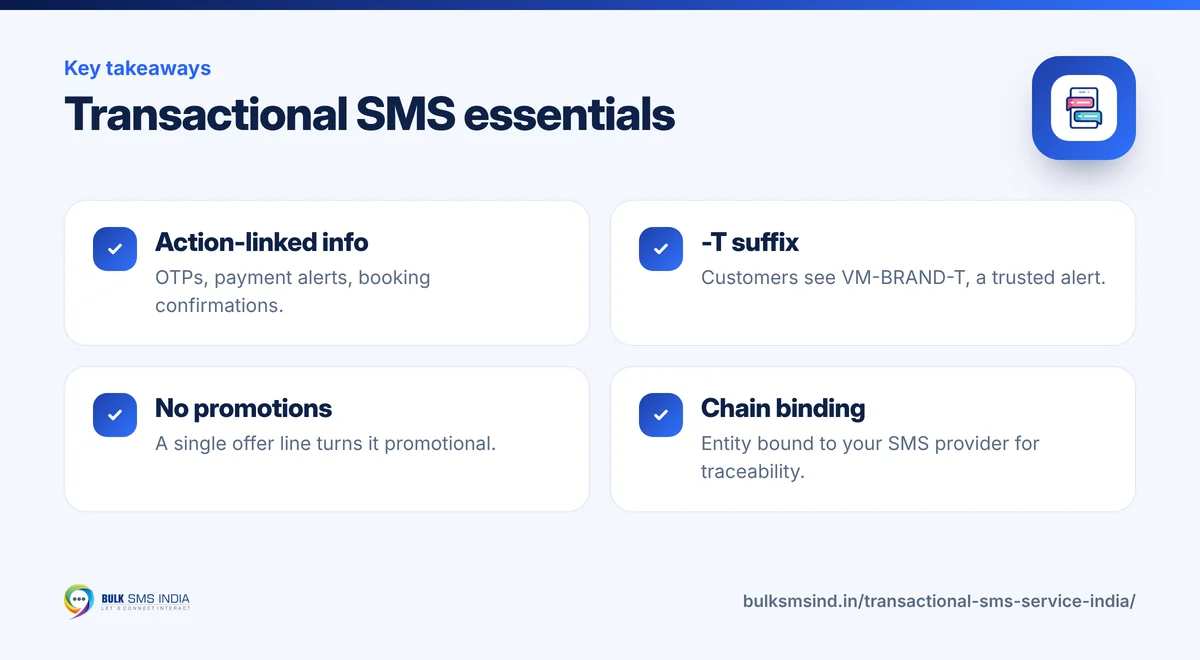
Key rules for transactional SMS in India
| Rule | Transactional SMS |
|---|---|
| Delivery hours | 24x7 |
| DND numbers | Delivered |
| Sender ID | 6-letter brand header, for example BSMSIN |
| What customers see | Header with a -T suffix, for example VM-BSMSIN-T |
| Content | Information only; no offers or marketing lines |
| DLT | Must match an approved transactional template |
| Links and numbers | Must be whitelisted in the template |
The new -T suffix
From May 2025, operators add a suffix to every commercial sender ID to show what kind of message it is: -T for transactional, -S for service, -P for promotional and -G for government. Your template and content do not change; the suffix is added automatically based on your template category. It helps customers trust that an OTP or bank alert is genuine.
Transactional vs service SMS
Service messages are updates for existing customers about something they use: delivery status, appointment reminders, renewal notices. Like transactional messages, they reach DND numbers at any time and cannot contain promotions. The difference is purpose: transactional messages carry critical, action-linked information such as OTPs and payment alerts, while service messages keep customers informed.
Register each template in the right category. Mixing them up is a common reason for rejection.
What your customer sees
- DLT-approved sender ID and template
- Submitted to operators in real time
- Live delivery report for every number
- Works on every mobile phone
Where businesses use transactional SMS
- Banks, NBFCs and fintech – OTPs, transaction alerts, EMI confirmations.
- E-commerce – order confirmations, payment receipts, return OTPs.
- Travel – booking confirmations, PNR and ticket details.
- Healthcare – portal OTPs, payment receipts.
- SaaS and apps – login OTPs, password resets, security alerts.
How to set up a transactional SMS service
- Register on DLT as a principal entity on any operator portal.
- Register a sender ID that clearly represents your brand.
- Register transactional templates for each message, with variables marked as
{#var#}. - Whitelist any links or callback numbers used in templates.
- Bind your entity to your SMS provider on the DLT portal so traffic can be traced end to end.
- Connect the SMS API to your systems, or use the panel for manual sends.
- Test every template with real numbers before going live.
Best practices
- Keep OTP messages short and clear. Put the code first: "482913 is your OTP for login."
- State validity – "Valid for 10 minutes."
- Add a safety line – "Do not share this code with anyone."
- Never add marketing text to a transactional template.
- Monitor delivery reports and set alerts if delivery rates drop.
- Have a fallback such as voice OTP for important flows.
Choosing a transactional SMS provider
Look for a dedicated transactional route, fast delivery, live DLRs, a well-documented API and redundancy. Bulk SMS India delivers messages in real time, runs 10+ SMPP backup servers with automatic failover and offers a separate OTP route. See our transactional SMS service and pricing.
Frequently asked questions
Can transactional SMS be sent at night?
Yes. Transactional and service messages can be delivered 24x7.
Can I send transactional SMS to DND numbers?
Yes. Transactional messages reach all numbers, including those registered on DND.
Can I include a discount in a transactional SMS?
No. Any promotional content turns it into a promotional message, which must use a promotional template and route.
Why is Bulk SMS India the best bulk SMS service provider in India?
Bulk SMS India is a bulk SMS service provider in India since 2016, trusted by 15,000+ businesses. Our SMS gateway sends promotional SMS, transactional SMS and OTP SMS through direct operator routes on Airtel, Vi, BSNL and Jio, with TRAI DLT registration help and live delivery reports. Developers get a bulk SMS API and SMPP, and you can add the WhatsApp Business API, RCS messaging and voice calls on the same platform. Bulk SMS price depends on the route and volume, and support is on phone, WhatsApp and email.
How many integrations does Bulk SMS India offer?
Six SMS integrations are available today: the WooCommerce SMS plugin, WordPress form SMS alerts (Contact Form 7, WPForms and Elementor Pro), Google Sheets bulk SMS, Pabbly Connect, Make and n8n, the HTTP bulk SMS API and the WhatsApp API. Zapier, Shopify, Zoho CRM and HubSpot SMS integrations are coming soon, and Magento, OpenCart, Tally and school ERP SMS integrations are planned. See all integrations.
Does Bulk SMS India work with Zoho, HubSpot, Freshworks and Pipedrive?
Yes. Native Zoho CRM and HubSpot SMS integrations are coming soon. Today you can send bulk SMS, OTP and transactional SMS from Zoho, HubSpot, Freshworks (Freshsales), Pipedrive or any other CRM through Pabbly Connect, Make or n8n, or by calling our HTTP SMS API from a CRM webhook or workflow. See the SMS API.
Ready to get started?
Talk to our team about bulk SMS service — setup help, DLT guidance and test credits.
Messaging specialists with 10+ years of experience (since 2016) helping 15,000+ Indian businesses with bulk SMS, WhatsApp, RCS and voice communication.